
macOS Screen Sharing Flaw Under Active Exploitation, Officials Warn
A critical macOS vulnerability allowing attackers full control of Macs via screen sharing is actively being exploited, Dutch officials have warned. Apple released a patch for the flaw last week.

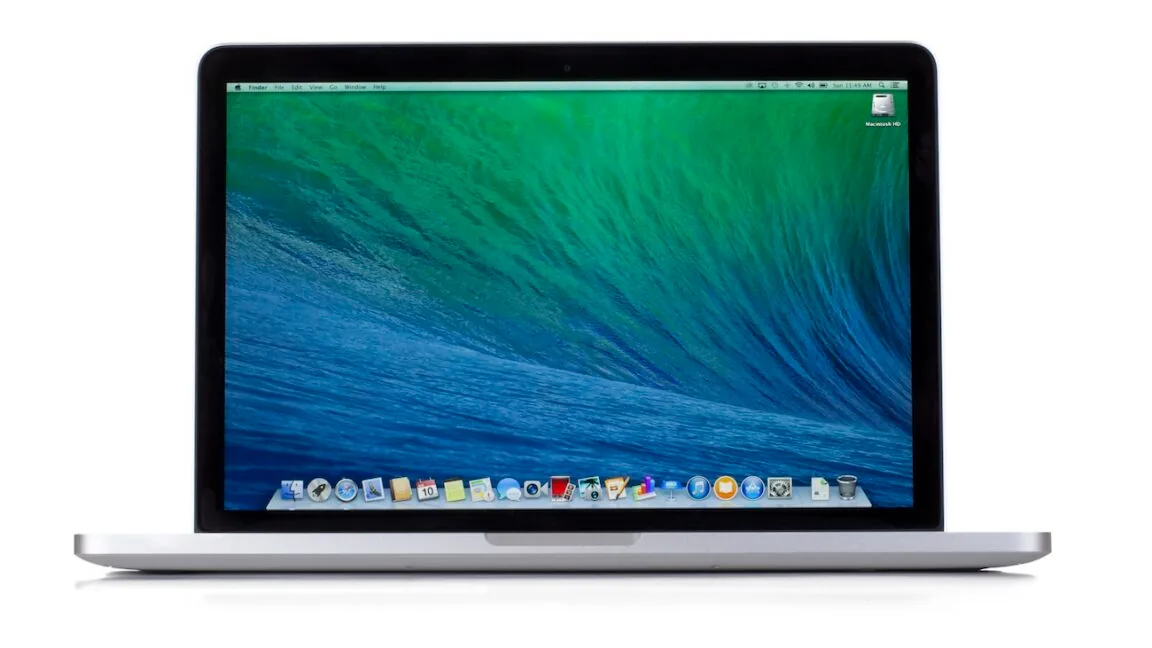
Dutch officials have issued a stern warning regarding a high-severity vulnerability affecting macOS, which is currently under active exploitation by attackers. The Netherlands National Cyber Security Centrum (NCSC) reported that instances of malicious abuse targeting this flaw have been observed on multiple systems where port 5900 was exposed to the internet. In these compromised systems, attackers successfully gained root access and deployed Monero cryptocurrency miners.
The vulnerability, officially designated as CVE-2026-65400, was addressed by Apple in a patch released last week for macOS versions Tahoe, Sequoia, and Sonoma. With a severity rating of 7.1 out of 10, the flaw exploits a weakness within the macOS screen sharing capability. This feature, intended to allow remote users to view a Mac's screen and control its keyboard and mouse, suffered from a bug in its "state management," which tracks system events and user interactions. Details of this exploit came to light at last week's Black Hat security conference.
Apple acknowledged that CVE-2026-65400 "may" enable an attacker without credentials to gain unauthorized access to a Mac. While the company's cautious wording is common in vulnerability disclosures, the NCSC's alert confirms real-world exploitation. The risk is amplified when port 5900, the default port for screen sharing, is accessible from the internet. Although the macOS firewall typically opens this port when screen sharing is active, routers and external firewalls often block it unless specifically configured otherwise.
Security Best Practices to Mitigate Risk
Security experts universally recommend that Mac users keep port 5900 closed to the internet, even when screen sharing is temporarily enabled. Instead, they advise establishing connections through more secure methods like a Virtual Private Network (VPN) or SSH tunneling. These alternatives, however, require technical steps that are beyond the capability of many average users.
The most secure approach involves disabling screen sharing entirely unless it is actively needed, and then turning it off once a remote session concludes. Users can manage this setting via System Settings > General > Sharing, where the Screen Sharing toggle can be switched off. Crucially, users must also ensure they have installed the security update provided by Apple last week. While current reports indicate that exploits are primarily used for installing Monero miners – which surreptitiously utilize a Mac's processing power to generate cryptocurrency for the attacker – the potential for more devastating attacks is significant.
The primary concern is that threat actors could leverage this vulnerability to deploy malware capable of stealing sensitive credentials or conducting other far more malicious activities. This underscores the critical importance of timely patching and diligent network security management to protect against active cyber threats like the CVE-2026-65400 exploit.