
Android Phones to Become Wireless Trackpads for Googlebooks
Google is developing a new feature, "Cast trackpad," that will allow Android phones to function as wireless trackpads for Googlebooks. This aims to enhance device continuity and presentation control.

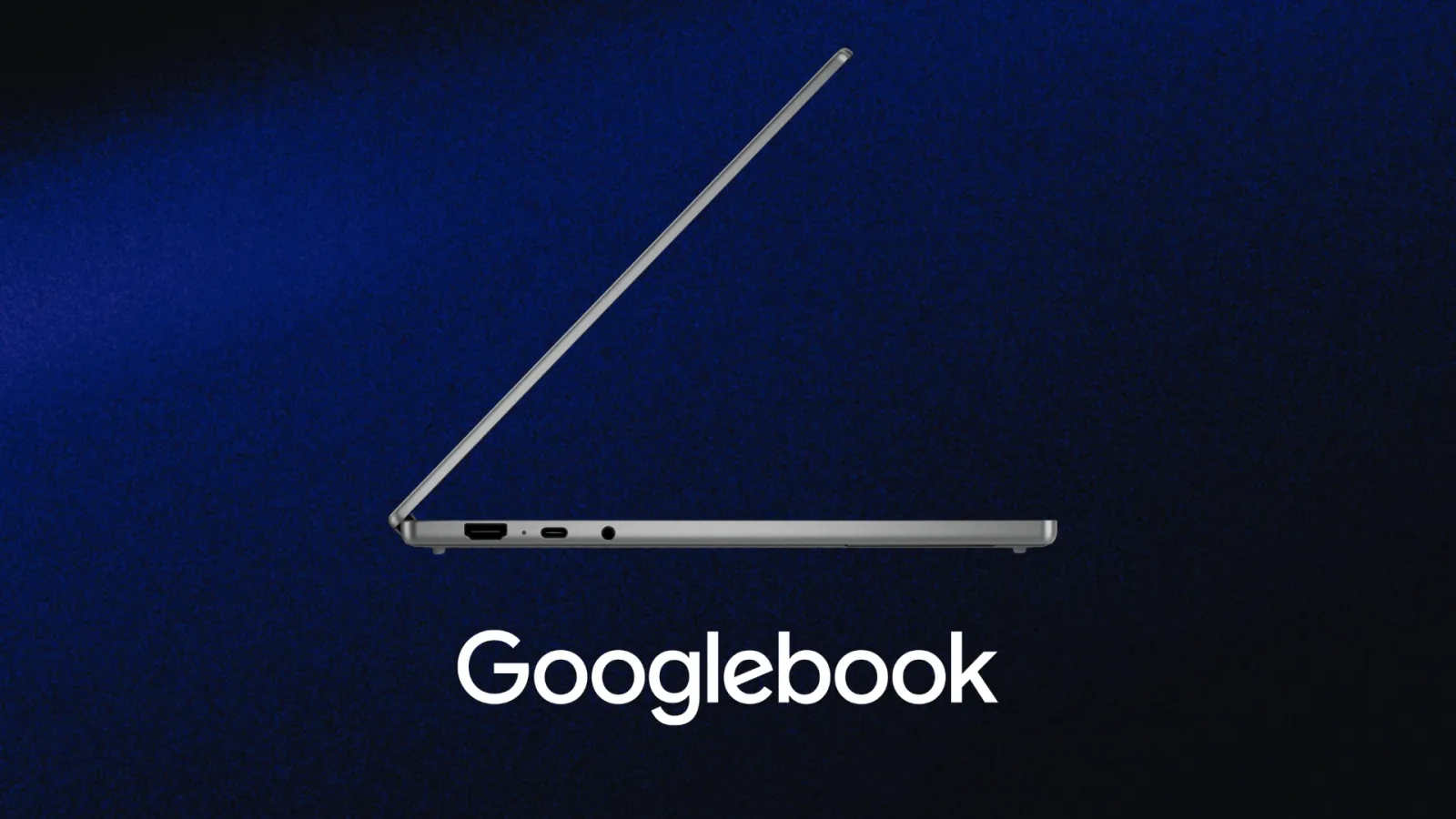
Google is poised to introduce a new feature that will transform Android smartphones into wireless trackpads for its upcoming Googlebook laptops. The functionality, codenamed "Cast trackpad," was discovered in a recent teardown of Google’s Cross-Device Services app, version 1.0.1283.974003524. This development signals a significant step towards a more integrated ecosystem, allowing seamless interaction between Android phones and ChromeOS devices.
The "Cast trackpad" feature is designed to leverage the touchscreen of an Android phone as a fully functional input surface for a Googlebook. Similar to the remote control interfaces found in Google TV or Google Home apps, the system will enable users to navigate their laptop's display with gestures, tap to click, and interact with on-screen elements. Screenshots from the app teardown reveal a clean interface supporting multi-touch gestures for pointer movement and a dedicated area for system controls, including back navigation and volume adjustment.
Users will also be able to customize the sensitivity of the trackpad, adjusting pointer speed and touch responsiveness to their personal preferences, much like on a physical laptop trackpad. This upcoming capability is being integrated into the Cross-Device Services app, which is also expected to host the previously rumored "Cast My Apps" feature, further cementing its role as a central hub for real-time interaction between Android phones and Googlebooks.
Enhanced Presentation and Casual Use Cases
While the idea of using a phone as a trackpad for a device that already possesses one might initially seem like a niche novelty, its practical applications are substantial. One key use case involves presentations. Imagine a scenario where a user connects their Googlebook to a projector or an external display in a conference room. With the phone acting as a wireless trackpad, they could control the presentation, advance slides, navigate web demonstrations, and switch between applications from anywhere in the room without being tethered to their laptop or needing a separate clicker device.
Beyond professional settings, the feature also enhances casual lean-back experiences. For users who connect their Googlebook to a television for streaming video or gaming, the "Cast trackpad" offers a convenient way to control media playback, adjust volume, or open new browser tabs without leaving the comfort of their couch. This level of control is a direct benefit of Google's push for greater device continuity, aiming to make the transition between different devices as smooth as possible.
This move by Google aligns with broader industry trends towards interconnected device ecosystems. Apple has long held a strong position in device continuity with its macOS and iOS integration. Google's approach, however, appears to be more about treating phones and laptops as shared hardware resources rather than just devices that exchange notifications. Features like "Cast My Apps" and "Cast trackpad" exemplify this philosophy, allowing users to access mobile-exclusive applications on larger displays or use their phones as versatile input tools for their laptops. The development signifies Google's commitment to delivering a frictionless multi-device experience, further anticipating the arrival of new hardware set to be unveiled at its September 15 media event.