
BenQ ScreenBar Max: Dual Monitor Light Bar Review
BenQ's new ScreenBar Max offers premium lighting for dual-monitor setups, featuring presence sensing and studio-grade illumination. However, its high price point may deter budget-conscious users.

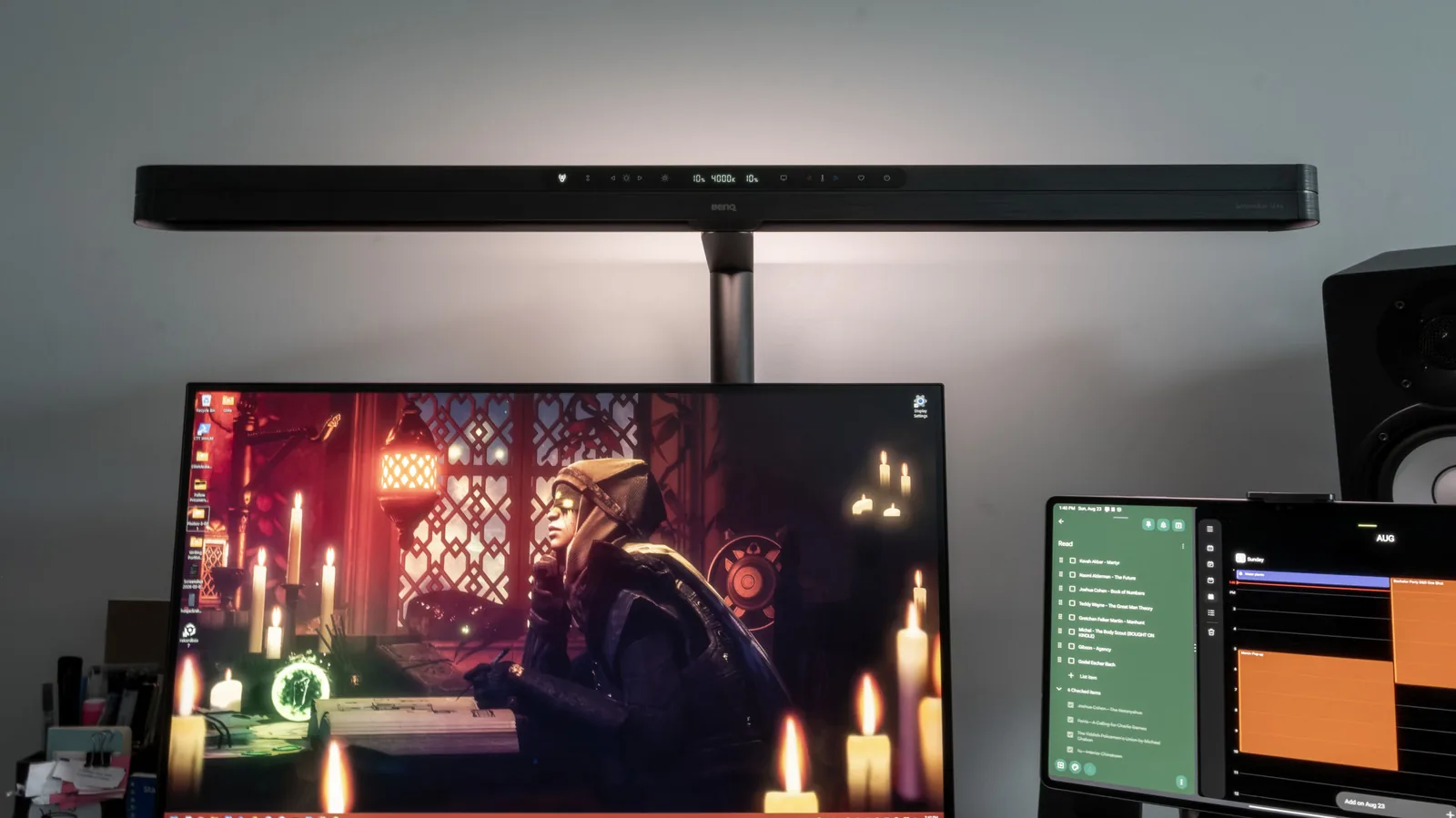
BenQ has launched the ScreenBar Max, a new monitor light bar specifically engineered for dual-monitor setups, aiming to combat eye strain for users who spend extended hours in front of their screens. This premium peripheral not only illuminates workspaces but also provides a bias light feature to reduce contrast between screens and their surroundings, a common cause of computer vision syndrome.
The ScreenBar Max is designed to stretch across two monitors, offering a wide area of illumination. Its primary function is to mitigate eye strain, a prevalent issue for professionals and gamers alike. The contrast between brightly lit screens and darker room environments can lead to fatigue and discomfort. BenQ's solution involves a bias light that shines onto the wall behind the monitors, balancing the ambient light and reducing the visual load on the eyes. Additionally, it serves as a functional desk lamp, enhancing visibility for physical tasks like typing or referencing documents.
Advanced Features for Enhanced User Experience
A standout feature of the ScreenBar Max is its presence sensing technology. Utilizing a high-frequency mmWave sensor, the lamp automatically activates when a user approaches their workstation and dims when they leave. This intelligent system was reportedly reliable during testing, distinguishing between intentional desk use and casual movement in the vicinity. The lamp gracefully increases its luminance upon activation rather than switching on abruptly.
Users can independently adjust the brightness of both the bias light and the desk lamp. However, the color temperature, ranging from 2,700 to 6,000 Kelvin, is unified across both lighting modes. Adjusting these settings involves cycling through a single mode selector button, a minor inconvenience that may be more noticeable given the product's premium price. Despite this, the light quality itself is exceptional. BenQ claims a color rendering index (CRI) of Ra ≥95 and Rf >96, indicating studio-grade illumination that provides accurate color representation without harshness, flickering, or excessive heat.
The capacitive control panel offers several convenient shortcuts. These include toggling presence sensing, adjusting brightness and temperature, an auto-dim function that sets ambient brightness to 700 lux using an integrated light sensor, and a monitor reading mode that defaults to a neutral white temperature of 4,000 Kelvin. A favorite shortcut allows users to save and quickly access a preferred lighting profile.
Installation uses a twist-down C-clamp, designed for straightforward desk mounting. The BenQ ScreenBar Max aims to provide a seamless setup experience, though desk configurations with cable management boxes or specific monitor placements, such as wall mounting, might require creative solutions. The light bar's adjustable arm offers some forward extension but may lack backward reach for certain setups. Glare on screens was minimal during testing, even with a mix of monitor types including an ASUS IPS panel and a Samsung OLED tablet. The device effectively illuminated a large gaming desk surface.
While the ScreenBar Max delivers a luxurious user experience, characterized by its sophisticated design and high-quality lighting, its substantial price tag of $289, with an additional $39 for an optional stand, positions it as a significant investment. The review suggests that while the functionality is impressive, comparable features can be found in less expensive alternatives. The author concludes that the ScreenBar Max is best suited for users who can expense it through their company or for those prioritizing premium features and aesthetics above all else.