
Motorola Phones Hijack Amazon App for Affiliate Codes
Motorola phones are reportedly hijacking the Amazon app, redirecting users through a browser to insert affiliate codes without explicit consent. The issue appears linked to a recent update of Motorola's "Smart Feed" app.

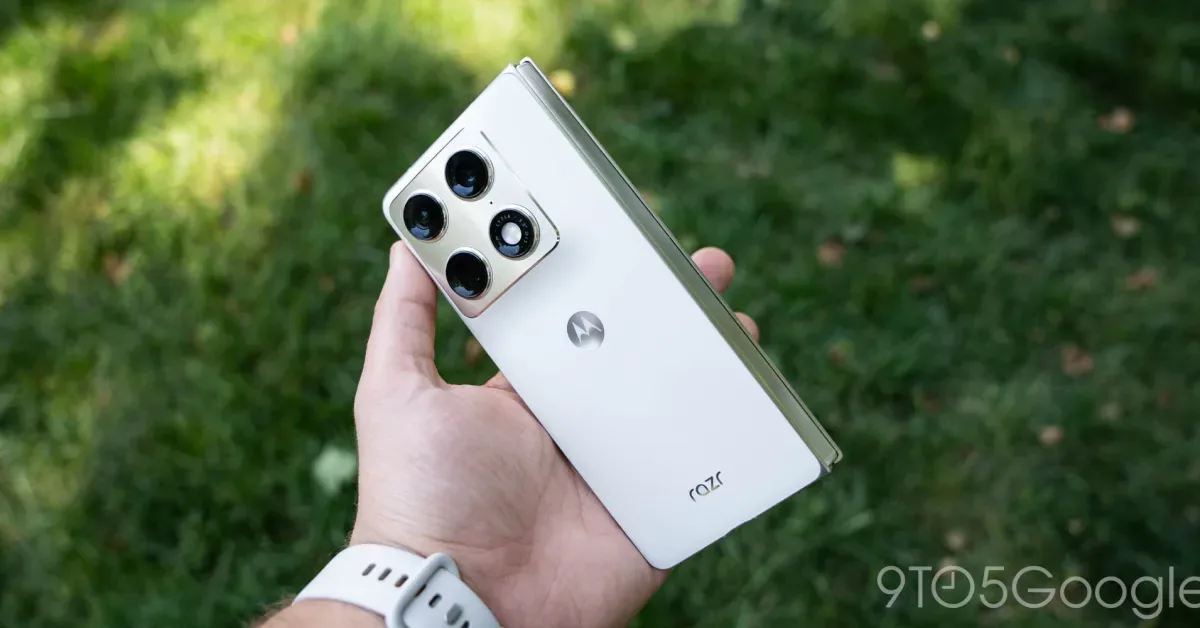
Motorola smartphones have been discovered to be redirecting users through a browser to the Amazon app, injecting affiliate codes into purchases. This unusual behavior was first identified by a user on Reddit, who used an ADB log to trace the redirection back to Motorola's pre-loaded "Smart Feed" application. The issue seems to occur specifically when accessing the Amazon app from the app drawer, causing a brief flash of the Chrome browser before launching the intended application.
The redirection leads to a URL, "kira-abboud.com," associated with a fashion influencer. However, the affiliate code used, "sramz-kff-008-20," does not appear to align with any codes publicly shared by the influencer, adding a layer of mystery to the operation. This affiliate code is inserted into the user's Amazon app launch, potentially generating revenue for an unknown party whenever a purchase is made through the hijacked link.
Context and Mitigation
This practice of embedding affiliate codes without clear user notification has become more prevalent, with browser extensions like Honey being a prominent example. However, the direct hijacking of a pre-installed app on a smartphone manufacturer's device represents a significant escalation. Reports indicate that this behavior began with a recent update to the Smart Feed app, with version 2.03.0070 identified as a potential culprit on affected devices like the Motorola Razr (2026) foldable. Older versions of the app on other devices did not exhibit this issue. While some users reported that sideloading an older version of the app did not trigger the redirection, disabling the Smart Feed app entirely has been confirmed as an effective workaround.
To disable the Smart Feed app and stop the unexpected redirection, users can navigate to Settings > Apps, search for "Smart Feed," and select the "Disable" option. This action appears to have no immediate negative impact on the device's functionality. Users experiencing this issue are advised to take this step to prevent their Amazon purchases from being rerouted through unauthorized affiliate links.
Motorola has not yet officially commented on the matter, leaving speculation about the origin and intent behind the app hijacking. While many might initially suspect the manufacturer, the peculiar nature of the redirect, including the seemingly unrelated influencer website and affiliate code, suggests a more complex scenario might be at play. Further details are expected once Motorola provides an official statement. In the meantime, users should remain vigilant and consider disabling the Smart Feed app as a precautionary measure.