
Windows 11 26H2 Update Defaults to Settings Backup
Microsoft's latest Windows 11 update, version 26H2, now automatically backs up user settings by default. This feature aims to streamline device transitions and offer a more seamless experience for users.

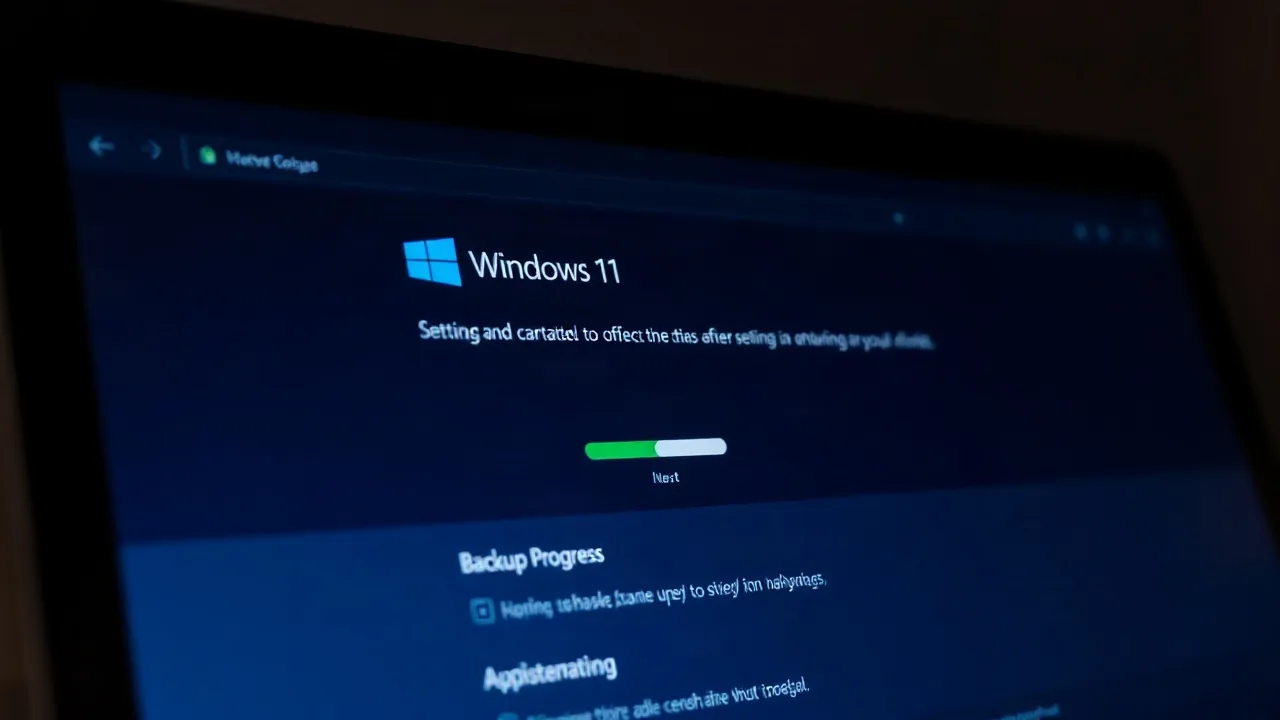
Microsoft's latest major update for Windows 11, version 26H2, has begun rolling out, bringing with it a significant change in how user preferences are handled: settings backup is now enabled by default. This move aims to simplify the process for users migrating to new devices or reinstalling their operating system, ensuring a more personalized computing experience from the outset.
Previously, users had to manually enable the settings backup feature within the Windows backup options. With the 26H2 update, first detailed by Microsoft in an internal blog post, this crucial functionality becomes an automatic part of the Windows setup and update process. This proactive approach means that personalized settings, application data, and even desktop configurations will be saved to the cloud, ready to be restored.
Streamlined User Experience
The implementation of default settings backup is a key component of Microsoft's ongoing effort to improve the overall user experience on Windows 11. The company has emphasized its commitment to making the operating system more user-friendly and adaptable. This feature is particularly beneficial for individuals who frequently upgrade their hardware or for IT departments managing multiple machines. A seamless transition ensures that productivity is not hampered by the time-consuming task of reconfiguring software and system preferences.
According to an unnamed Microsoft source familiar with the update's development, "The goal is to make sure that every Windows user, regardless of their technical expertise, can easily maintain their personalized digital environment. We want Windows to feel like home from the moment you set it up." This quote underscores the user-centric philosophy driving the change.
The 26H2 update also includes other enhancements, though details are still emerging. Early reports suggest performance optimizations and security improvements are part of the package. However, the most prominent change for the average user is the automated backup of their Windows environment. This functionality leverages OneDrive for cloud storage, requiring users to be signed into a Microsoft account. The amount of data backed up can vary, but it typically includes Wi-Fi passwords, language preferences, theme settings, and certain application data.
This update arrives as Microsoft continues to refine its operating system based on user feedback and evolving technology trends. The push towards cloud integration in operating systems has been a consistent theme for the tech giant, aiming to create a more unified and accessible computing ecosystem. By making settings backup a default feature, Microsoft is further integrating its services into the core Windows experience, potentially increasing engagement with platforms like OneDrive.
The rollout of Windows 11 version 26H2 is expected to reach all eligible devices over the coming weeks. Users can check for the update manually through Windows Update or wait for it to be delivered automatically. The implications for users are significant, promising a less disruptive upgrade path and a more consistent personal computing setup across devices.