
Google Drops Search Button for Gemini Sidebar on Homepage
Google has redesigned its search homepage to remove the iconic Google Search button, replacing it with a new AI sidebar for Gemini chats.

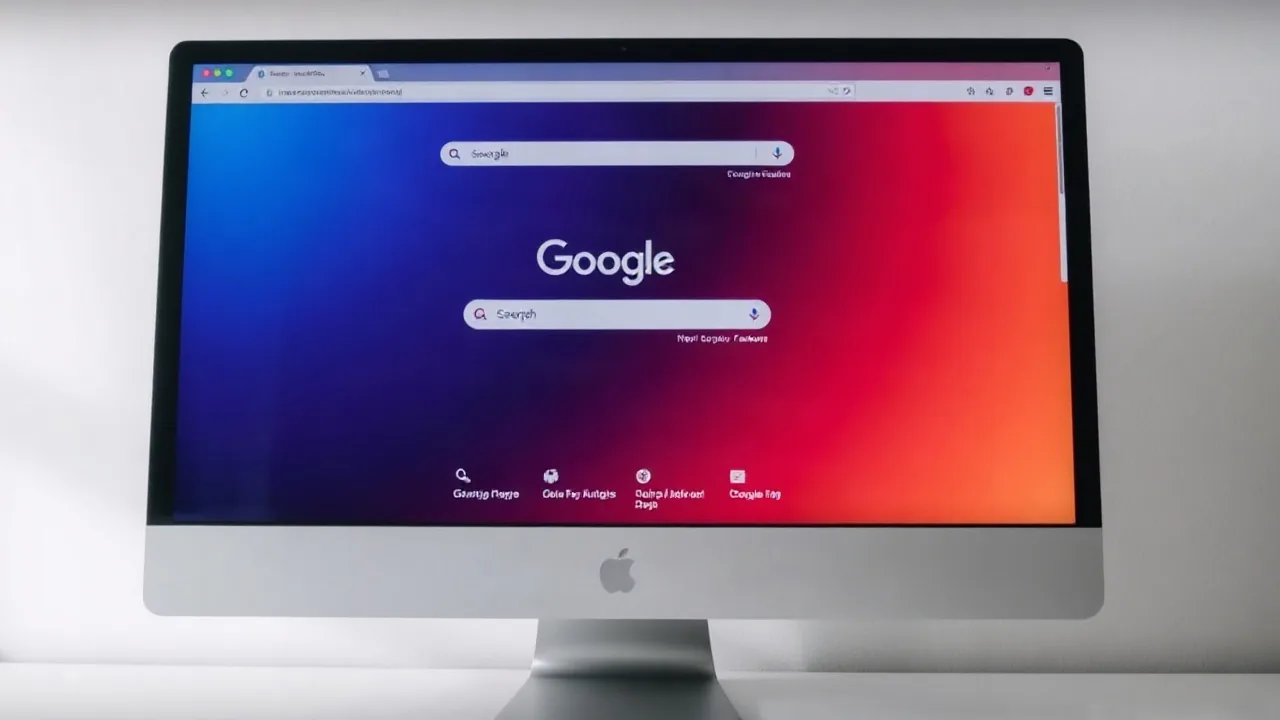
Google is shifting its flagship search experience toward artificial intelligence by rolling out a major redesign of the Google search homepage. The updated interface eliminates the traditional Google Search button entirely, replacing it with new tools and an expandable sidebar dedicated to Gemini conversations.
The updated desktop layout features three new AI-powered buttons positioned directly beneath the search bar. These additions provide quick access to features for generating images, analyzing files, and brainstorming. While the classic "I'm Feeling Lucky" button remains on the page, the standalone search button that historically sat alongside it has been removed.
AI Sidebar Integration
Alongside the button updates, logged-in users will now find an expandable sidebar on the left side of the homepage. This new panel displays recent AI Mode search threads and remains accessible directly on the results page as well. According to Robby Stein, Google search vice president, the sidebar made a “big difference” in how users progress through their web research, providing a “simpler way to pick up where you left off.”
The physical removal of the search button reflects modern typing habits, where most web users execute queries by pressing the Enter key or selecting autocomplete suggestions rather than clicking a separate interface button. This latest visual overhaul underscores a broader industry shift toward embedding conversational AI directly into core web navigation.