
Google Security: New Protections and Threats Facing Users
Google has rolled out fresh security defenses in 2026 to counter rising threats. Here's what changed and how to keep your data safe.

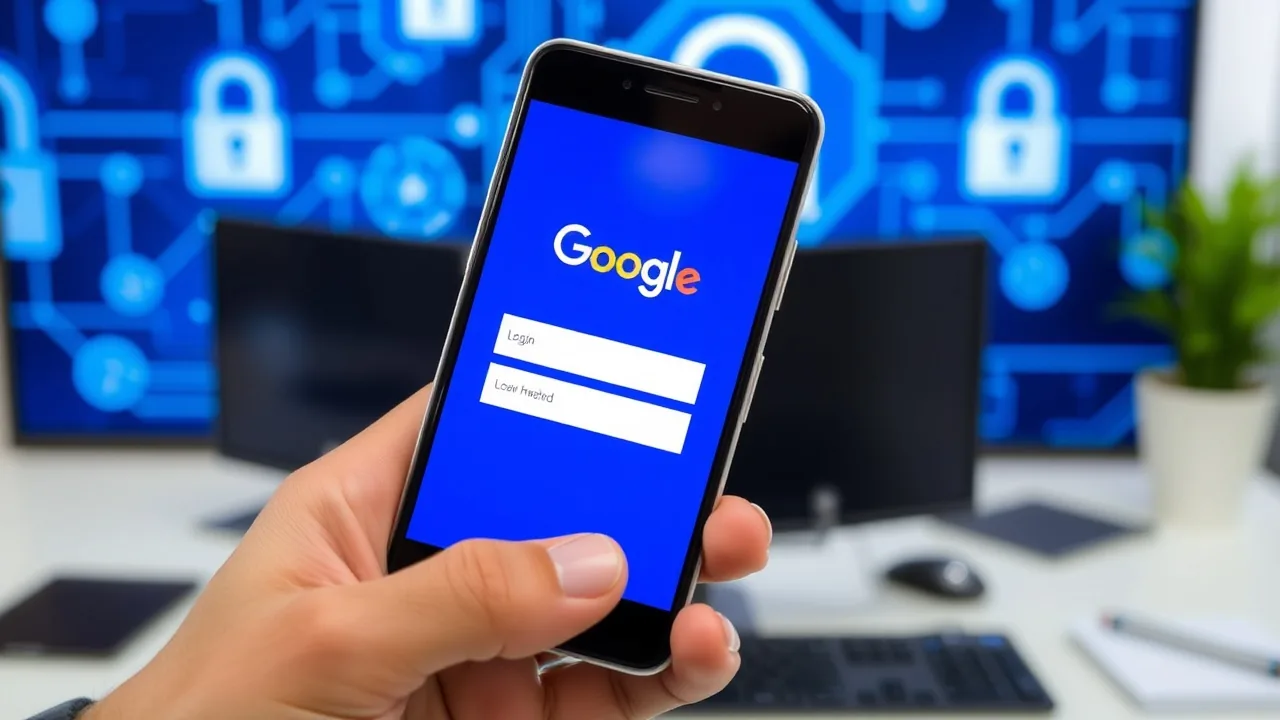
Google announced a major security overhaul in May 2026, introducing real-time threat detection and automated account recovery tools across its ecosystem. The move comes as phishing attacks targeting Gmail users surged 34 percent year-over-year, according to threat intelligence firm Mandiant. For the 1.8 billion Gmail users worldwide, these updates signal both progress and lingering risk.
The tech giant's new initiatives center on what Google calls "Secure by Default" architecture. Users no longer need to manually enable two-factor authentication; it activates automatically when the system detects suspicious sign-in activity from unfamiliar locations or devices. This shift addresses a persistent gap in adoption, where roughly 40 percent of Gmail accounts still rely on passwords alone.
Sundar Pichai, Google's Chief Executive, stated in a June 2026 security briefing: "We are moving away from the era of user-dependent security toward systems that protect you proactively, even before you realize there's a threat." The statement reflects industry acknowledgment that most breaches stem from human error or negligence rather than technical exploitation.
New Threats Emerging in 2026
Despite these advances, cybersecurity researchers have identified three critical vulnerabilities in Google's infrastructure that remain unpatched as of June 2026. The first affects Google Drive's shared folder permissions system, where improperly configured document access can expose sensitive files to the public internet. Security researcher Sarah Chen at the University of Washington documented this flaw in an April 2026 report and notified Google directly.
The second threat targets Gmail's filter rules. Attackers can craft emails that bypass content filters by exploiting the way Gmail parses forwarding logic. Once inside a user's inbox, malware attachments execute with minimal warning. Google has committed to patching this issue by August 2026 but has not released a timeline for interim fixes.
Data protection initiatives from Google also face pressure from third-party integrations. Many users connect Google accounts to smartwatch apps, fitness trackers, and cloud storage services. Each connection expands the attack surface; if a peripheral app is compromised, attackers gain indirect access to Google's core services.
A broader category of risk involves Google's reliance on mobile devices for online privacy safeguards. Android users receive security patches on irregular schedules depending on their device manufacturer. Samsung devices, for instance, receive monthly updates, while older Pixel phones may lag by weeks. This fragmentation creates windows where known vulnerabilities remain exploitable.
Steps You Should Take Now
For most users, the immediate action is straightforward: verify your Google Account settings at myaccount.google.com. Check which apps and devices have access to your account under "Security" and "Your devices." Remove any entries you do not recognize.
Second, enable Google security keys if you handle sensitive information. Physical FIDO2 keys (such as YubiKey or Titan) offer stronger protection than SMS-based codes. Google now supports passkeys on all major platforms and discontinues support for less secure legacy methods starting September 2026.
Third, review your Google Drive sharing settings. A single misconfigured folder can expose years of documents. Google provides a built-in audit tool that shows exactly which files are shared and with whom. Run this audit monthly if you store business or financial records.
Users managing cybersecurity for organizations should also test their incident response plans. Google's account recovery process can take 24 to 48 hours if you are locked out by a sophisticated attack. Keeping offline backups of critical data remains essential.
Update your recovery email and phone number on file. If attackers compromise your main Gmail address, Google uses secondary contact methods to verify identity before restoring access. Without current backup details, recovery becomes significantly harder.
Finally, educate yourself on phishing tactics. The most common attack vector in 2026 is still a fake Google login page sent via email. Google's official communications always come from domains ending in google.com; any other sender is suspect. Do not click links in unexpected emails. Instead, navigate directly to the official service by typing the URL into your browser.
Google's 2026 security roadmap includes expanded abuse detection using machine learning models that examine account behavior patterns. The company is investing heavily in information security research, with dedicated teams working on emerging threats like AI-powered social engineering. However, no system is perfect, and personal vigilance remains your last line of defense.