
Windows 11 Search Overhaul: Microsoft Prioritizes Local Results, Removes Ads
Microsoft is revamping Windows 11 search, introducing clearer local results and eliminating ads and web content from the search home. The update aims to improve speed and relevance for users.

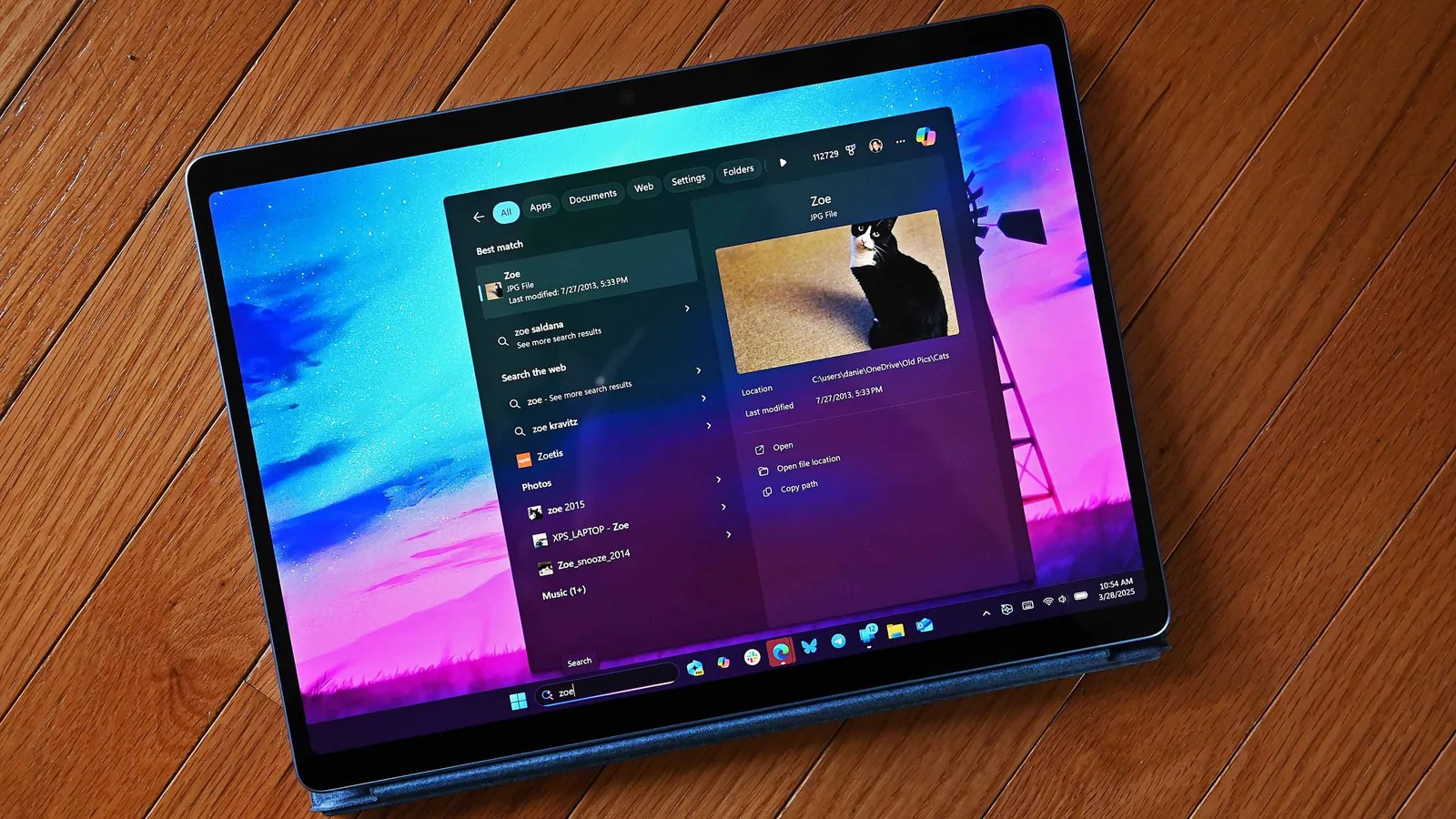
Microsoft has announced a significant overhaul of the search functionality within Windows 11, aiming to provide users with faster, more relevant, and easier-to-use results. The company stated in a blog post that the Windows Search Box is a primary starting point for many users, necessitating a focus on dependability and clarity before users even click on a result.
Key improvements include a greater emphasis on local results, with the system now better at identifying why a specific result is being displayed. Users will also notice a reduction in web-based results appearing before local applications, settings, or files. To combat user frustration, search is also becoming more forgiving of typos and misspellings, a long-standing issue for many.
One of the most welcomed changes is the removal of promotional content and advertisements from search results. The search home pane will no longer feature MSN or Bing content, streamlining the experience and reducing distractions. Microsoft is giving users more control over what appears in their search results, with new settings allowing individuals to decide whether web and Microsoft Store suggestions are displayed alongside local findings.
Enhanced User Control and Clarity
The refreshed Windows 11 search experience is designed to offer a calmer home screen, with a simplified interface that makes it easier to access recent searches. The system will more effectively indicate the origin of each search result—whether it's an app, a setting, a file, a web result, or a Store suggestion—allowing users to quickly assess relevance before clicking. Promotional content has been specifically targeted for removal from web results, ensuring a more focused and less distracting user experience. Instead of prioritizing related products and promotions, web results will now aim to deliver the most pertinent answer.
Users can now actively manage their privacy and search preferences through a new setting located in Settings > Privacy & Security > Search. This allows for granular control over the inclusion of web and Microsoft Store suggestions. When local content, such as applications, settings, or files, represents a stronger match for a query, it will now be reliably prioritized over web or Store suggestions. This ensures that users find what they are looking for on their device more quickly and efficiently.
Furthermore, system items like This PC and Recycle Bin are designed to be more easily discoverable. The ability to find applications is also being improved, with search algorithms now better equipped to handle common errors like dropped or extra letters, and partial word matches. For instance, a query like “utlook” should now successfully locate Microsoft Outlook. Settings results are also slated for improvement, with an initial round of ranking adjustments designed to surface more relevant settings, and further tuning planned for the coming months. The system for finding local files is also receiving an upgrade, including better support for two-character searches and enhanced display of cloud and connected files when they are more relevant.
This comprehensive update is part of Microsoft's ongoing efforts to address long-standing criticisms of Windows search functionality. Historically, search performance in Windows has been a point of contention, often lagging behind competitors like macOS and Linux. By focusing on reliability, speed, and user-centric features, Microsoft aims to solidify Windows 11's position as a competitive operating system. These improvements are currently rolling out to Windows Insiders in the Experimental Channel and are expected to be available to all Windows 11 users globally later in 2026.