
iPhone Duo Review: How Apple's Foldable Changes Daily Mobile Habits
After a month with the new iPhone Duo, users are discovering how Apple's foldable device alters multitasking, app usage, and daily smartphone habits.

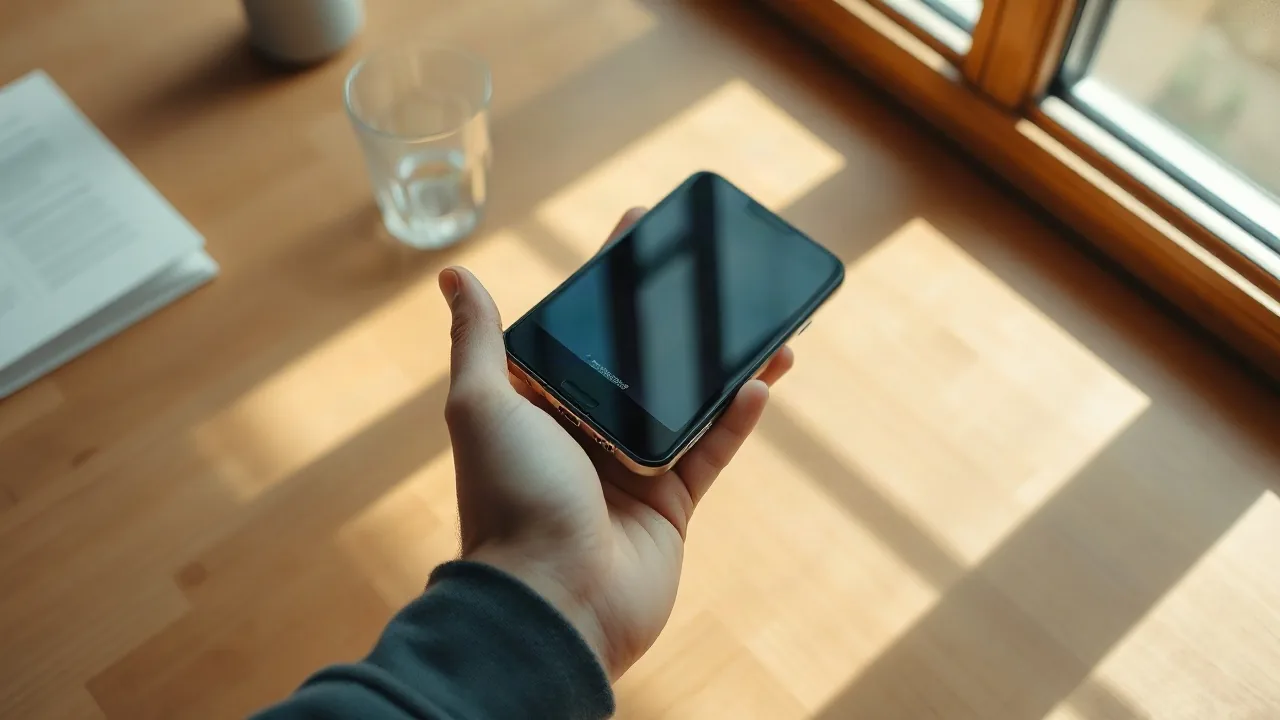
For years, the definition of a premium smartphone depended on its cameras, processors, and how light it felt when stowed in a pocket. The iPhone Duo challenges that concept by asking consumers to pay more for a fundamentally different smartphone experience, even if it means sacrificing what they've long thought of as high-end features. In a little under a month of using the device, initial concerns regarding hardware trade-offs matter far less than expected.
What has proved more interesting is how the iPhone Duo's foldable form factor changes everyday habits, including how users interact with applications, which apps they choose, and how they organize and personalize the phone. While early testers noted missing elements like a telephoto lens and Face ID, Apple subsequently shipped a face unlock feature in the latest update.
Multitasking and App Optimization on the Foldable Screen
Multitasking capabilities have emerged as a major benefit of the new form factor. Users can easily snap applications to both halves of the screen by dragging an app over to the left or right side and dropping it into the target box. This side-by-side mode allows people to keep social media feeds open while reading news, or keep messaging utilities active while working on other tasks.
In mid-November, Apple said there were over 200,000 iPhone Duo-ready apps available. While major Google applications like Gmail and Drive still exhibit black bands on the side, a vast majority of daily driver apps have dropped those constraints and now take full advantage of the unfolded display.
Developers have introduced various creative interpretations for the hardware. Streaming apps like Netflix support multiple viewing modes, including the closed outer display, laptop orientation, and tent mode. Meanwhile, utility applications like Sofa adapt by shifting from a single-column layout when closed to a two-column layout with expanded lists when unfolded.
Hardware Versatility and Daily Portability
When closed, the device functions similarly to a heavier iPhone mini, making it easy to operate with one hand, type with a thumb, or slip into pockets. This smaller outer screen is ideal for quick interactions like answering texts or checking directions, while unfolding the device provides a tablet-like experience suited for watching videos and shopping.
Users have also shifted their Home Screen layouts, relying primarily on widgets for the small exterior display while keeping app icons tucked into the dock. Ultimately, whether navigating short-form video apps or organizing daily tasks, the device offers a hybrid experience that redefines standard mobile interaction.