
KYY X90G Triple-Screen Portable Monitor Adds Bulk and Extra Pixels
The KYY X90G portable monitor adds three 15.6-inch IPS screens to a laptop setup, providing more workspace at the cost of added bulk and weight.

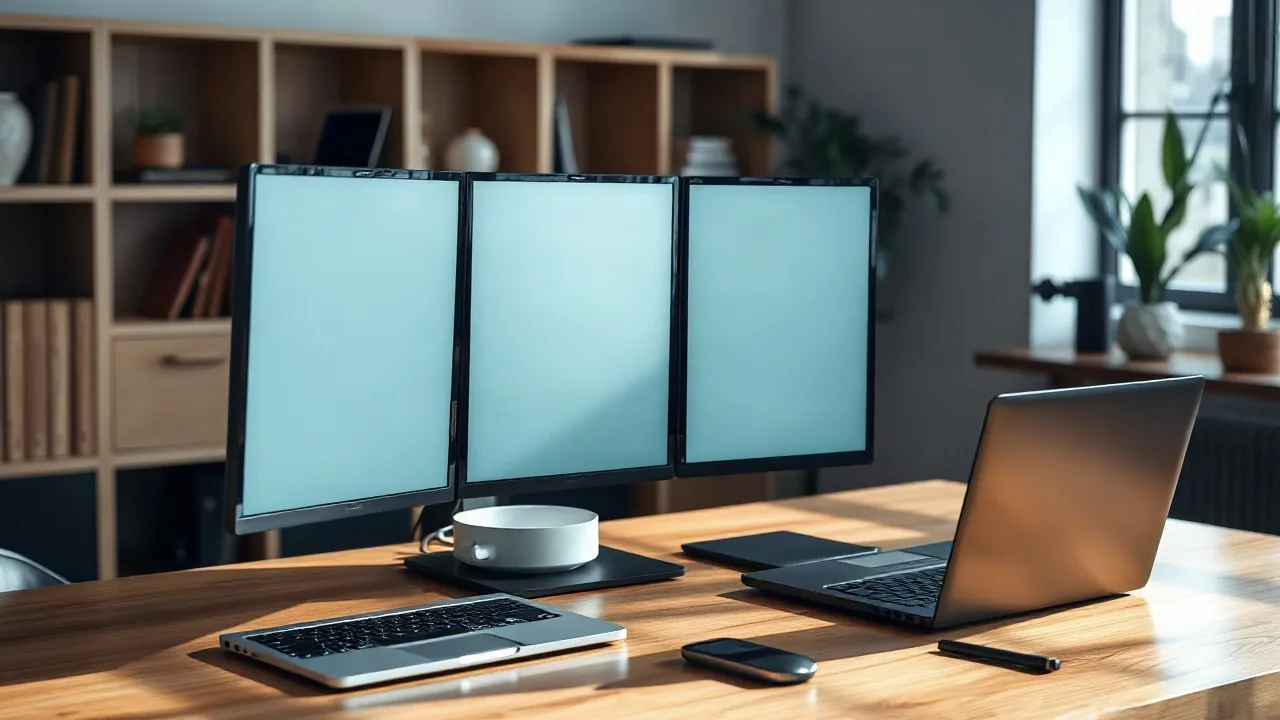
Expanding screen real estate while working away from a traditional desk often leads users to explore multi-display configurations. A new addition to this hardware category is the KYY X90G, a portable monitor featuring three separate displays designed to mount around a laptop. Retailing for $360, the device offers a total of four screens when combined with a laptop display, aiming to boost productivity in cramped environments or small offices.
The X90G includes three 15.6-inch IPS screens, each featuring a 1920×1080 resolution, dedicated control buttons, and a specification of up to 400 nits of brightness. Unlike some rival models that position all three auxiliary displays above the primary laptop screen, this hardware places one screen on the left, one on the right, and one on the top. Furthermore, the device offers broader operating system compatibility than competing hardware by supporting Linux and Android alongside Windows and macOS systems utilizing an M1 processor or newer.
Weighing Portability Against Screen Space
Despite the functional advantages of running multiple applications simultaneously across four distinct displays, the hardware introduces physical compromises. The setup measures approximately 46 inches across when the side panels are fully flattened out, requiring a substantial amount of desk space. Additionally, the device weighs 6.4 pounds, which presents portability challenges for users accustomed to lightweight setups.
While independent tilting, separate on-screen display menus, and individual power buttons allow users to manage workflows effectively—such as dimming a reading window while brightening an image editing pane—the physical configuration has limitations. The displays do not form a single unified workspace, and users must navigate visible bezels and gaps. Ultimately, the hardware suits individuals seeking multi-monitor mobility in minimal spaces, provided they are willing to manage the added weight and dimensions.