
Lenovo Googlebook 15: A Solid Choice for Android Users
Lenovo's Googlebook 15 offers a compelling integrated experience for Android smartphone users, though its software integration could still see improvements. The hardware is robust, making it a strong contender in the hybrid laptop market.

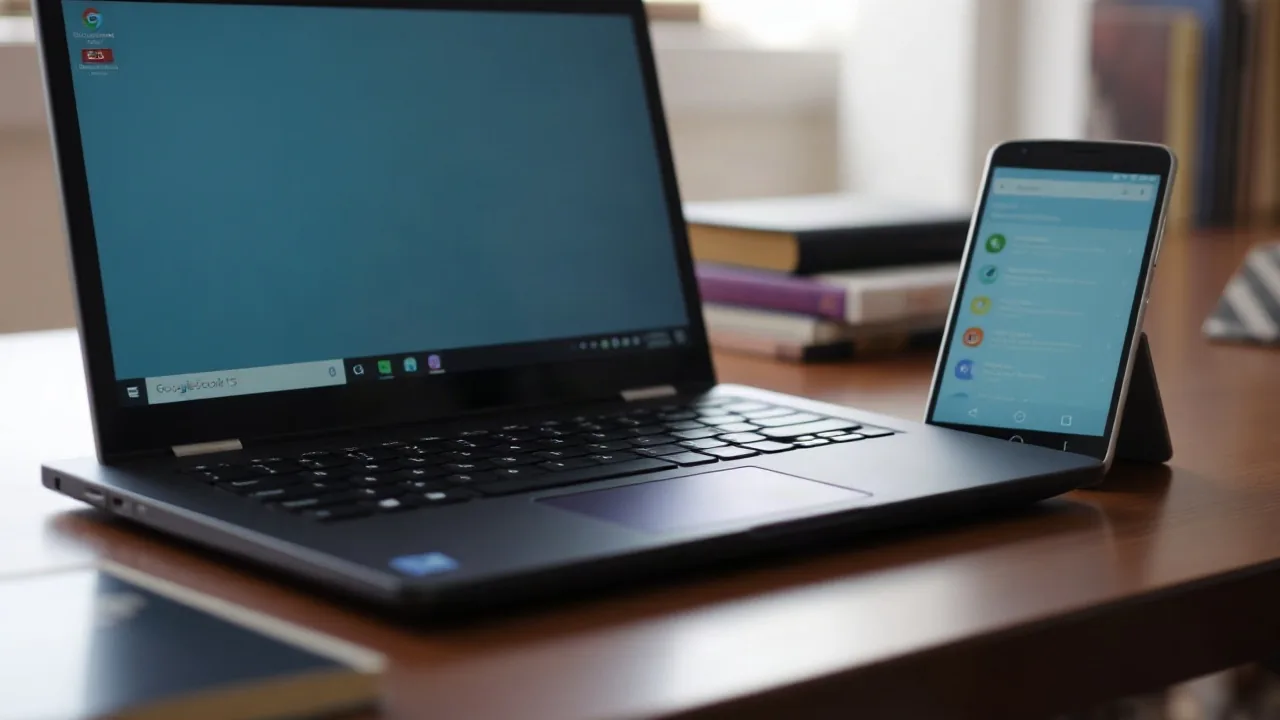
The Lenovo Googlebook 15 is emerging as a noteworthy option for consumers seeking a seamless connection between their Android smartphones and personal computing devices. This hybrid laptop aims to bridge the gap, offering a more integrated experience than traditional laptops, particularly for those heavily invested in the Android ecosystem. While the hardware itself garners praise, questions linger regarding the optimization and intuitiveness of its software, a common challenge for devices striving for deep cross-platform synergy.
The device boasts an attractive design and solid build quality, a hallmark of Lenovo's consumer electronics. Its primary selling point is its ability to connect and interact with an Android phone, extending features and functionality from the phone directly to the laptop screen. This includes potential for shared notifications, file management, and even running mobile apps. Early reviews highlight the convenience this offers, especially for users who juggle both work and personal tasks across different devices.
Bridging the Ecosystem Gap
The challenge for devices like the Googlebook 15 lies in creating an experience that feels truly native, rather than an overlay. Competitors and complementary products from various tech giants are all vying to offer the most cohesive ecosystem. Lenovo's approach with the Googlebook 15 seems to be leveraging existing Android infrastructure to create a familiar yet enhanced user experience. However, the success of this strategy hinges on the execution of software features, which can sometimes lag behind hardware capabilities.
One of the key aspects reviewed is the performance of the laptop when running specific applications, particularly those designed for mobile. While the hardware is capable of handling these tasks, the fluidity and integration can vary. Users are looking for a device that doesn't just display their phone's apps but integrates them smoothly into their workflow. This goes beyond simple mirroring and enters the territory of true productivity enhancement. The ability to easily transfer files, use phone contacts, and manage calls directly from the laptop are crucial factors for its target audience.
Despite the promising hardware, the software remains a point of discussion. Some reviewers have pointed out areas where the integration could be more intuitive or perform better. For instance, managing multiple Android apps simultaneously on the Googlebook 15 might present challenges that differ from the experience on a dedicated tablet or smartphone. The device is built with the intention of being an extension of the Android phone, and its success is therefore inextricably linked to how well it complements and enhances the mobile experience. This focus on the Android phone as a central piece of the user's digital life is a distinct strategy in the competitive laptop market.
Looking ahead, the trajectory of devices like the Googlebook 15 will likely depend on continued software updates and the evolution of operating system integrations. As companies refine their cross-platform strategies, the lines between mobile and desktop computing will continue to blur. Lenovo's Lenovo Googlebook 15 represents an ambitious step in this direction, offering a glimpse into a more unified digital future for users who rely heavily on their smartphones.