
Gemini AI Generates Images in Google Docs
Google's Gemini AI can now create images and diagrams directly inside Google Docs, cutting the need to switch between apps. The feature rolls out to Workspace users in August 2026.

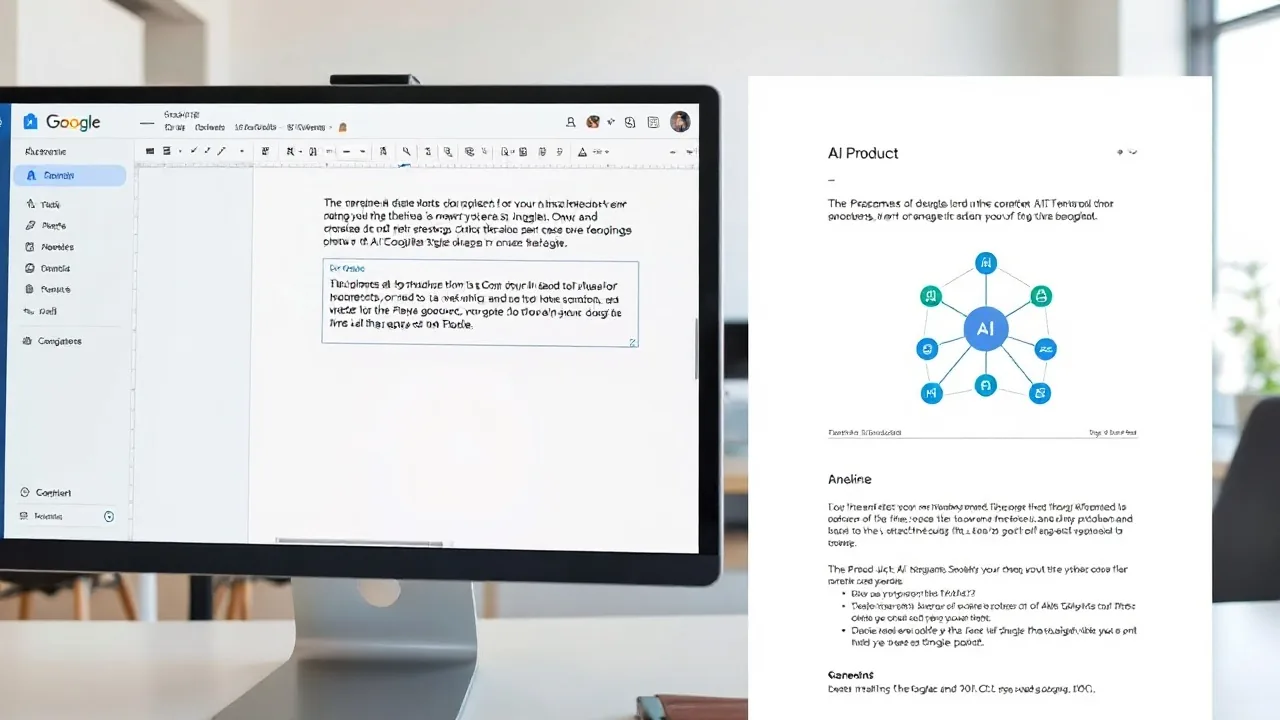
Starting this week, Google Docs users can summon Gemini to generate images without leaving their document. Type a text prompt, click the Gemini button, and watch an AI-created visual appear inline within seconds. The capability marks a significant shift in how teams design collaborative documents and mockups.
Google announced the feature on August 1, 2026, as part of a broader expansion of Gemini capabilities across Workspace products. The image generation tool sits alongside Gemini's existing text and spreadsheet features, allowing writers to request anything from product screenshots to flowcharts without opening a design app or image editor.
"We're seeing teams spend less time context-switching and more time iterating," said a Google Workspace product manager in a statement. "When your research, writing, and design all happen in one place, documents move from first draft to final version in a fraction of the time."
How the Feature Works in Practice
The integration sits within the Google Docs interface as a side panel. Writers highlight text or place their cursor where they want an image, then open the Gemini menu. A prompt box accepts descriptions: "Create a pie chart showing Q3 revenue by region" or "Generate a minimalist icon of a cloud server."
Once you submit the prompt, Gemini uses its multimodal model to render the image. The system supports several output styles:
- Photorealistic renders
- Illustrations and vector-style graphics
- Diagrams and technical drawings
- Infographics and data visualizations
- Abstract and conceptual artwork
Generated images embed directly into the document and remain editable through Gemini. If the first result misses the mark, users can regenerate or refine the prompt and try again. Images are stored with the document and sync across devices via Google Cloud.
The feature initially rolls out to Google Workspace Business Standard, Business Plus, and Enterprise customers at no additional cost. Personal Google account holders gain access later in August 2026 via Gemini's paid subscription tier.
Why Productivity Teams Are Paying Attention
The convergence of writing and image creation addresses a real workflow friction point. Corporate teams and freelancers have long juggled Docs, Canva, Adobe Creative Suite, and image generators, managing file versions across platforms. Consolidating that into Docs reduces switching costs and version confusion.
"Our design team spends an average of 12 minutes per document jumping between tools," said Maya Chen, a content operations manager at a 500-person SaaS startup piloting the feature in July. "Gemini in Docs cut that to maybe two minutes. We're especially using it for quick wireframes and stakeholder mocks."
Image generation in Docs also lowers the barrier for non-designers to create polished visuals. A marketer drafting a blog post can now request header images; a project manager can sketch a process flowchart; an HR coordinator can generate org chart diagrams. This democratization of design accelerates documentation across organizations.
Google's move follows similar announcements from Microsoft and other cloud vendors. Microsoft's Copilot in Word and Excel began offering image generation in 2025. The trend reflects AI's shift from a standalone tool layer to an embedded feature in daily-use applications.
Privacy, Quality, and Limitations
Google states that image generation prompts and outputs are encrypted in transit and stored only as long as the document exists. Workspace admins can toggle the feature on or off for their organization. The company does not use generated images to train Gemini, aligning with privacy commitments made in Workspace's data policy.
Quality varies with prompt specificity. Broad requests like "make a chart" sometimes need refinement; detailed prompts like "bar chart with red bars for Q1, blue for Q2, labeled with revenue figures" tend to produce usable results on the first try.
Limitations include a 15-image-per-day cap for free-tier users and a 100-per-day cap for SaaS Workspace accounts. Commercial use of generated images falls under Google's terms; the company retains no ownership claim. Users can edit, republish, or license generated images as they see fit.
The feature does not yet support real-time collaboration feedback on images—that is, you cannot have multiple users prompting Gemini for the same image simultaneously. Google said refinements to multi-user workflows are in the roadmap for Q4 2026.
Early traction suggests the feature will reshape how teams approach document production. By embedding AI-powered visual tools into productivity tools, Google is betting that seamless integration will drive adoption faster than standalone AI image apps, even as competition in the software space intensifies.