
Google Docs Advantages Over Microsoft Word: Simplicity and Cost
While Microsoft Word boasts extensive features, Google Docs offers a more accessible and cost-effective alternative for many users, excelling in simplicity and cloud-based collaboration.

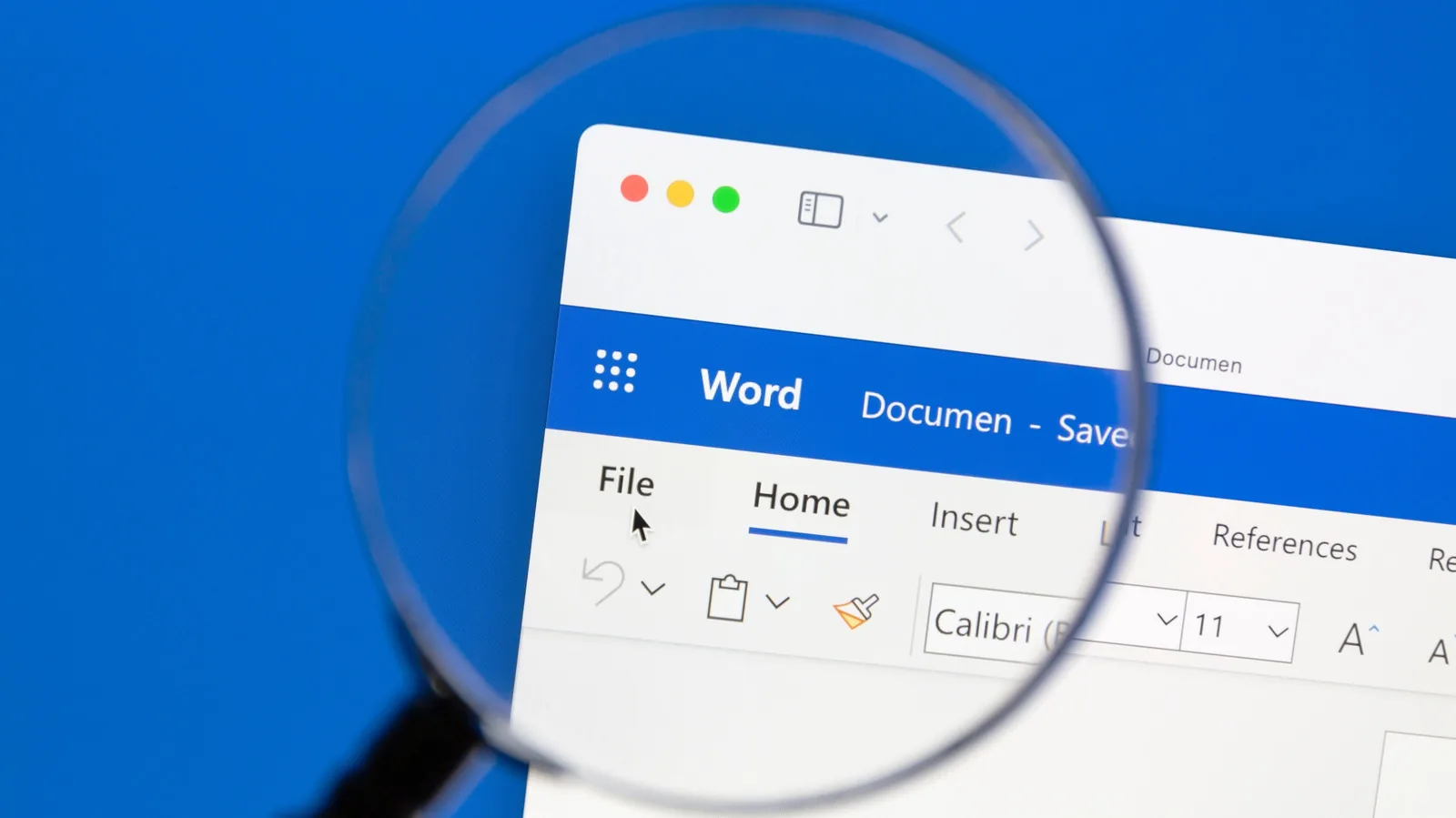
Microsoft Word has long been the dominant force in word processing, offering a vast array of features for document creation, advanced formatting, and complex layouts. With its latest iterations, particularly Microsoft 365, users gain cloud capabilities and AI assistance. However, its competitor, Google Docs, presents a compelling case for users prioritizing ease of use, native cloud integration, and cost-effectiveness.
Though Microsoft Word may win feature-for-feature comparisons, its complexity and associated costs can be a barrier. Google Docs, part of Google's free productivity suite including Sheets and Slides, provides a streamlined experience that can satisfy the needs of average users who don't require the extensive power of Microsoft's offerings. Its intuitive design and free, cloud-based architecture make it an attractive option, particularly when compared to the learning curve and price of Word.
Interface and Accessibility Differences
One of the primary distinctions lies in their user interfaces. Microsoft Word, with its introduction of the Ribbon interface in 2007, packs numerous tools into a tabbed system that can feel overwhelming for new users. Navigating formatting options, for instance, might require digging through menus like 'Home', which doesn't immediately suggest text styling. In contrast, Google Docs features a simpler, more direct menu system where formatting actions, such as bolding or italicizing, are logically found under a 'Format' menu. This straightforward approach significantly lowers the barrier to entry.
Offline access, a cornerstone of traditional word processing, also highlights key differences. While Microsoft Word's desktop application requires a purchase, either a monthly Microsoft 365 subscription or a one-time fee for Office 2024, to enable full offline functionality. The mobile app offers limited offline use for free, and the web version is online-only. Google Docs, however, is entirely free for personal use and offers offline capabilities through a simple Chrome extension setup. Once configured, users can create, edit, and view documents offline, with changes syncing automatically to Google Drive upon reconnecting to the internet.
Cloud integration is another area where Google Docs shines natively. Documents created online in Google Docs are automatically saved and synced to the cloud, ensuring work is not lost and facilitating real-time collaboration. Microsoft Word's cloud features, such as autosaving and real-time collaboration, require users to first upload documents to OneDrive or SharePoint, adding an extra step that can feel cumbersome. Furthermore, without this upload, version history is disabled, and reliance on the app's document recovery feature can be risky if unsaved work is lost.
Compatibility remains a significant consideration. When documents are shared between different versions of Microsoft Word, formatting can break, especially if custom fonts are used. Users often have to work within constraints to ensure older versions can open files correctly. Exporting to PDF can preserve formatting, but it limits further editing. Google Docs, being a web-based application, ensures a consistent experience across all platforms—Windows, Mac, Linux, and Chromebooks—as everyone is always working with the same, up-to-date version. However, exporting Google Docs to DOCX format can sometimes lead to compatibility issues when opened in Microsoft Word, particularly with complex elements like tables, headers, footers, and images.
Ultimately, while Microsoft Word offers unparalleled depth for power users, Google Docs provides a highly accessible, cost-effective, and collaborative solution that meets the everyday needs of a vast number of users. Its intuitive design and seamless cloud integration make it a strong contender for individuals and teams looking for efficient document management without the premium price tag.