
iOS 27 Design Overhaul: Key iPhone Apps Get Major Updates
iOS 27 is set to introduce significant design changes to core iPhone apps like Camera and Image Playground. Apple is reportedly focusing on enhanced customization and streamlined user interfaces.

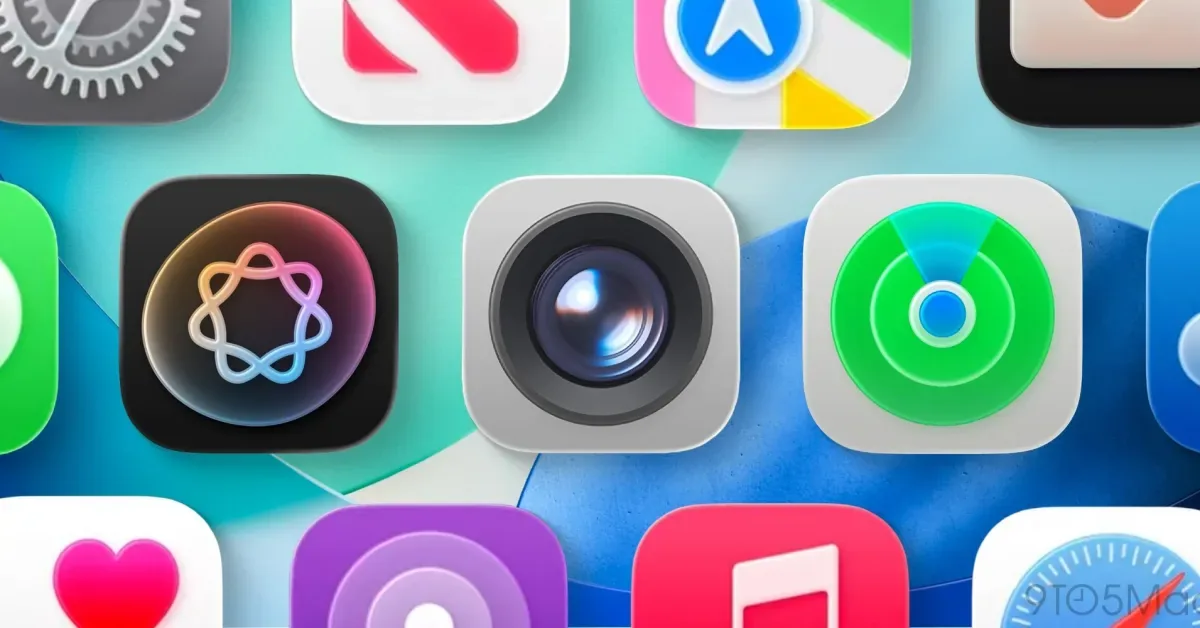
Apple's upcoming iOS 27 operating system is poised to bring a wave of design enhancements to a variety of native iPhone applications, with the Camera and Image Playground apps expected to receive the most substantial overhauls. The update, slated for unveiling soon, aims to offer users greater control and a more intuitive experience across their devices.
According to reports, the Camera app is undergoing a significant redesign. While Apple refreshed the Camera interface in iOS 26, the next iteration will reportedly introduce further changes, including making the software fully customizable. Users may have the ability to choose which features appear within the app and dictate their placement. Additionally, the Camera app is anticipated to gain a new Siri mode focused on visual intelligence features, enhancing its capabilities for users seeking AI-driven assistance.
Image Playground, an app designed for creating and editing images, is also a major focus of the iOS 27 redesign. This app has reportedly been completely re-envisioned across iOS, iPadOS, and macOS. The updates are expected to include a revamped gallery interface and simplified controls for both generating new images and modifying existing ones. These changes suggest Apple is prioritizing a more fluid and accessible creative workflow for its users.
Refinements Across Other Core Applications
Beyond the headline changes to Camera and Image Playground, several other key iPhone applications are slated for more subtle, yet significant, design adjustments in iOS 27. These include Find My, Weather, and Safari. The Find My application will reportedly receive a gentle visual refresh, incorporating new icons within its tab bar for improved navigation. The Weather app is set to introduce a new 'Conditions' panel on its main city pages. This panel will provide users with access to data points beyond the current temperature, such as detailed information on rain and wind, offering a more comprehensive local forecast.
Safari, Apple's web browser, will also benefit from a redesigned start page. This new layout is expected to feature four tabs at the top, making it easier for users to switch between their favorites, bookmarks, reading list, and browsing history. This move aims to streamline navigation and improve quick access to essential web content management tools.
The iOS 27 update is also expected to bring refinements to system-level design elements, such as the tab bar and search functionality, impacting numerous applications. In iOS 26, the search function was separated into the bottom-right corner of apps. However, iOS 27 is anticipated to re-integrate search more closely with the primary navigation tabs. This change is expected to affect applications like Music, TV, Podcasts, News, and Health, and could potentially extend to all apps that utilize this interface element. These system-wide adjustments, often referred to as 'Liquid Glass' refinements, aim to ensure a consistent and cohesive user experience across the entire operating system, suggesting a focus on unifying the visual language of Apple's software.
As with any major operating system release, iOS 27 will likely incorporate a multitude of smaller design tweaks and functional improvements across other applications, contributing to an overall enhanced user experience. The ongoing development of the iPhone's software ecosystem underscores Apple's commitment to iterative improvements and user-centric design principles. These anticipated changes highlight a forward-looking approach to interface design, balancing aesthetic appeal with practical functionality for millions of iPhone users globally.