
Samsung Good Lock App Hinders Pixel Phone Switch for Users
Samsung's Good Lock app offers deep customization and utility features that make it difficult for long-time users to switch to Google Pixel phones, despite the latter's appeal.

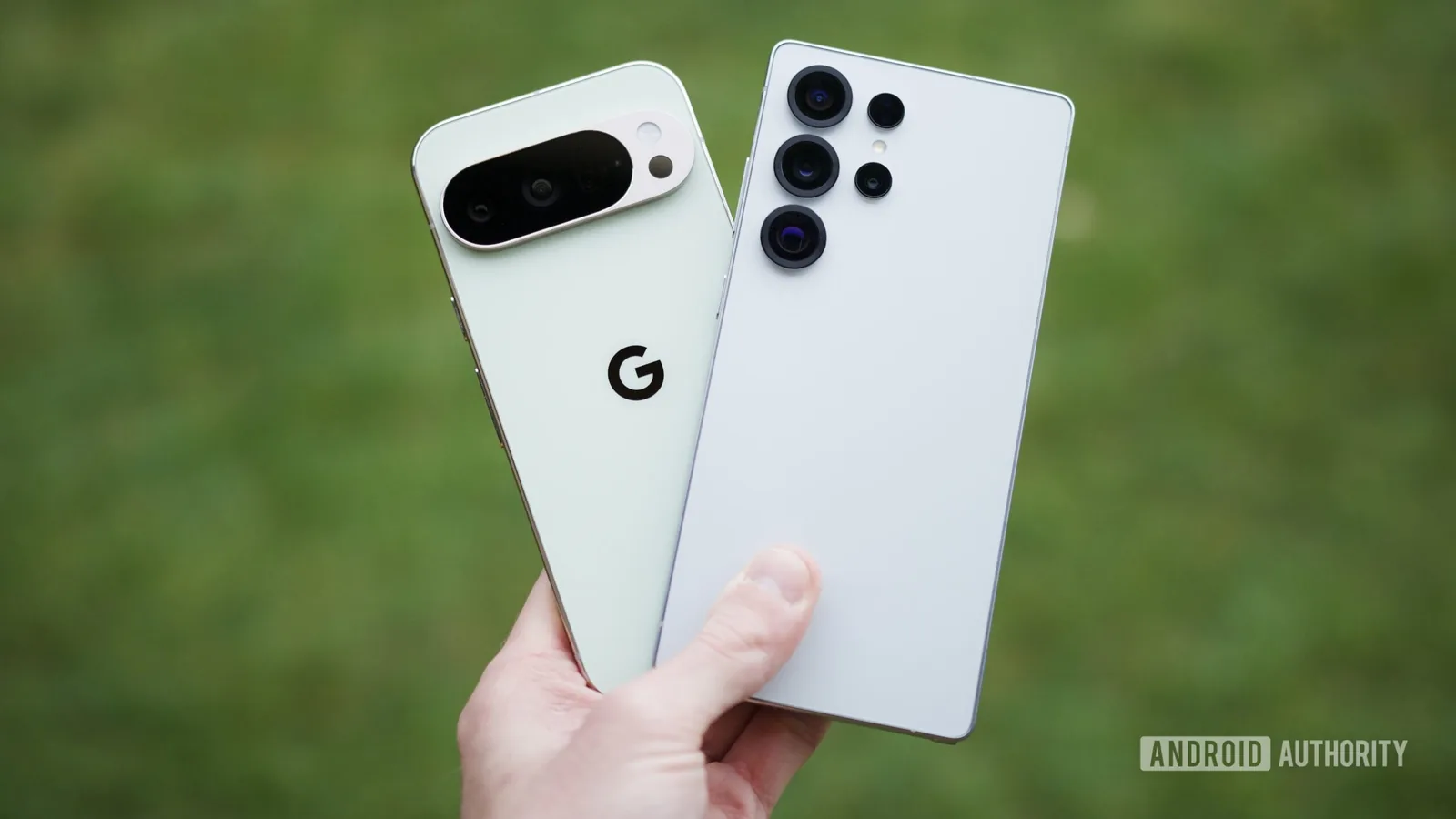
For over four years, a loyal Samsung user found themselves increasingly drawn to Google's Pixel phones, tempted by their clean Android experience and timely software updates. However, a powerful Samsung application called Good Lock has consistently acted as a barrier, preventing a complete switch to a Pixel daily driver. This toolkit for power users has fundamentally reshaped expectations of smartphone functionality and personalization.
Good Lock, Samsung's official utility for deep customization of Galaxy devices, functions as a modular collection of tools. These modules allow users to significantly alter their phone's appearance, feel, and behavior. Functionality ranges from personalizing the app drawer and creating dynamic 3D wallpapers to redesigning the Quick Settings panel and unlocking advanced camera features. Unlike monolithic OEM apps, Good Lock enables users to select and download only the specific modules they desire, ensuring a streamlined and efficient customization process. Crucially, as an official Samsung application, users can rely on its stability, security, and consistent updates, avoiding common concerns associated with third-party modifications.
Deep Customization and Enhanced Utility
The appeal of Android has long been its flexibility, a strength that Good Lock amplifies considerably. While Pixel phones offer a degree of personalization, they fall short compared to the granular control provided by Good Lock's modules. For instance, the Keys Cafe module grants users complete command over their Samsung Keyboard. This includes altering colors, applying visual effects, adjusting typing sounds, and configuring multi-finger gestures for common actions like copy, paste, and undo. Users can even design a keyboard from scratch, dictating button placement and functionality.
Similarly, the Quick Settings panel is radically transformable with the QuickStar module. Users can modify button colors, resize elements, and fine-tune spacing, while also having the option to hide specific icons from the status bar for a cleaner look. The Home Up module offers alternative task switcher layouts, allowing users to opt for a grid view that displays more apps simultaneously, reducing the need for extensive swiping.
Good Lock's influence extends even to system-level applications. The RegiStar module permits users to reorder sections within the Settings app and hide unused options, streamlining navigation. It also enables remapping of the side button's press-and-hold function for actions such as activating the flashlight, enabling live captions, or launching specific applications. This level of detailed control over the user interface and device functions is a hallmark of Good Lock, extending to lock screen customization, app drawer arrangements, and always-on display settings.
Beyond aesthetics, Good Lock modules enhance practical smartphone usage. The Display Assistant module allows for app-specific screen timeout settings, ensuring that apps like note-taking or reading applications remain active longer while preserving battery life on less-used apps. The Sound Assistant module provides per-app volume control, enabling users to adjust the audio levels of games or media independently without affecting system-wide sound settings. For gesture enthusiasts, the One Hand Operation+ module offers customizable edge swipes for launching apps, controlling media, or navigating the interface. Advanced modules like MultiStar, Routines+, and NotiStar further enhance split-screen functionality, automation, and notification management, respectively.
The power user features offered by Good Lock are not typically highlighted by Samsung during major product launches, yet they become indispensable once integrated into daily routines. For users accustomed to this level of personalization and convenience, the prospect of returning to a less adaptable system, such as the standard Pixel phones, becomes a significant hurdle. While Pixel phones are praised for their pure Android experience, the limited customization options, often restricted to third-party launchers, pale in comparison to the integrated depth provided by Samsung's Good Lock ecosystem. This compelling feature set ensures that many users remain tied to their Galaxy devices, despite the allure of competing offerings.