
Windows 11 Brings Back Android Apps via Phone Link
Microsoft has re-enabled access to Android apps on Windows 11, not through direct installation, but via the Phone Link app, allowing users to stream applications from their smartphones.

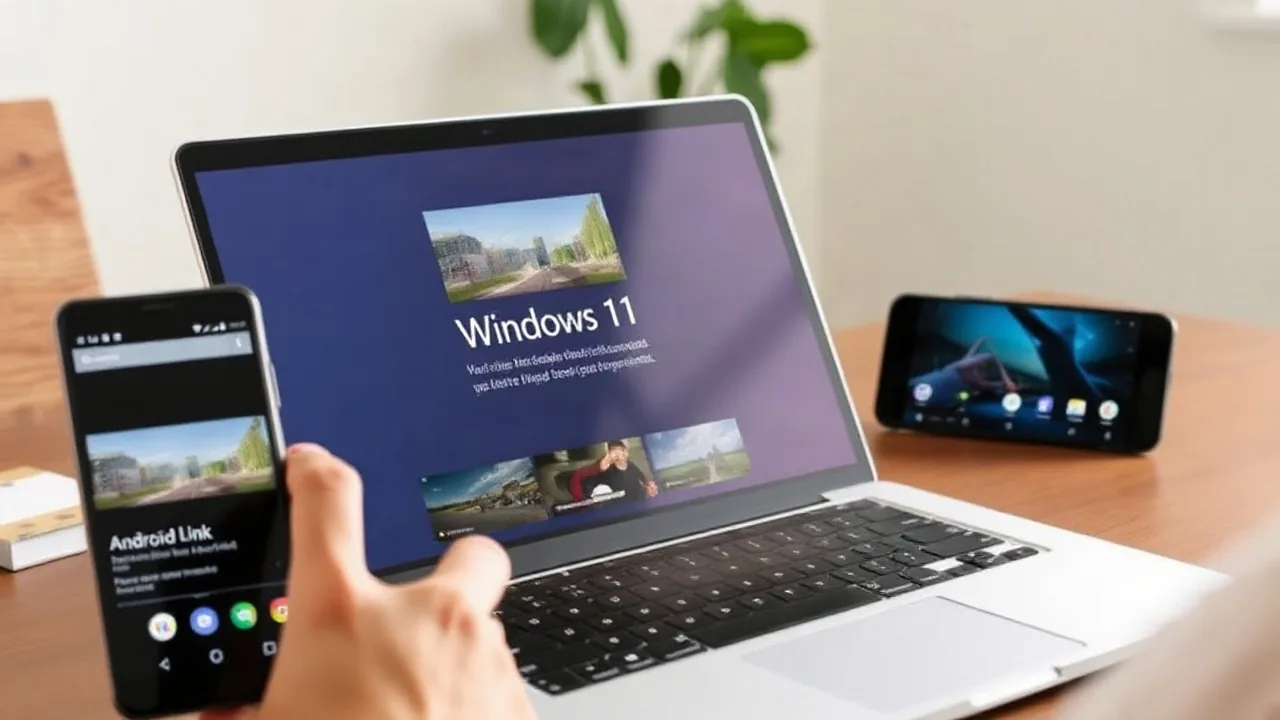
Microsoft has reintroduced a way for Windows 11 users to access their Android applications, albeit through a different method than initially offered. Instead of installing apps directly onto the PC, users can now stream them from their smartphones to their Windows 11 devices via the Phone Link feature. This move comes after the discontinuation of the Windows Subsystem for Android (WSA) earlier in 2026, which previously allowed for more integrated installation and use.
The functionality is accessible through the taskbar search bar. When a user searches for an Android app, if it's installed on their paired smartphone, a prompt will appear allowing them to stream it. This essentially mirrors the app from the phone onto the PC screen, enabling interaction within the Windows 11 environment. While it doesn't offer the native performance or integration of direct installation, it provides a convenient workaround for users who miss having quick access to their favorite mobile applications.
A Shift in Strategy for Android Integration
The initial rollout of Android app support on Windows 11 was powered by the Windows Subsystem for Android, which utilized Amazon's Appstore and allowed for a more direct integration. However, Microsoft announced in early 2026 that it would be phasing out WSA, citing low usage and technical challenges. The decision to bring back Android app access through Phone Link signifies a strategic pivot, focusing on leveraging existing phone-mirroring capabilities rather than a full-fledged native integration.
This approach allows Microsoft to offer a semblance of Android app functionality without the significant development and maintenance overhead associated with WSA. The Phone Link app, which has been evolving to offer more comprehensive smartphone integration, serves as the platform for this new feature. Users simply need to ensure their Android device is connected to their Windows 11 PC and that the Phone Link app is configured correctly.
Microsoft has been actively testing new features for Windows 11. Recent insider builds have included updates to the Xbox gaming mode shortcuts and enhanced privacy controls for individual applications. The company is also reportedly working on a built-in internet speed test tool, aiming to provide users with more utility directly within the operating system. The re-integration of Android apps, even in a streamed format, is another step in Microsoft's ongoing effort to make Windows 11 a more versatile and connected platform.
The return of Android apps, however limited, is likely to be welcomed by many users who were disappointed by the discontinuation of WSA. The ability to quickly access an app for a specific task without having to pick up their phone can enhance productivity for some. The streaming method does have its limitations, including reliance on a stable Wi-Fi connection between the devices and potential latency issues. However, for casual use or accessing infrequently used applications, it presents a viable solution.
This development underscores Microsoft's commitment to bridging the gap between mobile and desktop experiences. By integrating with phone capabilities, the company aims to create a more seamless digital ecosystem for its users. The exact rollout schedule for this feature to all Windows 11 users has not been detailed, but it is expected to become more widely available in the coming weeks and months as part of ongoing Windows updates.