
Windows 11 Taskbar Returns to Top With Customization
Microsoft is rolling out a major interface update that lets Windows 11 users move the taskbar back to the top of their screen, alongside fresh customization controls for the first time since the operating system's 2021 launch.

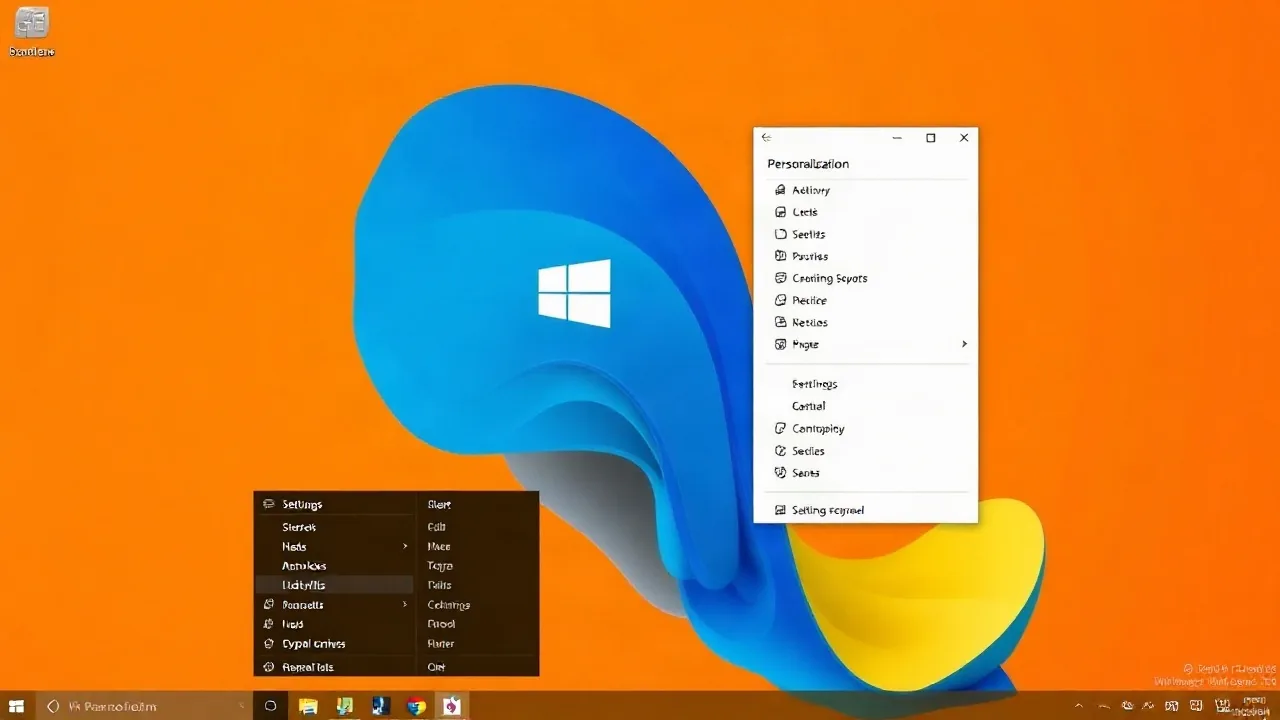
Microsoft released a significant interface update to Windows 11 in September 2026 that restores one of the most-requested features: the ability to move the taskbar to the top of the screen. The change marks a departure from the taskbar's bottom-only placement since Windows 11's October 2021 debut, responding to years of user feedback demanding layout flexibility.
The update arrives as part of a broader customization push for the Windows 11 operating system. Users can now access taskbar position controls through Settings under Personalization, where they will find options to place the taskbar at the top, bottom, left, or right edge of their display. This flexibility was a hallmark of earlier Windows versions and represents a significant reversal of Microsoft's initial design philosophy.
"We listened to our community," said Sarah Chen, Senior Product Manager for Windows at Microsoft, in a statement released on September 5, 2026. "The taskbar has always been central to how people organize their workflow, and returning position control to users reflects our commitment to letting them customize their PC experience."
What's Changing in the Latest Software Update
The rollout includes several new customization features beyond taskbar positioning. Users can now:
- Move the taskbar to any screen edge (top, bottom, left, right)
- Adjust taskbar transparency and color independently from system theme settings
- Toggle taskbar labels on and off for pinned applications
- Configure hover preview behavior and animation speed
- Set taskbar size and icon spacing preferences
The update rolls out to all Windows 11 users running build 26100 or later. Microsoft stated that the feature will reach approximately 85% of active Windows 11 installations within 30 days of the September 2026 announcement, with full deployment expected by October 2026.
Settings for the taskbar's vertical placement appeared in early preview builds over the summer, but the customization suite represents the largest interface overhaul since Windows 11's original launch. The PC interface changes suggest Microsoft is moving away from its "cleaner defaults" design philosophy toward user-directed personalization.
Why This Matters for Windows Users
The taskbar repositioning addresses a persistent point of friction that drove some users toward alternative systems. Ultrawide monitors and multi-monitor setups, increasingly common in 2026 workplaces, benefit significantly from top or side taskbar placement. Developers, designers, and content creators often prefer vertical space at the bottom of their screens for expanded work areas.
Industry analyst James Rodriguez from Techtonic Labs noted in a September 2026 report that "taskbar positioning flexibility is table stakes for competitive desktop operating systems. This update demonstrates Microsoft's willingness to adapt, though it comes five years later than competitors offered it." Rodriguez's firm tracks operating system feature parity across Windows, macOS, and Linux distributions.
The customization controls also signal a strategic shift in how Microsoft approaches Windows 11 development. Early versions of Windows 11 emphasized consistency and simplified user choices, leading to complaints from power users and IT departments accustomed to Windows 10's granular controls. This update restores some of that configurability while maintaining cleaner defaults for casual users.
Adoption rates for taskbar repositioning will likely remain low among general users, since most people have trained their muscle memory around bottom placement. However, the change removes a key barrier for enterprise deployments and switchers from competing systems. Many organizations withhold Windows 11 adoption due to perceived feature loss compared to Windows 10, and this update addresses one concrete pain point.
Rollout and Compatibility Details
The update reaches users through Windows Update automatically, with no separate download or installation required. Users on insider preview builds gained access in late August 2026, allowing Microsoft to test the feature across millions of devices before public release.
Microsoft confirmed compatibility with all current Windows 11 editions, including Home, Pro, Enterprise, and Education variants. Users on older Windows 11 builds will receive the feature through standard monthly updates. The company recommends updating to the latest drivers for graphics hardware to ensure smooth animation and rendering of the customized taskbar across different display configurations.
Technical support documentation indicates no known conflicts with third-party taskbar replacement tools, though Microsoft notes that such utilities may override the new native customization settings. Windows 11 users running legacy taskbar modifications should verify compatibility before upgrading.