
Samsung One UI 8.5 Update: Key Features for Galaxy Users
Samsung's One UI 8.5 update brings significant visual and AI enhancements to Galaxy devices, including a redesigned interface and improved Bixby. Owners can expect new features and broader compatibility.

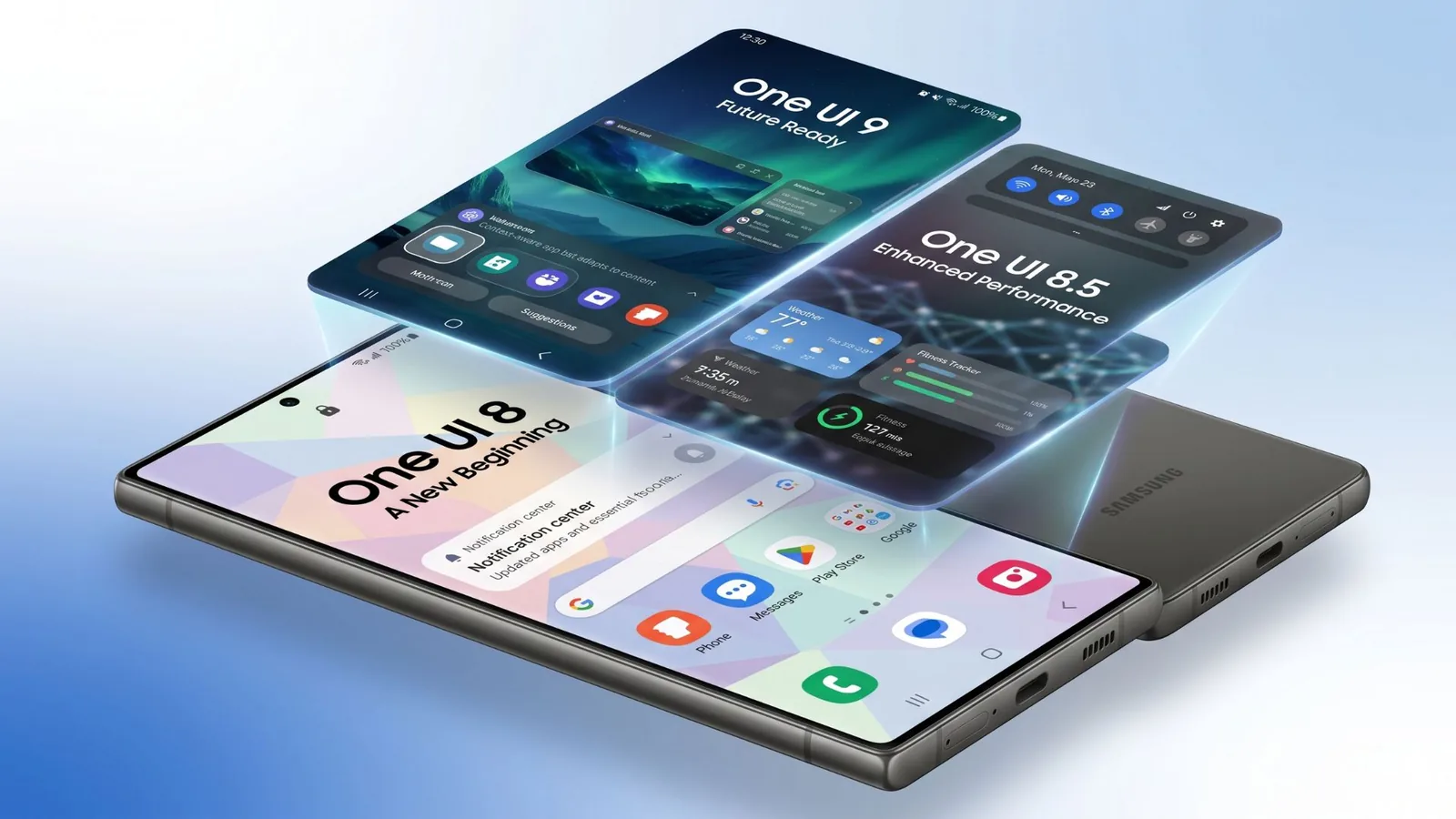
Samsung is rolling out its latest One UI 8.5 update, delivering a substantial visual overhaul and enhanced artificial intelligence capabilities to a wide range of Galaxy devices. The update, which began its global rollout on May 11, 2026, follows the earlier One UI 8 release in September 2025 and aims to provide users with a more intuitive and powerful mobile experience.
The One UI 8.5 update first appeared on the Galaxy S26 series in February 2026 and has since expanded to older flagship models, including the Galaxy S25 and S24 series, as well as select foldable devices like the Galaxy Z Fold7 and Z Flip7. Samsung has also confirmed eligibility and begun rolling out the update to various Galaxy A, Tab, M, F, and XCover models, with a comprehensive list of supported devices available on Samsung's official channels.
Significant Visual and AI Enhancements
One UI 8.5 introduces a significantly redesigned interface with a focus on a "glassier look" featuring system-wide blur and translucency effects. Key visual changes include a floating tab bar in Samsung's native applications, redesigned Clock, Voice Recorder, and Gallery apps, and new customizable lock-screen clock styles. Search bars have been repositioned to the bottom of many apps, including Settings, to facilitate one-handed use. Samsung Internet has also been rebranded to Samsung Browser and now includes an "Ask AI" feature in select regions.
The AI capabilities have seen a major boost with One UI 8.5. Features ported down from the Galaxy S26 include "Now Nudge," a context-aware AI that offers suggestions based on screen content, and an upgraded "Photo Assist" that allows users to describe desired image edits in plain language. A new native app, "Creative Studio," leverages on-device AI to generate stickers, invitations, and personalized images. Real-time audio noise removal now functions system-wide and within third-party applications like YouTube and Instagram. Additionally, a new "Document Scanner" feature simplifies multi-page scanning with automatic removal of common distractions like fingers and shadows.
The integration of AI extends to communication tools with "Call Screening," where Bixby can answer calls from unknown numbers, providing live transcripts before the user decides to engage. This marks a significant evolution for Bixby, which has been rebuilt to understand natural language commands. The update also incorporates Perplexity AI integration for citation-backed web search results within Bixby, with the option to choose between Bixby, Gemini, or Perplexity for different tasks. This move towards more advanced AI integration aims to streamline user workflows and provide more intelligent assistance.
Samsung has also focused on improving cross-device functionality. "Quick Share" now features AirDrop compatibility, allowing seamless file sharing between Galaxy devices and Apple iPhones, iPads, and Macs. This feature is available on the Galaxy S22 and newer flagships, as well as the Galaxy A36. Other enhancements include "Storage Share," which provides access to files from other Galaxy devices within the My Files app, and the bundling of various sharing and control features under "Family Device Sharing." The inclusion of Bluetooth Auracast also broadens audio sharing capabilities.
While One UI 8.5 brings considerable advancements, Samsung also has One UI 9 in beta, signaling ongoing development and future enhancements. For users with Galaxy devices, understanding these updates is crucial for leveraging the full potential of their hardware and enjoying the latest software innovations from Samsung.