
Android Pulse App: Google's New Tool for Monitoring Phone Performance
Google's Android Pulse app is appearing as an update, working silently to detect unusual resource usage like excessive battery drain or memory consumption to improve Android stability.

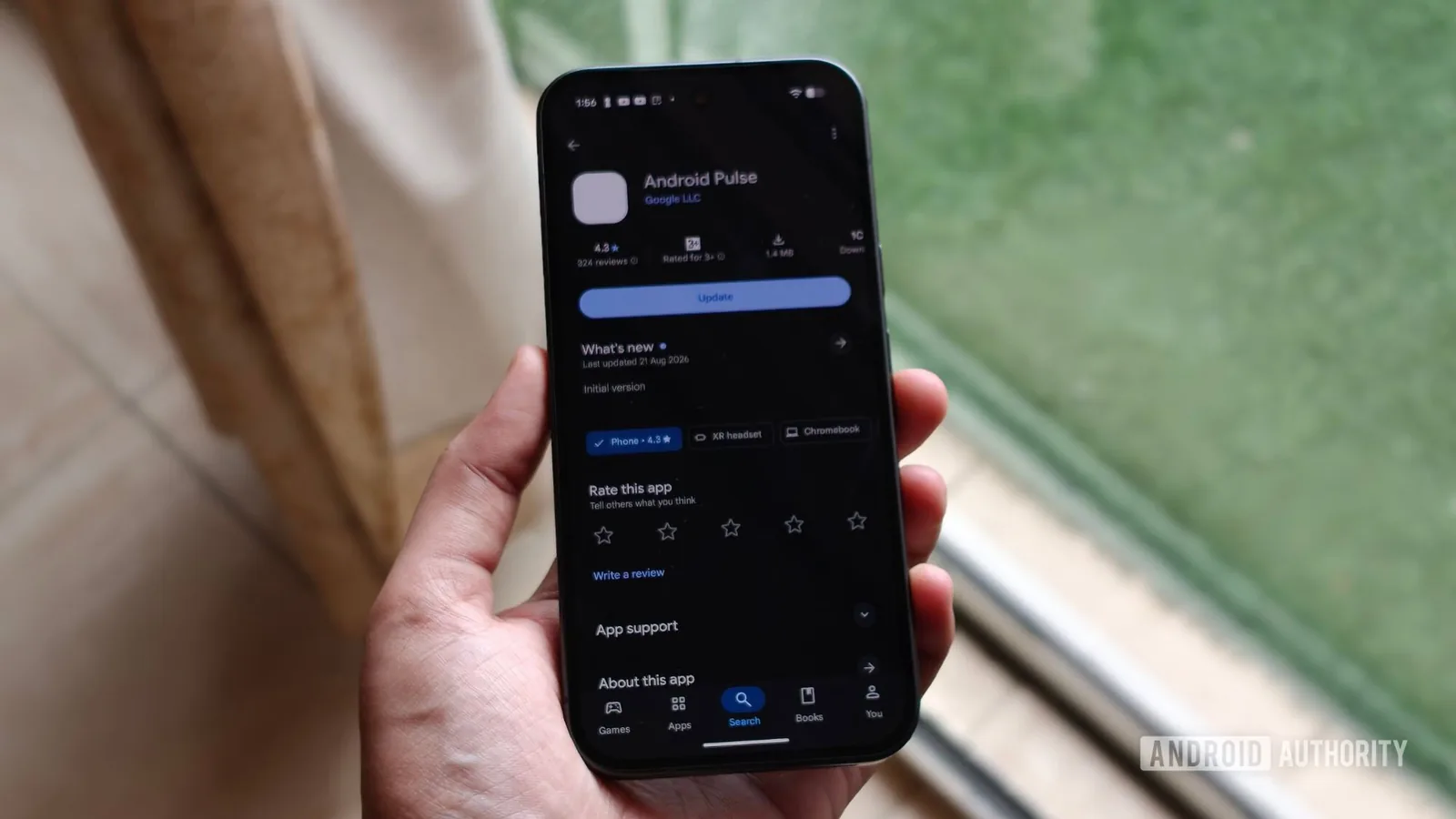
Google's Android Pulse application is increasingly visible to users, emerging as an update within the Play Store. This background service appears to be designed to identify anomalous resource consumption, such as applications unexpectedly draining excessive battery power, consuming too much memory, or hogging processing capabilities on Android devices. While not entirely new, with existing builds dating back to March 2026 and over 10 million downloads already recorded, its recent prominence suggests a broader rollout or increased focus from Google. The application functions discreetly, acting as a crucial diagnostic tool for the Android operating system.
The primary function of Android Pulse is to monitor and report on unusual system behavior. According to the Play Store listing, the app assists in distributing rules for identifying anomalies related to "critical system resource consumption." This means if an application begins to malfunction, such as causing significant battery drain overnight or a background process starts consuming disproportionately high amounts of memory or CPU power, Android Pulse is intended to help the operating system recognize these sudden, problematic spikes. Users do not interact with Pulse directly to initiate scans; rather, its behind-the-scenes operations aim to enable Google to detect and address problematic application behavior more rapidly, ultimately contributing to a more stable and reliable Android experience for all users.
Understanding Android's System Vitals
Battery drain, device overheating, and poorly behaved background applications represent common and frustrating issues for many Android users. Diagnosing the root cause of these problems can often be challenging, requiring advanced technical knowledge. If Google can enhance its ability to detect these anomalies before they escalate into significant performance degradation, it could lead to a more seamless and dependable user experience across the Android ecosystem. The visual cue for the app's purpose is evident in its app info page, which displays a green icon resembling a heartbeat or pulse reading, aptly symbolizing its role in checking the system's vital signs.
Despite its recent surge in visibility, Android Pulse is not a recent development. Evidence from sources like APKMirror shows versions of the application dating back to March 2026, with multiple updates issued since then. The Play Store listing itself indicates a substantial user base, with more than 10 million downloads, suggesting that the app has likely been present on millions of devices for some time without drawing significant user attention. Its current presence in the Play Store updates section is a notable change, allowing users to actively see and potentially update the application alongside their regular software updates.
Users can typically find Android Pulse by navigating to the Play Store, tapping their profile icon, selecting "Manage apps & device," and then choosing the "Manage" tab. Under "Updates available," Android Pulse may appear alongside other apps awaiting an update. For the average user, direct interaction with Android Pulse is unlikely to be necessary. However, its increasing visibility offers a transparent glimpse into the complex network of background services that maintain the functionality and performance of the Android operating system. By helping Google identify resource-intensive or malfunctioning applications and system processes, Android Pulse could play a vital role in making the Android platform more robust and reliable, all without requiring any direct user intervention.