
iOS 27: Dual Phone Numbers, Independent Alarms, Faster AirPlay Emerge
Apple's iOS 27 update includes numerous smaller but significant features beyond AI, such as sharing a phone number across two iPhones and separate alarm volume controls.

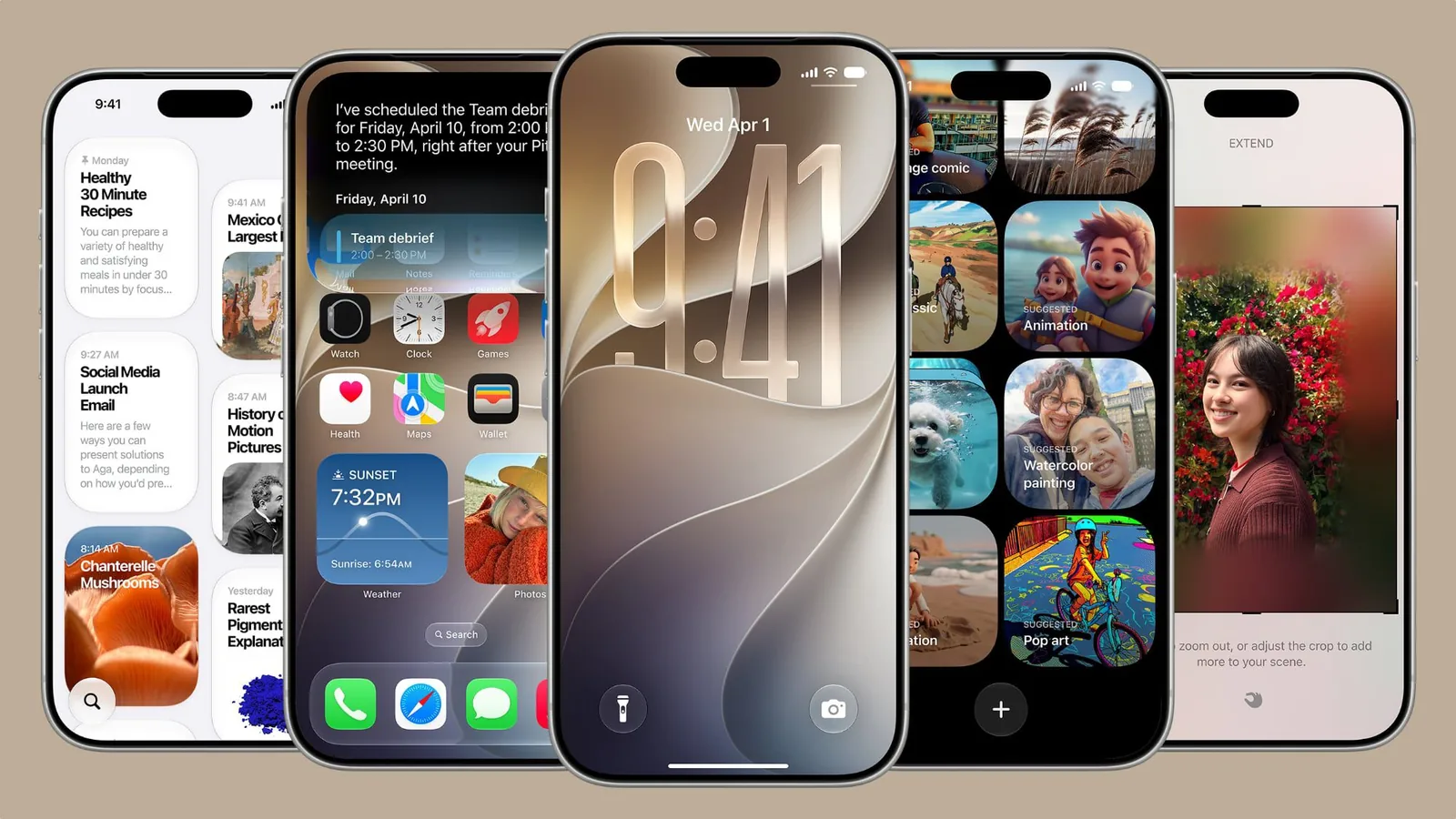
Apple unveiled a host of enhancements for its upcoming operating system, iOS 27, during its WWDC 2026 keynote. While the introduction of a new Siri app and advanced Apple Intelligence features captured much of the attention, the company also detailed numerous smaller, yet impactful, changes designed to refine the user experience. These updates, summarized in an image released by Apple, span across iOS 27, iPadOS 27, and macOS 27, bringing a variety of improvements to everyday device usage.
One of the more novel features in iOS 27 allows users to share a phone number between two iPhones. This functionality, similar to how an Apple Watch can share a number with an iPhone, suggests users could set up two devices with a single number and seamlessly switch between them. This could be particularly beneficial for users considering a foldable iPhone alongside a traditional model, offering flexibility in device choice. However, the implementation of this feature may depend on carrier support, and its availability in the initial beta remains uncertain.
Further enhancing communication, iOS 27 introduces a dual-camera capability for FaceTime calls. This means users will be able to simultaneously utilize both the front and rear cameras during video conversations, potentially offering new perspectives or practical applications during calls. Additionally, AirPlay and AirDrop experiences are set to become significantly faster. System-wide improvements will expedite content streaming to devices like the HomePod and Apple TV, while AirDrop transfers between iPhones and the discovery of nearby recipients will also see notable speed boosts.
Refinements in Messaging and Home Screen Customization
The Messages app is also receiving a creative upgrade with the inclusion of a dedicated drawing app. This feature will allow users to handwrite messages or sketch images directly within the app, leveraging the same drawing tools found in the Notes app and image annotation features. For those who prefer more dynamic Home Screen layouts, iOS 27 introduces an extra-large widget size. These new widgets will occupy an entire app page, providing more comprehensive information at a glance, thereby enhancing the utility of the iPhone's Home Screen.
Privacy and organization are also addressed with changes to Shared Albums. Users can now set expiration dates for shared photo collections, preventing them from accumulating indefinitely. Another significant quality-of-life improvement is the introduction of independent alarm volume control. Users will have the ability to set their alarm, timer, and system alert volumes separately from the main ringtone volume. This can be managed within Settings > Sounds & Haptics, offering granular control over auditory notifications and ensuring alarms are heard without necessarily requiring a loud ringtone.
For power users and developers, the Notes app will now support copying and pasting Markdown, a popular lightweight markup language for formatting text. The Photos app gains a new option to save individual video frames as still images. The Weather app is also updated with a new "Highlights" view for quick information access and improved hourly and 10-day forecasts for precipitation and wind speed.
Beyond these headline features, iOS 27 packs a multitude of optimizations. These include faster loading times for Mail messages, enhanced power efficiency in Safari, more detailed battery insights, and smoother scrolling in the App Library. Users can also expect quicker unlocking experiences on iPhones, new AutoMix transitions in Apple Music, faster HomeKit accessory pairing, and improved start page loading in Safari. Maps will offer more accurate visited place data, and Messages syncing across devices is expected to be more robust. Devices equipped with the N1 chip will benefit from a more power-efficient personal hotspot, and failed messages will automatically attempt to resend. Bluetooth power management is also improved, and the system will better handle time zone changes for the Sleep feature, alongside improved unread badge accuracy in Mail.
The iOS 27 developer beta is currently available, with a public beta expected in July. The full release of iOS 27 is slated for this fall, promising a more refined and feature-rich experience for iPhone users.