
iOS 27: New iPhone Features Include AI-Powered Siri, Extended Wallpaper
Apple's iOS 27 update, launching September 2026, introduces significant new features like a generative AI-powered Siri, extended wallpaper options, and smarter Safari tab organization, alongside numerous other enhancements.

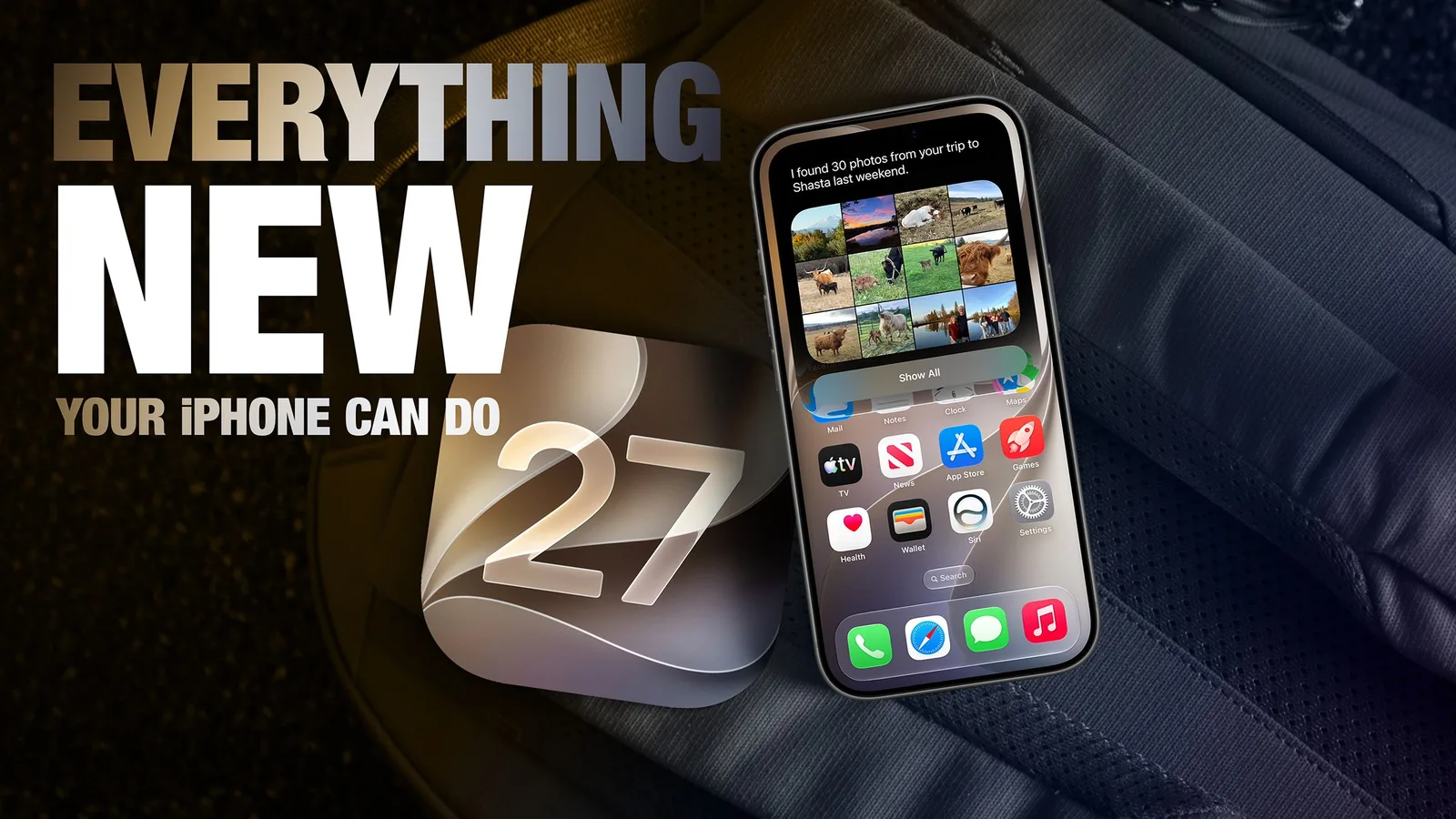
Apple is set to release iOS 27 in September 2026, bringing a host of new features and refinements to the iPhone. While the company has focused on improving system stability and fixing bugs this year, the update introduces several notable additions, including a re-engineered, context-aware Siri powered by generative AI. The new operating system promises a more intuitive user experience with enhancements across various apps, from Photos and Safari to Reminders and the Camera.
One of the visually striking new features is the ability to extend photos for Lock Screen wallpapers. Using Apple Intelligence, iOS 27 can automatically expand an image beyond its original boundaries to fill the entire Lock Screen more naturally. If a photo is too tightly cropped or doesn't fit the iPhone's aspect ratio, the 'Extend' option generates additional content around the edges that seamlessly blends with the original image, eliminating the need for aggressive cropping. This capability is also available within the Photos app itself, allowing users to create more dynamic and expansive backgrounds.
Safari is also receiving a significant upgrade with automatic tab organization powered by Apple Intelligence. The browser will now group open tabs into related topics, making it easier for users to manage their browsing sessions. For instance, if a user is researching appliances and planning a trip simultaneously, Safari can create separate collections for each activity. This feature can be activated by opening Tab View and enabling 'Automatically Create Topics'.
Enhanced User Input and App Integration
Creating reminders and calendar entries is becoming more streamlined with natural language processing. In the Reminders app, users can type requests like "Pick up Dad at 6 p.m. tonight" or "Send the photos to Eric tomorrow at 3 p.m.," and the system will automatically parse the date, time, and location to create the reminder. The Calendar app similarly supports natural language input, recognizing people, dates, and locations to expedite event creation.
The Messages app now allows for inline replies to messages from Android users. Previously limited to iMessage conversations, users can now long-press a message in a green chat bubble and reply directly to it. This enhances cross-platform communication by bringing a feature native to Apple's ecosystem to interactions with non-Apple devices.
Apple's Wallet app sees an expansion of its redesigned pass experience. Beyond airline boarding passes, membership, gift, loyalty, and rewards cards can now utilize a new 'Poster Generic' layout. This enhanced design includes a background image, logo, customizable fields, main information, and an optional barcode. These passes can also feature up to two quick actions, such as navigation to a venue or checking loyalty point balances.
The Shortcuts app is made more accessible through natural language prompts. The 'Describe a Shortcut' interface allows users to explain what they want a shortcut to do, and Apple Intelligence will automatically construct the relevant actions and automations. This could range from setting up a morning routine that includes alarms and focus modes to creating daily summaries of meetings and weather.
Maps receives an upgrade to its Flyover feature, with iOS 27 leveraging Apple Intelligence models to improve aerial imagery. This results in greater texture and sharper detail for landmarks, buildings, and trees, making select cities appear more lifelike. Flyover already provides detailed 3D views in over 350 cities, and this update aims to enhance their realism further.
The Camera app introduces a new 'Siri' mode that uses Visual Intelligence to identify objects within the frame. This can provide information on plants, animals, food, and more, offering calorie counts for food or assisting with tasks like adding event details to the calendar or performing text translation. Additionally, a new compact clock mode for the Lock Screen offers a cleaner aesthetic, placing the time with the date and widgets at the top of the screen.
Image Playground, Apple's generative image tool, receives a substantial update, enabling the creation of high-quality, photo-realistic images in various styles. This is made possible by a new generative model running on Private Cloud Compute. All generated images will be watermarked with SynthID to identify them as AI-generated. The app now also supports photo-based editing in addition to creation.
Users who found the 'Liquid Glass' UI effect from iOS 26 too pronounced will find a new slider in Settings to adjust its opacity. This allows for a more transparent or opaque appearance of UI elements, improving text legibility if desired.
The Photos app now allows users to create slideshows from any album, collection, or selection of photos, moving beyond the previous limitation to 'Memories'. These slideshows can be customized with transitions, durations, and background music, and can be saved as videos or shared directly.
For users who prefer alternative AI assistants, the new Siri app in iOS 27 offers the option to switch to ChatGPT. A long press on the text input field reveals a 'Change to ChatGPT' option, allowing users to leverage different conversational AI models, though conversation context does not transfer between them. Building browser extensions is also simplified with a new AI-powered 'Create an Extension' option within Safari.