
macOS Golden Gate Beta: Top 10 AI and Siri Features to Explore
Apple's macOS Golden Gate public beta is now available, letting users test upcoming Siri AI enhancements, visual intelligence, and improved writing tools before the official fall release.

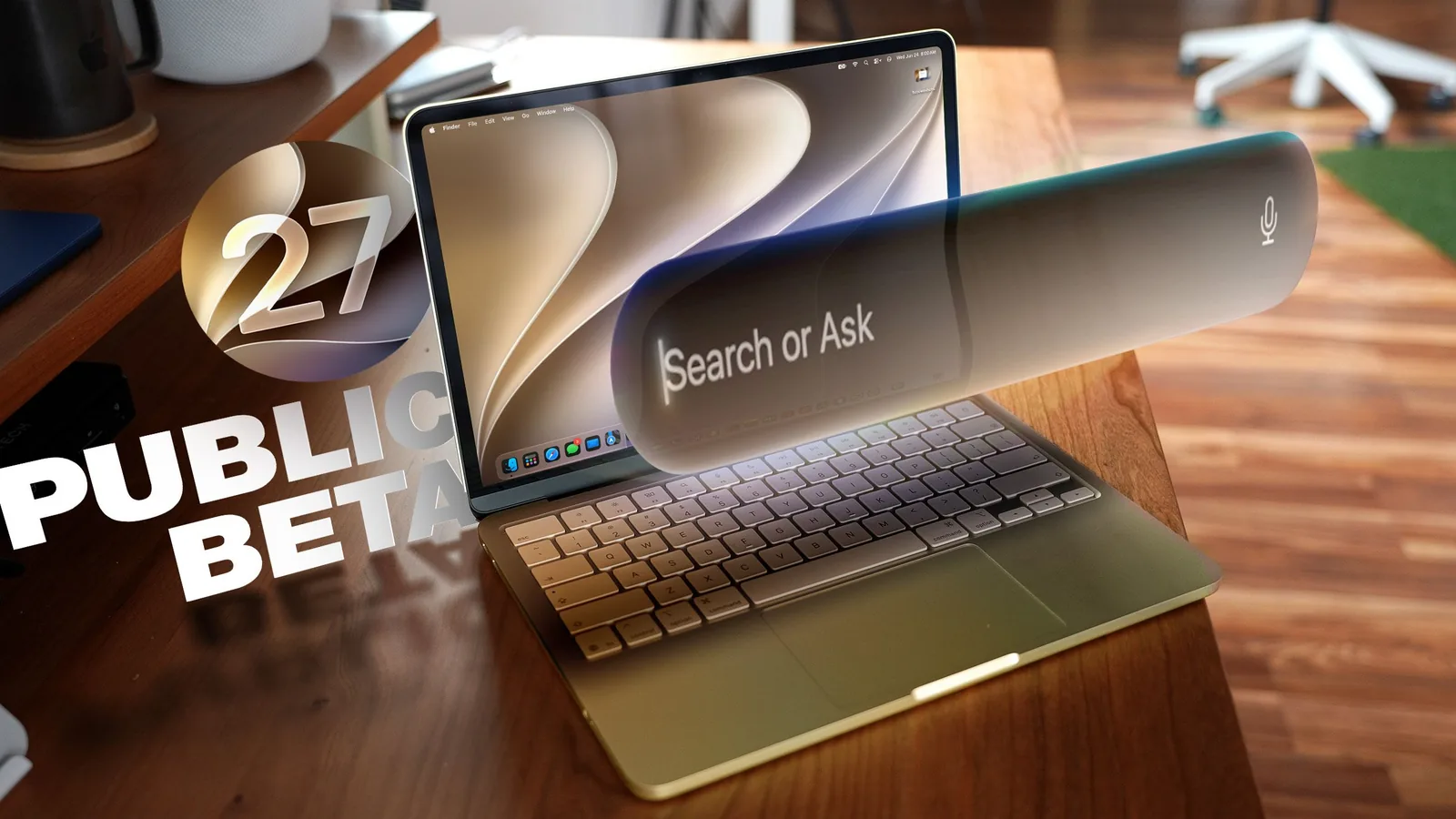
Apple has released the public beta for macOS Golden Gate, offering users a sneak peek at the new features arriving this fall. The update, available this week, introduces significant enhancements to Siri, a revamped user interface, and powerful new AI capabilities designed to streamline workflows and improve user experience on Mac devices. While betas are not recommended for primary machines, this release appears to be a stable iteration compared to previous years, though caution is advised.
Before installing, it is crucial to create a Time Machine backup to ensure a rollback option to macOS Tahoe is available if any issues arise. Users will notice a refreshed look with updated window styling and more legible toolbars. The 'Liquid Glass' interface element has been refined, offering adjustable transparency levels for better contrast and depth perception between UI elements. Window shadows and the Liquid Glass updates work in tandem to make distinguishing active windows easier, especially when multitasking. Sidebars now extend edge-to-edge without floating, reducing visual clutter, and have reintroduced color to their icons.
Siri AI and Visual Intelligence Lead the Way
The most substantial change in macOS Golden Gate is the integration of Siri AI, transforming the voice assistant into a more capable chatbot. Users can now invoke Siri through the Spotlight search interface, which has been unified into a "Search or Ask" bar. This allows for seamless searching of files, apps, and content, alongside complex queries and task completion by Siri. A dedicated Siri app provides a history of conversations and enables cross-device syncing, with Siri capable of accessing on-screen content and personal data like emails and photos to provide context-aware answers. This marks a significant leap from previous Siri iterations.
Complementing Siri's enhanced capabilities is the introduction of Visual Intelligence to Mac, a feature previously seen on iPhones. This allows Siri to analyze what's on your screen, whether it's the entire display or a selected portion. By using keyboard shortcuts like Command + Shift + Space or Command + Shift + 6, users can capture screen areas for Siri to process. Visual Intelligence can identify objects, summarize content, translate text, extract information for calendar entries, and answer questions about visual data. New additions include nutritional information for food items and bill splitting assistance.
The 'Write with Siri' feature offers system-wide writing assistance, building upon existing Apple Intelligence tools. Siri can now compose entire emails or messages, offer writing feedback, suggest word substitutions, and perform other editing tasks. Users can invoke this by right-clicking within an app and selecting "Ask Siri." For blank documents, Siri can generate content based on natural language prompts. Crucially, Siri can analyze a user's past communications to tailor responses in their unique writing style. macOS Golden Gate also expands system-wide spell checking to include grammar suggestions.
iPhone Mirroring allows users to resize the mirroring window, adapting it to various app requirements and screen orientations. The Shortcuts app has been simplified, enabling users to create complex shortcuts using natural language descriptions, with AI generating the shortcut for user refinement. Safari also sees improvements, including customizable extensions created via AI by simply describing desired functionality. For instance, users can create extensions to display reading times, close duplicate tabs, or set focus timers. Intelligent tab grouping automatically categorizes related tabs, and a new notification system alerts users to changes on monitored webpages.
Beyond these user-facing features, Apple has implemented significant performance improvements across macOS Golden Gate. Underlying code has been optimized to speed up animations, interactions, and overall system responsiveness. File transfers via AirDrop are quicker, browsing network devices is more fluid, and window stability is enhanced, particularly with external displays. Messages sync faster and more reliably. The search foundation for core apps like Spotlight, Photos, Mail, and Messages has been rebuilt, leading to quicker indexing and more relevant search results, including an improved ranking system in Mail.
To install the macOS Golden Gate public beta, users must sign up on Apple's beta testing website. Once registered, the beta can be accessed and installed via System Settings > General > Software Update. It's important to note that macOS Golden Gate requires Macs with an M1 chip or later, and a new A18 Pro MacBook Neo. Older Intel-based Macs will not support this update or its advanced AI features.