
macOS 27 Beta: Bypass Siri AI Waitlist With Terminal Command
A Terminal command workaround allows users on the macOS 27 developer beta to bypass the Siri AI waitlist and access the new virtual assistant immediately. The method is reported to be safe.

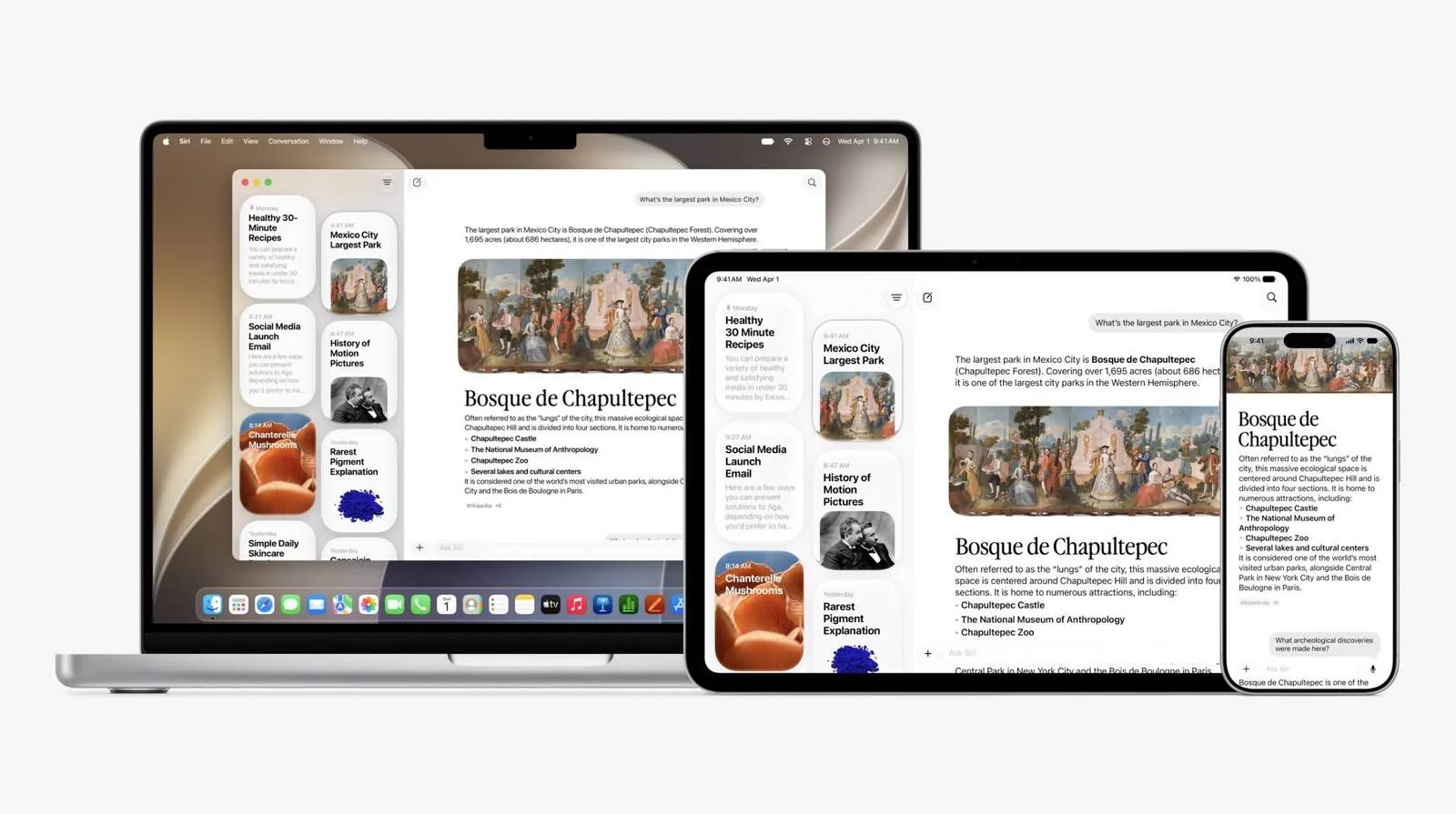
Users running the early developer beta of macOS 27, codenamed Golden Gate, can now access the advanced Siri AI features without waiting for official inclusion on the waitlist. A workaround involving the Mac's Terminal application allows for immediate activation of the new virtual assistant, bypassing the usual enrollment process. This method is particularly relevant for users who have installed the beta on testing machines and are comfortable with command-line operations.
To enable the enhanced Siri AI, users need to open the Terminal app on their Mac running the macOS 27 beta. Once Terminal is open, the following command should be entered: sudo defaults write "/Library/Preferences/FeatureFlags/Domain/GenerativeModels.plist" "EnhancedSiriWaitlist" -dict-add Enabled -bool NO. After entering the command, users must restart their Mac for the changes to take effect. Early reports suggest this workaround is safe and does not require reversal once the user is officially off the waitlist.
It is important to note that while Siri AI availability is restricted in the European Union for iPhone and iPad users due to Digital Markets Act (DMA) regulations, it is accessible on Mac and the Vision Pro headset in other regions. The initial release of Siri AI on Mac is limited to English language support.
Enhanced Siri Capabilities on Mac
Once activated, the new Siri AI offers a significantly enhanced experience. Users can engage in back-and-forth conversations with Siri using either text or voice input within the dedicated Siri application. Conversation history is synchronized across devices via iCloud, providing a seamless experience. A key advancement is Siri AI's ability to draw upon personal context. This allows it to search across messages, emails, photos, and other personal data to provide more relevant assistance. Furthermore, it can perform system-wide actions across various applications.
Integration of Siri AI into the operating system is also notable. On macOS 27, the assistant is now accessible through Spotlight search, offering quick access to its capabilities. Additionally, it can be invoked through right-click context menus on files or windows, providing on-demand assistance for specific items. This deep integration aims to make Siri a more proactive and context-aware assistant, streamlining user workflows and improving productivity.
The development signifies a major push by Apple to integrate more advanced artificial intelligence into its core operating system. The move comes as the tech industry sees a rapid acceleration in the development and deployment of AI technologies. While specific details on the underlying models powering Siri AI have not been fully disclosed, its ability to understand personal context and interact across applications suggests a sophisticated architecture. Apple's strategy appears focused on leveraging AI to enhance user privacy and utility, directly within the device ecosystem.