
Windows 11 Copilot Gains PC Health Insights Feature
Windows 11's Copilot is introducing a new "PC Insights" feature to help users identify system performance and storage issues. The AI assistant can analyze hardware, network, and battery status, though it uses significant RAM itself.

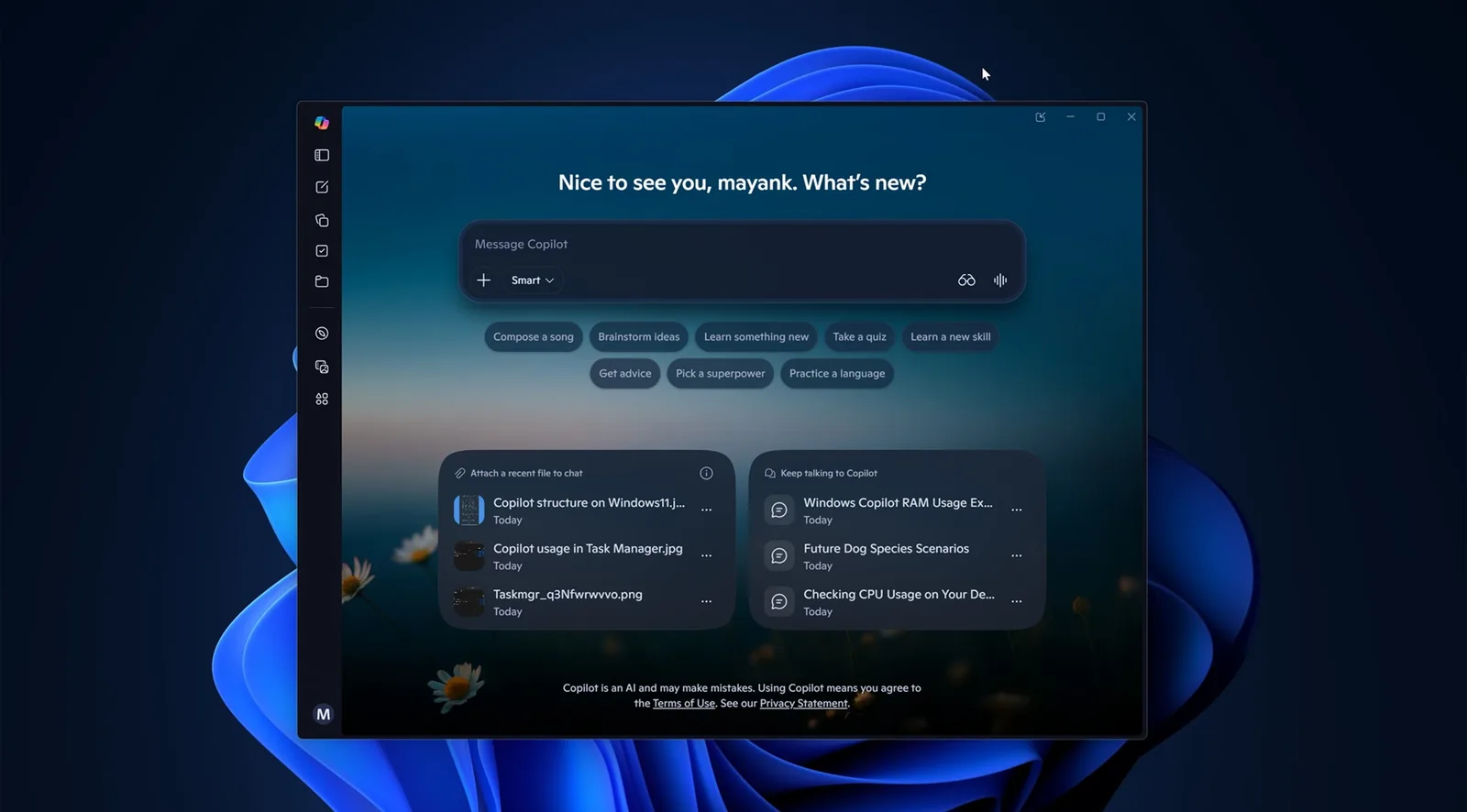
Microsoft is rolling out a new capability for Windows 11's Copilot, enabling the AI assistant to diagnose system performance and storage problems. The feature, dubbed "PC Insights," allows users to query Copilot about their PC's current state, including hardware specifications, resource usage, and network status, providing answers in plain language.
This new functionality aims to simplify troubleshooting by offering insights that would typically require users to navigate tools like Task Manager or File Explorer. For instance, a user could ask Copilot if they have sufficient space for a new game, and the AI could then check available storage and compare it to the game's requirements. Copilot can access information on CPU, RAM, and GPU usage, storage capacity, connected devices like printers and webcams, network adapters, and even battery health and BIOS versions. Microsoft emphasizes that Copilot will only access this information after explicit user permission is granted.
Understanding System Performance and Storage
The "PC Insights" feature leverages Windows APIs to analyze various aspects of a user's computer. This includes monitoring system resources such as processor and memory activity, as well as assessing available and total storage space. It can also identify connected peripherals like USB drives, external hard drives, and printers, along with their current operational status. Network information, including Wi-Fi and Bluetooth connectivity, is also within its purview. The AI assistant can provide details on battery health, confirm if antivirus protection is active, and report on general system specifications.
According to Microsoft, users can ask questions like "What graphics card do I have?" or "Is my antivirus running?" Copilot is designed to interpret these queries and provide contextual responses based on the system's real-time data. The company highlighted that this functionality allows users to "take action faster" by receiving information in an easily understandable format, rather than digging through multiple system menus.
While Copilot can report on the size of folders like Downloads and Documents, Microsoft states it cannot access the content of individual files without explicit user consent. This read-only access is a key component of the privacy assurances for the feature. However, users can adjust permission settings, opting to have Copilot "Ask every time" before accessing data or selecting an "Always allow" option for quicker responses.
The introduction of PC Insights by Microsoft comes as the company continues to integrate AI more deeply into its operating system. Copilot, initially launched as a web-based sidebar, has undergone significant evolution, now incorporating native Windows elements. Despite its new diagnostic capabilities, concerns have been raised about Copilot's own resource consumption. Reports indicate that the application can utilize up to 1GB of RAM, even when idle, and bundles a separate instance of Microsoft Edge for its browsing functionalities, a point of irony given its role in diagnosing system slowdowns.
Microsoft has stated that while conversation activity, including prompts and responses, may be used to improve AI models depending on user settings, personal files and system information will not be stored or used for training purposes. The company aims for Copilot to be a helpful tool for managing and understanding one's Windows PC, but the juxtaposition of its diagnostic role with its own substantial resource footprint remains a point of discussion among users.