Windows update printing bug and activation failures hit systems
The November 2026 Windows security update introduces printing bugs involving zero-size graphics and activation failures for administrators.

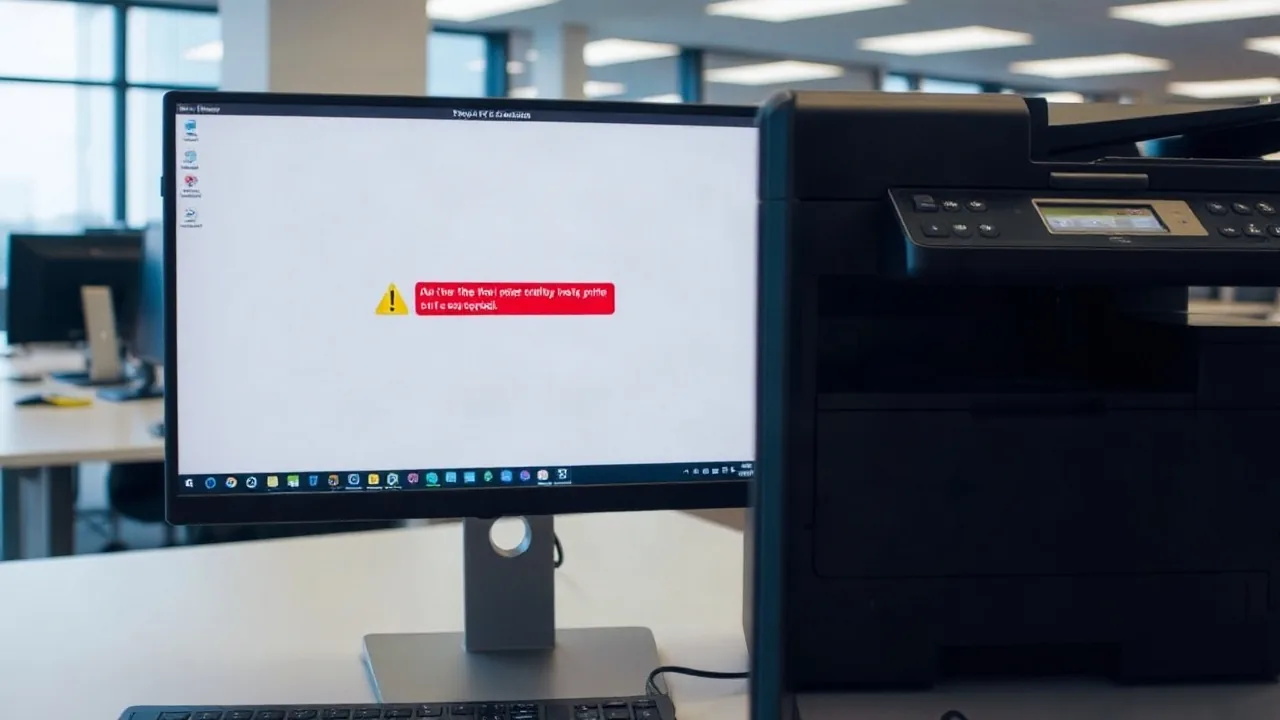
The Microsoft Windows security update for November 2026 has introduced unexpected complications for users and system administrators, ranging from unexpected printing errors to activation failures. Issues with zero-sized graphics can cause documents to fail during printing, while separate licensing commands encounter execution errors across multiple operating system versions.
According to the notification (WI1549472), the printing complications emerge when documents contain images rendered with a height or width of zero at the selected printing resolution. These invisible objects may be generated automatically by document-generation tools as part of watermarking or layout, rather than being explicitly added by the user.
“The issue was observed when printing Microsoft Word documents using the Windows Graphics Device Interface (GDI), but printing from other applications might also be affected,” Microsoft said.
Most operating system versions are affected by the printing bug, spanning from Windows 11 26H2 down to Windows 10 Enterprise LTSC 2016. Additionally, server editions ranging from Windows Server 2025 back to Windows Server 2016 experience the same behavior.
Activation Failures and Management Tool Errors
Printer complications are accompanied by licensing hurdles. Microsoft confirmed that certain activation and licensing operations performed using the Software Licensing Management Tool (SLMGR) can fail after installing the November 2026 security update. This specifically impacts administrators utilizing command-line tools or automated processes for activation management.
“Affected devices might encounter error 0x80041008 , Invalid parameter ( SWbemObjectEx ), when running commands to activate Windows, configure Key Management Service (KMS), or manage product keys,” Microsoft said. “The failure has been observed while executing the command ' slmgr.vbs /skms-domain ' and ' slmgr.vbs /ipk '.”
The notice (WI1549486) lists Windows 11 23H2, Windows 10 22H2 and 21H2, alongside Windows Server versions 2025, 2022, and 2019 as impacted by the licensing errors. While investigations into the printing issue continue, Microsoft stated that a fix for the activation problem is scheduled to arrive in the coming days, while administrators requiring immediate help can contact Microsoft Support for Business.