
Apple HomeView Relies on iPhone Integration for Privacy and Features
Apple's $299 HomeView smart display depends heavily on a nearby iPhone or iPad to deliver personalized apps while protecting user privacy.

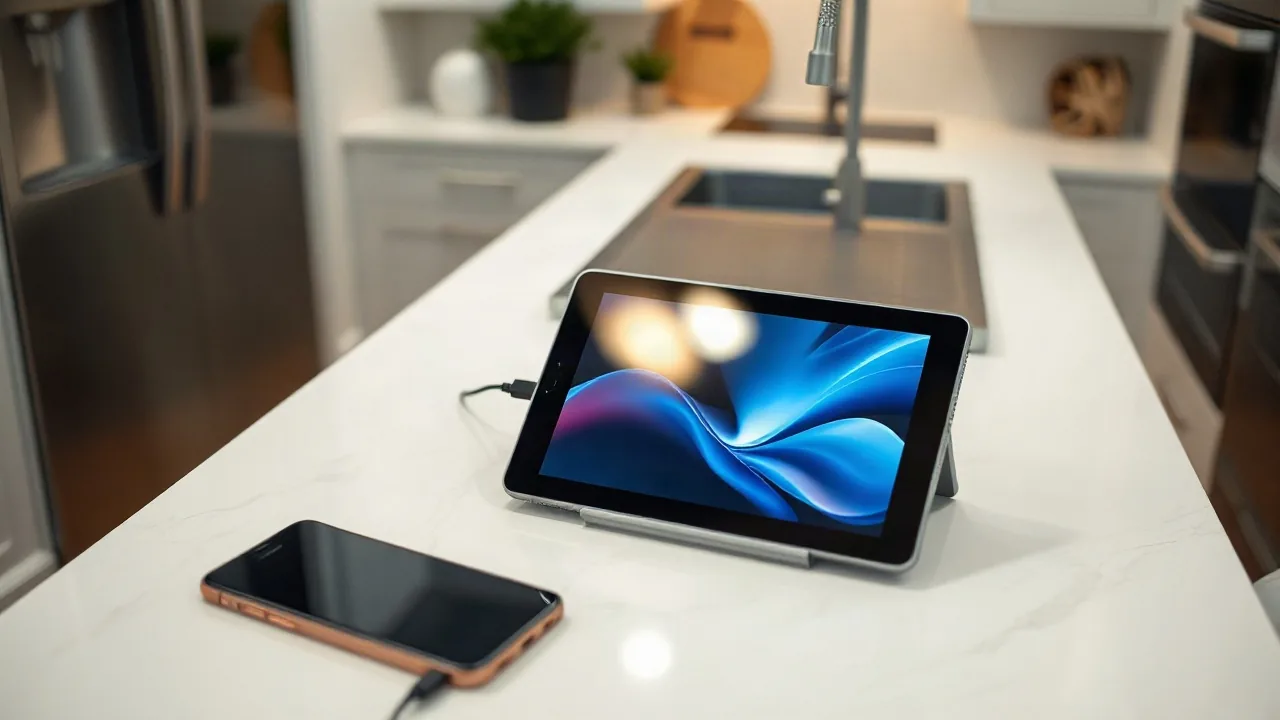
Apple has officially launched the HomeView, a $299 smart display that combines a visual interface, smart speaker, kitchen assistant, and FaceTime station into a single device. Rather than running standalone applications downloaded from the App Store, the HomeView operates similarly to CarPlay by mirroring compatible apps already installed on a user's iPhone or iPad alongside Apple's core suite of services such as Calendar, Messages, Reminders, and Weather.
During a recent event, newly appointed Apple CEO John Ternus emphasized the central role of mobile devices in the company's ecosystem. “There's no product in the world better designed to be your intelligent personal hub than iPhone,” Ternus stated during his opening remarks. This core philosophy dictated the architecture of the HomeView, which requires a nearby mobile device to function fully while keeping sensitive personal information secure from other household members.
Privacy and Ecosystem Integration
Because the HomeView functions as a communal hub for families to control connected smart home devices, Apple engineers had to ensure that shared use did not compromise individual privacy.
Costello further added, “Everything that feels natural on a phone is now available in a subtle, glanceable device that gives you what you need in the moment.” By ensuring data is housed solely on the iPhone rather than stored permanently on the smart display itself, Apple aims to deliver contextual intelligence without sacrificing security when users step away.
The device also features handoff capabilities for music and FaceTime calls, mirroring features found on the HomePod. Designed primarily for voice interactions rather than physical controls, the HomeView features no buttons, relying instead on Siri and secondary touch inputs. Dantas noted that determining which features to include from existing Apple services proved to be a significant challenge during development, balancing a powerful user experience with intentional simplicity.