
iPhone Battery Life Boost: Disable This Setting Now
iPhone users can extend their device's battery life by disabling a specific background setting. This simple change can significantly impact daily usage and reduce charging frequency.

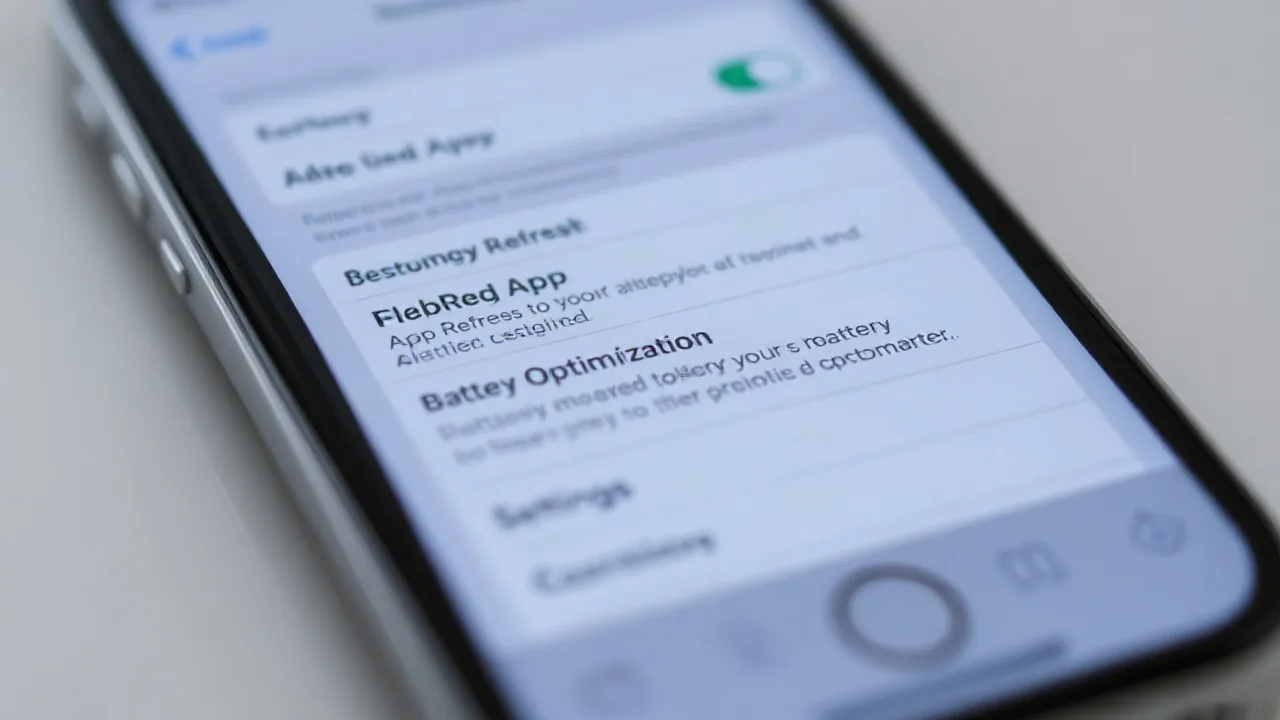
Many iPhone users are unaware of a background setting that can significantly drain their device's battery. Disabling 'Background App Refresh' is a simple yet effective way to conserve power and prolong the time between charges, especially for those who rely heavily on their phones throughout the day.
Background App Refresh allows applications to download new content and update in the background, even when not actively being used. While convenient for staying up-to-date, this feature consumes a considerable amount of battery power and data. Apple introduced this setting to provide a seamless user experience, ensuring apps are ready with fresh information upon opening. However, for users prioritizing battery longevity, it presents a trade-off.
Conserving Power by Managing App Activity
The setting can be toggled on or off globally for all apps, or individually for specific applications. To access this feature, users navigate to 'Settings,' then 'General,' and finally select 'Background App Refresh.' From there, they can choose to disable it entirely, set it to update only when connected to Wi-Fi, or select which apps are permitted to refresh in the background. Many tech experts recommend disabling it for non-essential apps that do not require real-time updates.
For instance, apps like social media platforms or news aggregators might benefit from background refresh, but utility apps or games generally do not need this capability. By carefully curating which apps have permission to refresh, iPhone owners can achieve a noticeable improvement in battery performance. This practice becomes particularly relevant in late 2026, as users increasingly depend on their smartphones for extended periods without access to charging facilities.
Reports suggest that disabling this feature can save up to 20% of battery life, depending on usage patterns and the number of apps allowed to refresh. While some users may miss the instant updates from certain applications, the extended battery life offers a compelling advantage. The decision ultimately rests with the individual user, balancing convenience against power consumption. Turning off background app refresh is one of the most frequently cited tips for optimizing the iPhone experience.