
Android 17: Three Hidden Settings Elevate Your Pixel Phone
Android 17 introduces several subtle yet impactful hidden settings for Pixel phones, including options to remove app icon labels and enforce dark mode on all applications, significantly enhancing user experience.

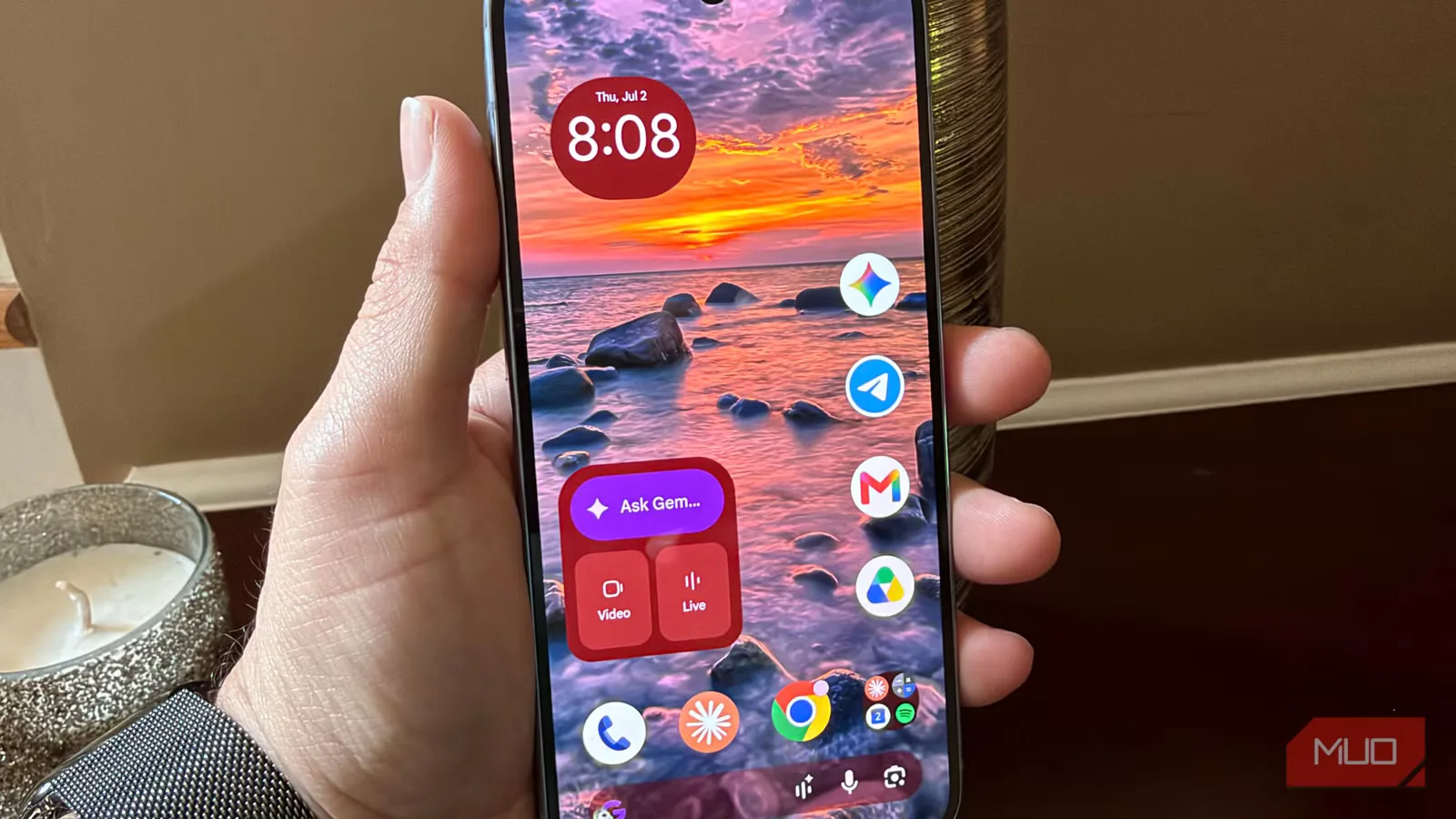
Google's latest mobile operating system, Android 17, is now available for Pixel devices, bringing a host of refinements that go beyond the headline features. While much attention is on advancements like app bubbles, three less conspicuous settings have emerged that dramatically alter the phone's aesthetic and usability. These enhancements, surprisingly absent from default configurations, offer users greater control over their device's appearance and functionality.
One of the most visually striking adjustments available is the ability to remove app icon labels from the home screen. This feature, long a staple in third-party launchers, finally arrives with Android 17, allowing for a cleaner, more minimalist interface. To enable this, users simply need to long-press on the home screen, navigate to 'Wallpaper & style,' then 'Icons,' select 'Names,' and toggle off 'Show app names.' This change not only declutters the screen but also encourages users to recognize applications by their icons, fostering a more intuitive interaction.
Another significant, though not immediately apparent, improvement is the expanded dark mode capability. Android 17 introduces a system-wide toggle that compels even applications lacking native dark mode support to adopt a darker theme. This is particularly beneficial for OLED screens, as black pixels consume minimal power, contributing to extended battery life. Accessing this feature involves going to 'Settings,' then 'Display & touch,' followed by 'Dark theme,' and finally selecting 'Expanded.' This ensures a consistent visual experience across all apps, including those that have historically lagged in dark mode implementation, such as Microsoft's LinkedIn app. While the forced dark mode might occasionally lead to minor display anomalies in unsupported apps, the overall benefit of a uniform dark interface is substantial.
Enhanced Flashlight Control Offers Practical Utility
Beyond visual customization, Android 17 also brings a practical upgrade to the device's flashlight functionality. A previously minor but highly useful new feature allows users to adjust the flashlight's intensity via a slider. This is a welcome addition for those who frequently use their phone's torch, especially in sensitive environments like a child's bedroom at night. To access this control, users can long-press the flashlight toggle within the quick settings panel. If the toggle is not immediately visible, it can be added by expanding the quick settings, tapping the pencil icon, locating 'Utilities,' and selecting the plus icon next to 'Flashlight.' The ability to dim the flashlight prevents startling others and provides just enough light for navigation without causing disruption.
While Android 17 offers other notable advancements such as app bubbles for enhanced multitasking and Screen Reactions for creative video content creation, these 'hidden' settings represent a deeper level of user-centric refinement. The incremental nature of these updates reflects the maturity of the Android platform, where improvements often focus on enhancing the day-to-day user experience rather than introducing entirely new paradigms. Google's decision to tuck away these powerful customization options, however, raises questions about discoverability. For users willing to explore their device's settings, Android 17 provides a significantly more personalized and visually appealing mobile experience, proving that sometimes the most impactful changes are the ones found by chance.