
Galaxy Phones With One UI 9 Can Now Uninstall SwiftKey Keyboard
Samsung's latest One UI 9 software update for Galaxy devices now allows users to completely uninstall the Microsoft SwiftKey keyboard app, freeing up storage space.

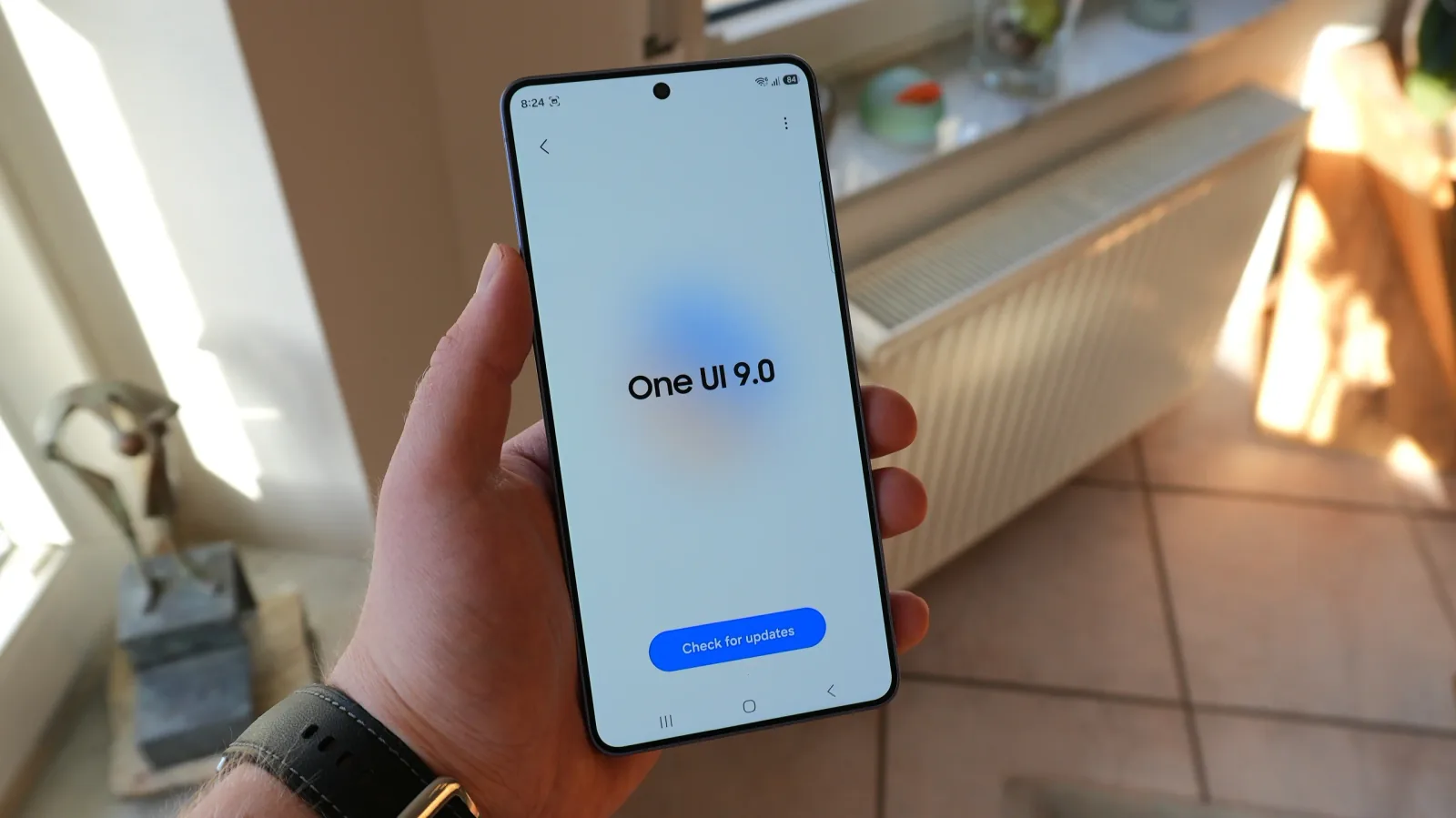
Owners of Samsung Galaxy phones and tablets running the new One UI 9.0 software can now finally uninstall the Microsoft SwiftKey Keyboard, a feature previously unavailable. This change marks a significant shift for users who prefer Samsung's default keyboard or wish to reclaim device storage. Previously, users could only disable the app or uninstall its updates.
The ability to fully remove the SwiftKey app was confirmed on a Galaxy S26 Ultra running the One UI 9.0 Beta 5 build. Uninstalling the keyboard app successfully freed up approximately 55MB of storage. Prior to One UI 9.0, users were limited to disabling the application, preventing it from running but not removing it from the device entirely.
Pre-installed Apps and Evolving Partnerships
Historically, Samsung has partnered with Microsoft to pre-install a suite of applications on its Galaxy devices. These include productivity tools like Office, OneDrive, OneNote, and the SwiftKey keyboard. Recent changes in this partnership, such as Samsung ending support for OneDrive integration in its Gallery app, suggest a cooling of the long-standing collaboration. This evolving relationship may be the driving factor behind Samsung's decision to allow the uninstallation of SwiftKey.
Furthermore, newer Samsung models are increasingly shipping without SwiftKey pre-installed. The Galaxy Z Fold 8 and Galaxy Z Fold 8 Ultra are notably absent of the keyboard app, as are some recent Galaxy A series phones like the Galaxy A57. This indicates a strategic pivot by Samsung, potentially favoring its own native applications and offering users greater control over their device's software.
The decision to allow SwiftKey uninstallation on devices running One UI 9.0 is a welcome move for many users. It aligns with a growing demand for more customizable and clutter-free mobile experiences. By enabling the removal of bloatware, Samsung is empowering users to tailor their devices to their specific needs and preferences, ultimately enhancing user satisfaction.