
Google Gemini Adds 'Minimize' Button for Multitasking on Android
Google is enhancing its Gemini AI assistant for Android users by introducing a "Minimize Gemini" button. This new feature allows users to keep Gemini running in the background while continuing to use their device for other tasks, improving multitasking capabilities.

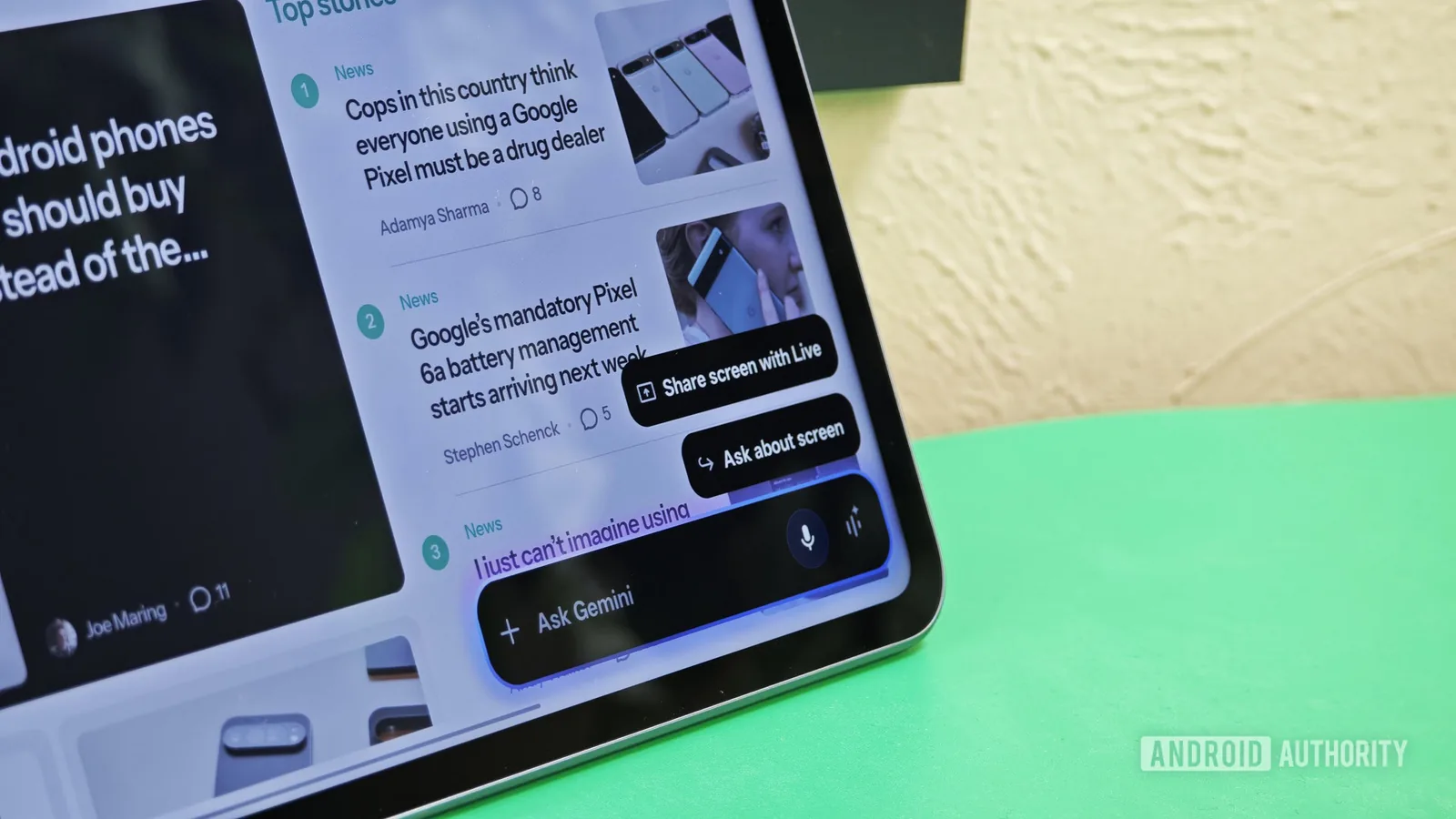
Google is enhancing the multitasking capabilities of its Gemini AI assistant on Android devices with a new "Minimize Gemini" button. This feature, currently in testing, will allow users to continue using their phones for other applications while Gemini processes requests in the background, moving away from the previous limitation where the Gemini overlay occupied the entire screen.
The development, spotted in version 17.30.26.sa.arm64 of the Google app, introduces a clear button within the Gemini overlay. This button will be visible throughout the interaction, making it easier for users to discover and utilize the minimizing functionality. Previously, while the ability to minimize Gemini was hinted at, its explicit mention was absent, potentially hindering user adoption. This updated approach ensures users can readily access the feature, improving the overall user experience.
Furthermore, the new iteration of the minimizing function appears more flexible. Unlike earlier versions where Gemini could only be minimized during request processing, the forthcoming update suggests users will have the ability to minimize the overlay at any point during their interaction. This increased flexibility aims to provide a more seamless and less intrusive AI assistant experience.
UI Enhancements for Account Switching
Beyond the core multitasking improvement, Google is also refining the user interface for switching between accounts within both the Google app and the dedicated Gemini app. The updated account switcher presents a more compact design, optimizing screen real estate. Instead of a prominent profile picture at the top and a separate menu item for switching, the new UI consolidates these elements into a single, cleaner row. This streamlined design aims to make account management more efficient and visually appealing for users who manage multiple Google accounts.
The introduction of these features suggests Google is actively working to integrate Gemini more deeply and practically into the Android ecosystem. The ability to multitask while using a powerful AI assistant addresses a key usability challenge. As AI assistants become more sophisticated and integrated into daily device usage, features that enhance their non-intrusiveness and parallel functionality become crucial for widespread adoption and user satisfaction.
While these updates have been observed in internal testing and code analysis, there is no official release date announced by Google. However, the polished nature of the observed features indicates they could be rolled out to users in the near future. The move aligns with Google's ongoing efforts to compete in the AI space, making its tools more user-friendly and powerful across its product suite.