
One UI 9 Update Rolls Out for Older Samsung Galaxy Phones
Samsung has begun rolling out its One UI 9 software update, based on Android 17, to several older Galaxy smartphone models. The update promises new features and improvements for devices previously unable to access the latest software.

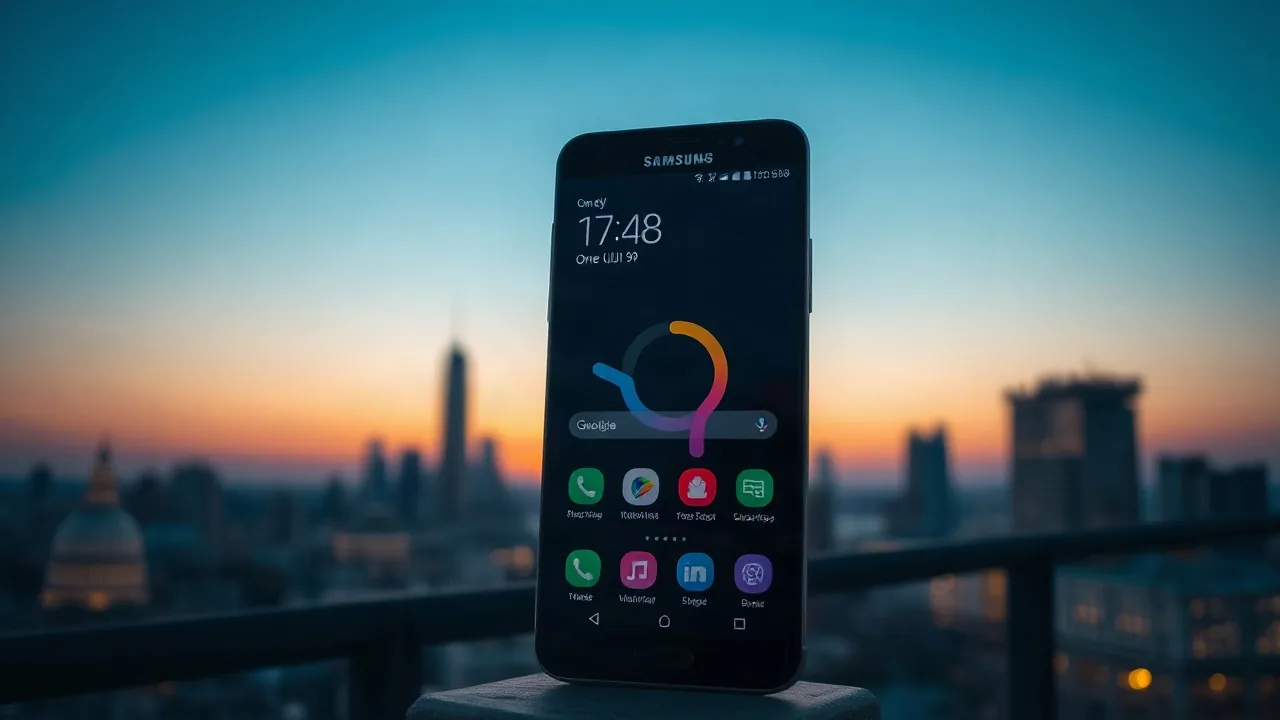
Samsung has officially commenced the rollout of its highly anticipated One UI 9 software update, bringing the latest Galaxy experiences to a range of its older smartphone models. The update, which is built upon the Android 17 operating system, began appearing for select devices this week, signaling Samsung's commitment to extending the life and functionality of its previously released hardware.
While flagship devices often receive the newest software first, Samsung has confirmed that several models beyond the current generation will benefit from the One UI 9 upgrade. This move is expected to enhance user experience for a significant portion of the existing Galaxy user base, offering them access to new features, performance improvements, and enhanced security protocols that were previously exclusive to newer devices.
Expanding Access to Latest Features
The One UI 9 update aims to bridge the gap between older and newer Samsung devices, ensuring that a broader audience can enjoy the advancements in mobile technology. According to Samsung's official newsroom, the rollout plan is staggered to ensure stability and a smooth transition for all users. Specific rollout dates and device eligibility can vary by region and carrier, but the initial wave includes popular models that have been on the market for a few years.
For instance, the Galaxy S25 series and other devices launched around the same period are among the first to receive the stable One UI 9.0 update. This provides a significant boost for owners of these phones, who might have been anticipating an upgrade path to the latest Android iteration. The update promises a refined user interface, improved camera functionalities, and enhanced battery optimization, all contributing to a more seamless and powerful mobile experience. Samsung's strategy underscores a growing trend in the industry to provide longer software support for devices, thereby reducing electronic waste and increasing customer satisfaction.
The integration of Android 17 via One UI 9 brings a host of under-the-hood improvements, including enhanced privacy controls and more sophisticated AI-driven features that can personalize user interactions. Users can expect a cleaner interface with more customization options, allowing them to tailor their devices to their specific needs and preferences. This includes advancements in multitasking capabilities and improved integration with Samsung's ecosystem of products and services.
One of the key benefits for owners of these older Galaxy phones is the extension of their device's usability. By receiving the latest software, these phones remain more secure and capable of running the newest applications, which are often optimized for more recent operating system versions. This proactive approach from Samsung not only benefits consumers but also reinforces the brand's reputation for supporting its products long after their initial release. The company has faced increasing consumer demand for extended software support, and this latest update is a direct response to those calls.
As the Samsung Galaxy ecosystem continues to evolve, the One UI 9 rollout signifies a pivotal moment in software distribution. It demonstrates Samsung's capability to manage complex software updates across a diverse range of devices efficiently. Users are encouraged to check their device's software update settings for notification of the One UI 9 availability in their region. The company advises users to ensure their devices are connected to Wi-Fi and have sufficient battery charge before initiating the download and installation process, which can take some time depending on the device and network speed.