
Windows 11 Taskbar Customization Returns: Movable and Resizable Options Tested
Microsoft is reintroducing key Windows 11 Taskbar customization features, allowing users to move it to the sides of the screen and opt for a smaller size. These options are now available for testing in the latest Insider build.

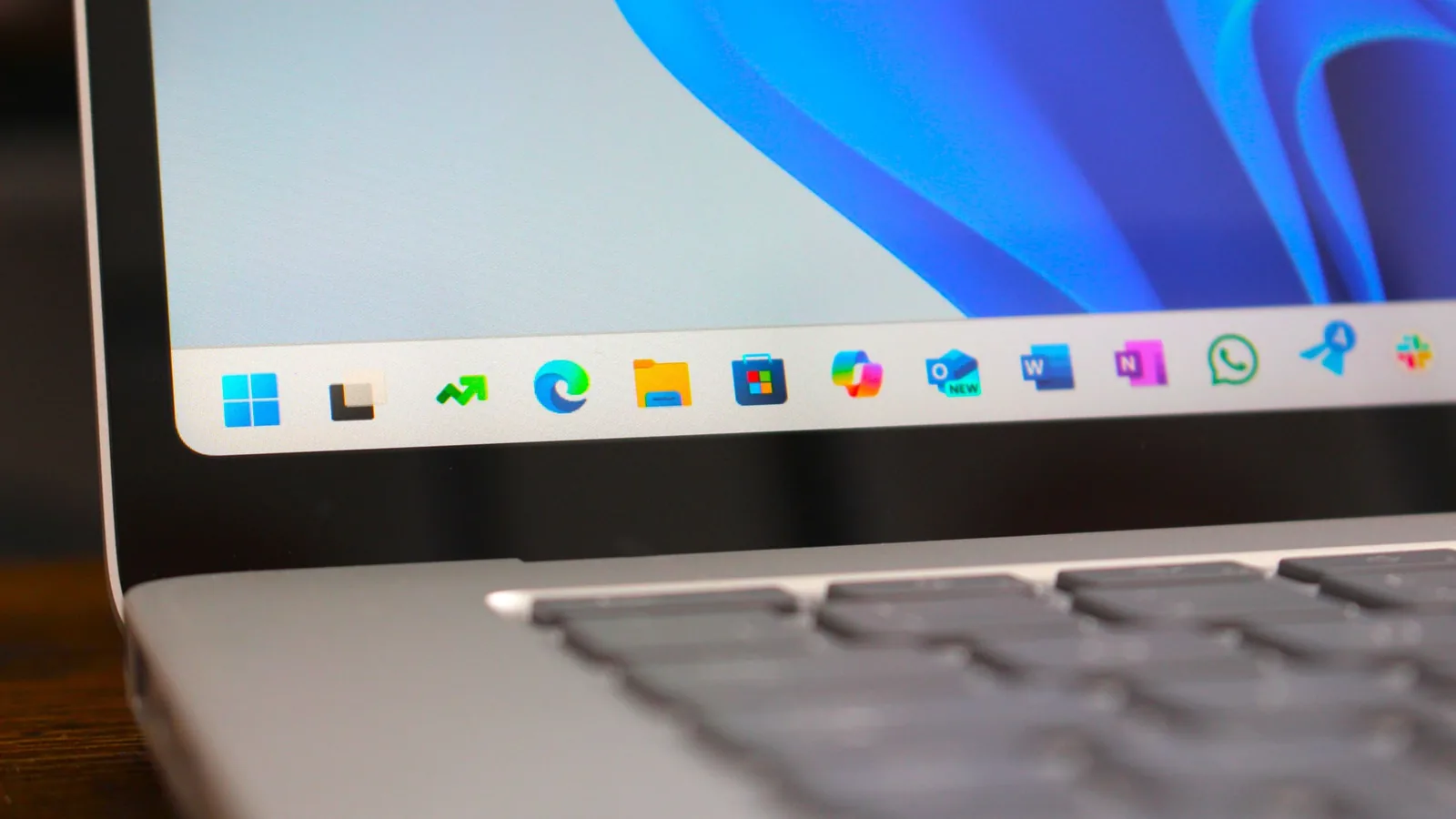
Microsoft has begun testing long-requested Taskbar customization features for Windows 11, allowing users to reposition the bar to the left, right, or top of their screen. The ability to resize the Taskbar to a smaller profile is also being trialed in the latest build for the Windows Insider Program's Experimental channel. This move addresses significant feedback from users who missed these capabilities, which were present in previous Windows versions but removed with the Windows 11 redesign.
The return of the movable Taskbar was a prominent feature highlighted by Microsoft's initiative to enhance the Windows 11 user experience. Zac Bowden, Senior Editor at Windows Central, first noted Microsoft's plans to bring back this functionality, recognizing its importance to many long-time Windows users. The feature, supported for decades in earlier Windows iterations, was notably absent in Windows 11, leading to considerable user demand for its reintroduction. This update, found in Windows 11 Build 26300.8493, marks a significant step in restoring user-requested options.
Taskbar Customization Expands with New Options
Within the Windows 11 Insider build, users can now navigate to Settings > Personalization > Taskbar > Taskbar Behaviors to select their preferred Taskbar position: bottom, top, left, or right. Tooltips, flyouts, and animations will adapt to these new positions, and most existing customization settings, such as using smaller Taskbar icons or disabling icon combining, will continue to function across all locations. While support for touch gestures, the Search box, and the Ask Copilot feature in these alternate positions is still under development, the core functionality of repositioning the Taskbar is now a reality for testers. Features like the auto-hidden Taskbar and touch-optimized Taskbar are not yet supported.
In addition to repositioning, users can now opt for a smaller Taskbar to maximize screen real estate, a particular benefit for users with smaller displays. This setting reduces the height and size of icons, offering a more compact interface. Core elements like the Start menu, Search, and system tray scale appropriately to maintain visual consistency. Users can enable this by going to Settings > Personalization > Taskbar > Taskbar behaviors > Show smaller taskbar buttons, setting it to 'Always'. Microsoft is also reportedly working on making Taskbar resizing more intuitive in future updates.
Further refinements target the Widgets experience, with taskbar badging now adopting the user's Windows accent color instead of the default red. This change aims to make badging less urgent and distracting. Microsoft is also exploring ways to tailor the Widgets experience based on user engagement levels, potentially quieting notifications for less active users. Feedback from Insiders is being actively sought to gauge the effectiveness of these adjustments.
Windows Search is also receiving attention, with efforts to ensure files and apps appear more prominently than web suggestions when a strong match exists. Voice typing and voice access are being enhanced with 'Fluid Dictation,' now supporting Spanish and French. This feature utilizes on-device small language models (SLMs) for faster and more private grammar and punctuation correction as users speak. The Windows design language is also being unified with consistent, solid spinners appearing across boot, logon, restart, shutdown, and update processes, replacing older visuals for a more cohesive look.
This build includes optimizations to improve logon performance, with more enhancements planned for future Insider releases. Reliability improvements have also been noted for switching between multiple desktops, Simple Service Discovery Protocol (SSDP) notifications, the DISM command, and the PC's ability to remain asleep after updates. These ongoing efforts underscore Microsoft's commitment to refining the Windows 11 Taskbar and the overall operating system stability and user experience.