
Build a Low-Cost Home Server to Cut Subscription Costs
Learn how to build an affordable home server to consolidate your digital media and services, potentially reducing monthly subscription fees for streaming, storage, and more.

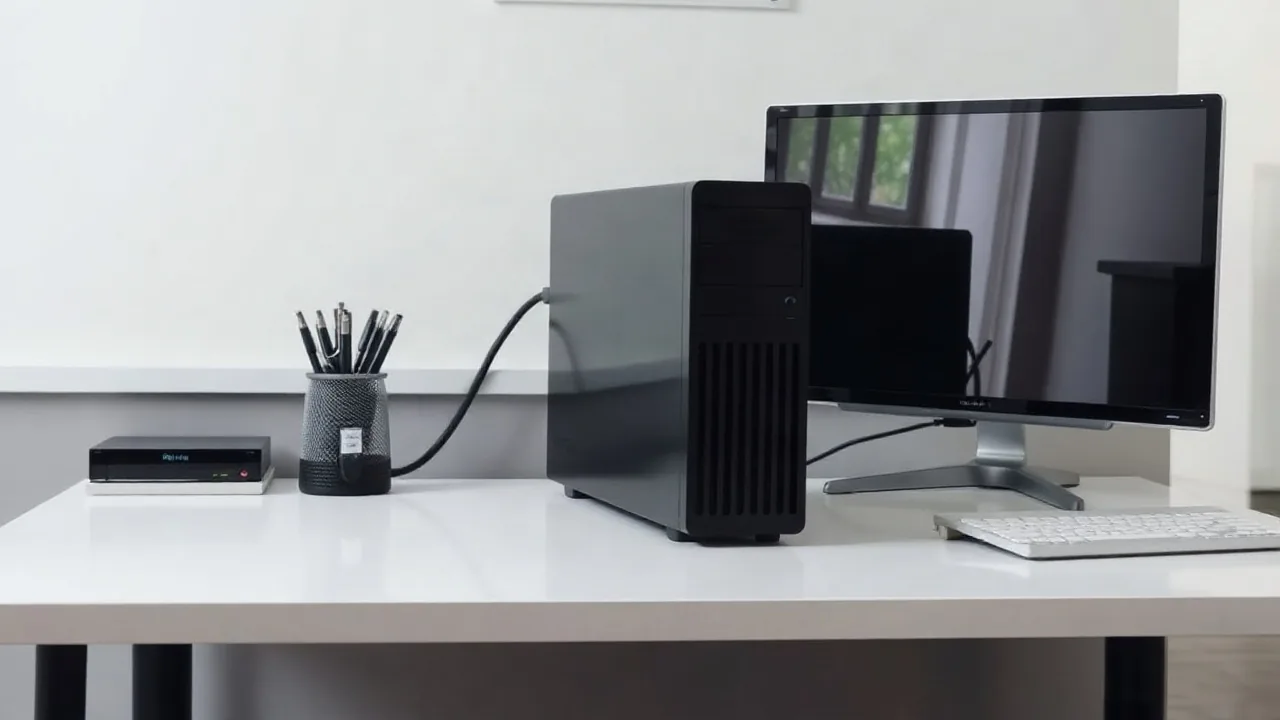
For many consumers, the cost of multiple streaming services, cloud storage plans, and other digital subscriptions adds up significantly each month. However, building a **home server** can be a cost-effective solution for managing personal media, automating tasks, and even hosting services that might otherwise require a recurring fee. This approach allows users to centralize their digital life in one secure location within their own home.
The initial investment for a home server can vary widely depending on the components chosen, but it's possible to assemble a capable machine for a few hundred dollars. Core components typically include a CPU, motherboard, RAM, storage (hard drives or SSDs), and a power supply, all housed within a case. Older desktop computers or specialized single-board computers can also be repurposed, further reducing costs. The operating system is often a Linux distribution, many of which are free and open-source, such as TrueNAS CORE or Ubuntu Server.
Consolidating Services and Data
A primary benefit of a home server is its ability to consolidate various digital needs. Instead of paying for separate cloud storage solutions like Google Drive or Dropbox, users can set up network-attached storage (NAS) on their server. Plex Media Server is another popular application, allowing users to organize and stream their movie, TV show, and music collections to any device on their network or even remotely. This can directly offset the cost of services like Netflix or Spotify if users have their own digital media libraries.
Beyond media, home servers can be used for automated backups of computers and mobile devices, password management with tools like Bitwarden (self-hosted), and even running smart home hubs. For tech enthusiasts, they can host personal websites, game servers, or experiment with various software applications without the constraints or costs associated with cloud hosting. The flexibility and control offered by a self-hosted solution are unmatched by most subscription-based services.
The process of setting up a home server requires some technical aptitude, but numerous online guides and communities offer extensive support. Initial configuration involves installing the operating system, setting up network sharing protocols (like SMB or NFS), and installing desired applications. Security is paramount; therefore, ensuring the server is protected with strong passwords, up-to-date software, and potentially a firewall is crucial, especially if it's accessible from the internet. Many users opt to keep their servers accessible only within their local network for enhanced security.
While the upfront cost and the learning curve might seem daunting, the long-term savings can be substantial. For instance, a 4TB external hard drive for cloud backups might cost $100 and require a monthly fee, whereas a larger internal drive for a home server can be a one-time purchase, offering more storage capacity for less per gigabyte over time. By carefully selecting components and open-source software, users can build a powerful, personalized digital hub that significantly reduces their reliance on expensive monthly subscriptions.