
Kindle Owners Jailbreak Devices After Amazon Ends Support
Amazon is ending support for numerous older Kindle models on May 20, prompting users to jailbreak their devices. This allows for custom software and extended functionality on e-readers that would otherwise become limited.

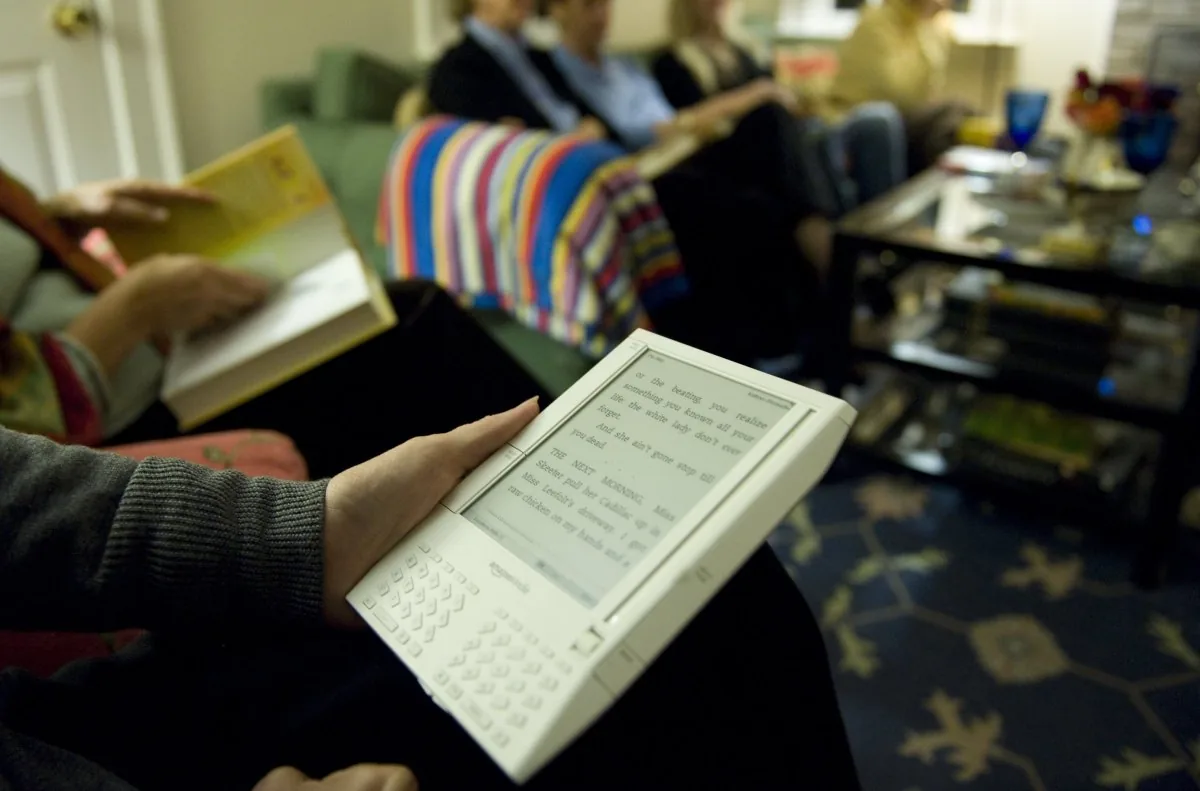
Owners of older Kindle e-readers are increasingly turning to the process of jailbreaking their devices as Amazon prepares to discontinue technical support for a significant number of models on May 20, 2026. This move by Amazon will restrict affected devices primarily to reading already downloaded content, spurring a wave of user-driven modifications to retain functionality.
The specific models impacted by the support cutoff include the Kindle 1st and 2nd Generation, Kindle DX and DX Graphite, Kindle Keyboard, Kindle 4 and 5, Kindle Touch, Kindle Paperwhite 1st Generation, and the Kindle Fire 1st and 2nd Generation, along with the Kindle Fire HD 7 and 8.9. For these devices, Amazon's decision means the end of new software updates, security patches, and potentially cloud-based services beyond basic reading of existing libraries.
Jailbreaking involves bypassing the software restrictions imposed by Amazon. This unlocks the potential to install custom fonts, personalize screensavers, run alternative reading applications, and even add third-party tools that extend the e-reader's capabilities beyond its original design. Many users view this as a way to reclaim control over hardware they have purchased and which may still be perfectly functional, thereby avoiding the need to purchase a newer, supported model.
The process, however, is not without its risks. Jailbreaking can potentially render a device unusable if errors occur during modification. It also requires a certain level of technical expertise and research, as compatibility varies significantly by Kindle model and firmware version. Users are strongly advised to confirm their device's eligibility and research potential loopholes before proceeding.
Navigating the Jailbreak Process
Those who decide to proceed typically begin by disabling Wi-Fi or enabling airplane mode to prevent Amazon's automatic updates from patching potential jailbreak vulnerabilities. The next step involves downloading a specific jailbreak package, ideally from trusted online communities such as the MobileRead Forum, to mitigate the risk of encountering malicious files. A common package includes a zip file with a hotfix designed to maintain the jailbreak status.
After downloading the necessary files, users connect their Kindle to a computer via USB and copy the relevant .bin files to the device's main folder. The installation is then initiated either by typing a specific command into the Kindle's search bar or by navigating to the "Update Your Kindle" option within the settings menu.
A crucial component of a jailbroken Kindle setup is the installation of the Kindle Unified Application Launcher (KUAL). KUAL acts as a central hub for managing all custom applications and modifications. Popular additions include KOReader, an open-source e-book reader that supports a wider array of file formats, including EPUB, offers enhanced PDF rendering, and includes a built-in file browser. This level of customization allows users to tailor their reading experience far beyond what Amazon originally offered.
Despite the expanded possibilities, drawbacks remain. Running unofficial software can lead to instability, including frequent application crashes or, in severe cases, complete device failure. Furthermore, these unofficial programs may also contribute to accelerated battery drain. For users who prefer a less invasive approach, Amazon still allows sideloading books via USB, a method that modifies the device's content without altering its core system software.