
Mac Mini performance tips for speeding up your Apple desktop
Learn how to optimize your Mac Mini performance with simple adjustments like clearing disk space and closing resource-heavy browser extensions.

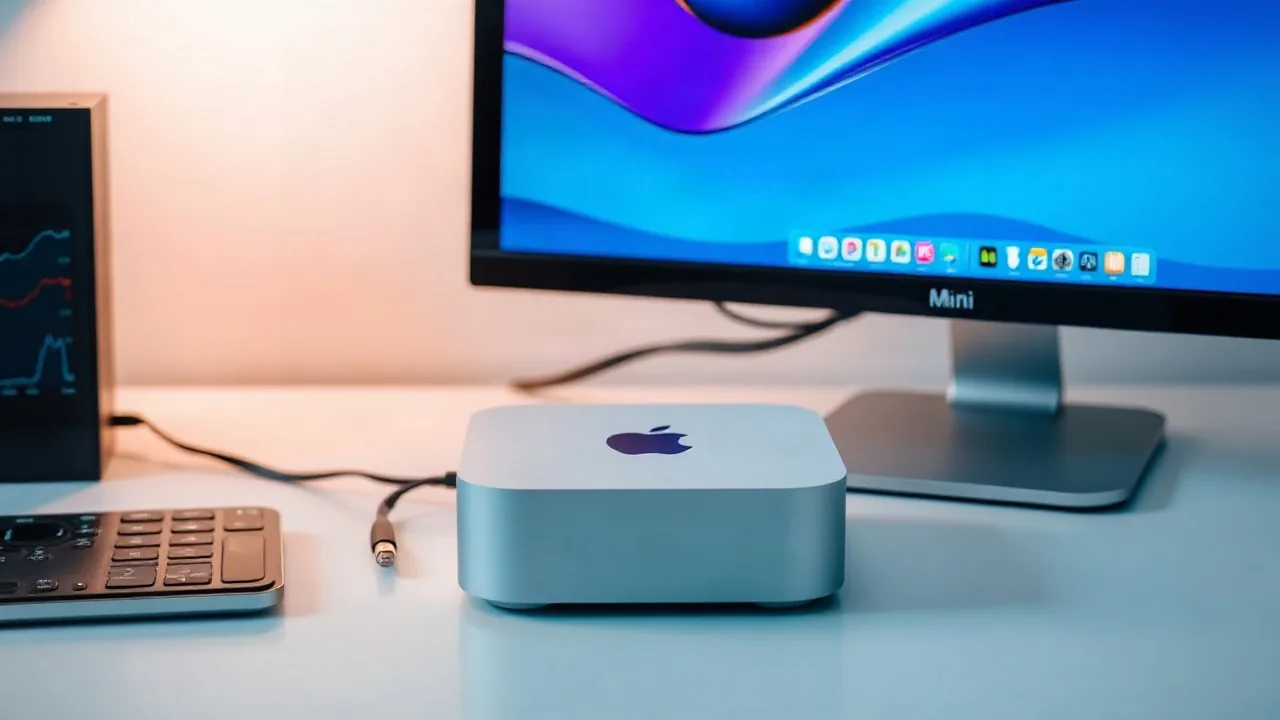
Apple Inc.'s mac mini continues to draw buyers seeking a powerful machine in a compact size, but users looking to maximize speed can implement straightforward software adjustments. While the device packs significant computing power and supports local artificial intelligence models, owners can encounter performance slowdowns during daily use.
To address sluggish behavior, users can utilize the default Activity Monitor utility to track memory consumption and identify applications utilizing excessive system resources. Closing software that lacks native compatibility or shutting down programs that are not actively running can instantly relieve pressure on the computer. Additionally, freeing up startup disk space by offloading files to an external drive or removing unwanted data helps restore optimal functioning.
Browser Optimization and Native Apps
Web browser efficiency plays a critical role in overall system speed, as certain third-party programs consume substantial memory resources due to background tasks or active extensions. For instance, Google Chrome can act as a resource drain, while other alternatives like Mozilla Firefox may also demand heavy memory allocations. Utilizing Apple's native Safari browser can minimize resource consumption compared to competing platforms. Adopting Safari across macOS hardware helps reduce memory overhead and preserves battery life when transitioning to mobile gear like an iPhone or MacBook.
Implementing these foundational tweaks allows owners to address common bottlenecks without upgrading hardware. By monitoring active software, managing browser choice, and routinely clearing storage, users can maintain high operating standards across their setup.