
Spotify AI DJ adds nine new voices and less chatter option
Spotify is expanding its AI DJ feature with nine new voices, various regional accents, distinct personalities, and a less chatter option.

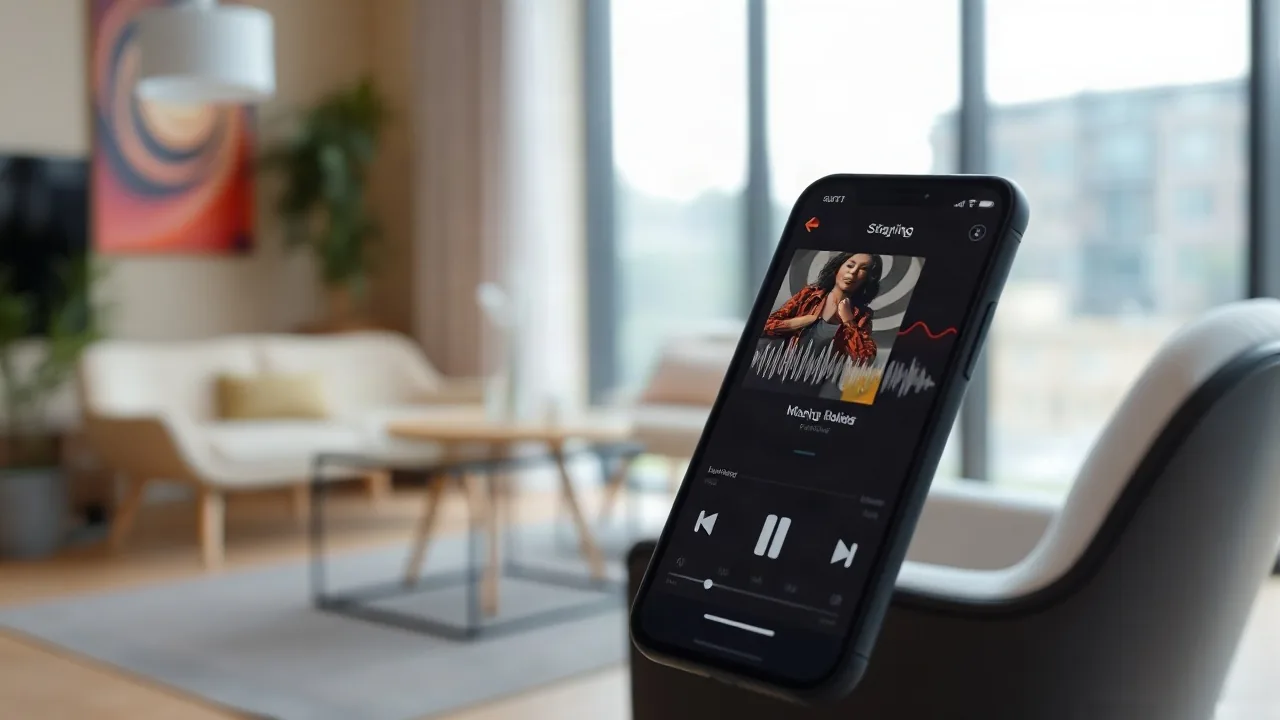
Music streaming platform Spotify has announced major updates to its AI DJ feature, bringing nine new voices, distinct personalities, and a setting for reduced commentary. The rollout begins on November 10, bringing fresh personalization choices to Spotify Premium subscribers in markets where the feature is currently supported.
Since its initial launch in 2023, the DJ has become one of the company's most popular artificial intelligence additions, serving over 94 million users. While the platform has continuously introduced new tools like conversational agents and playlist creators, this update revisits one of its core audio features to give listeners more control over their listening experience.
New Voices and Personalities
Subscribers will now be able to choose from an expanded selection of voices available in both English and Spanish. The update introduces seven English voice options featuring British, American, Irish, Australian, and Indian accents, alongside two Spanish options.
The updated lineup includes three distinct American options: a laid-back and warm voice named Casey, a direct and edgy option named Tess, and a youthful Southern-accented voice named Lane. Meanwhile, the two new Spanish options include a down-to-earth persona named Nico and a witty, friendly voice named Fabi. These new Spanish options replace the earlier voice known as Livi, while the original DJ voice, X, will remain available alongside the new additions.
Along with new vocal personas, the update addresses user feedback regarding frequent interruptions between tracks. Listeners can now toggle off regular commentary between songs, limiting the DJ to brief acknowledgements at the start and end of a session. This adjustment aims to make the tool more versatile for background listening scenarios, such as hosting parties.
To access the settings, users can search for the term DJ within the mobile application, open the three-dot menu, and select their preferred voice and commentary preferences.