
Google AI Edge Gallery Now Available for macOS Users
Google has launched its AI Edge Gallery application for macOS, enabling users to run local AI models, including the new Gemma 4 12B, directly on their computers. This move enhances privacy and offline AI capabilities.

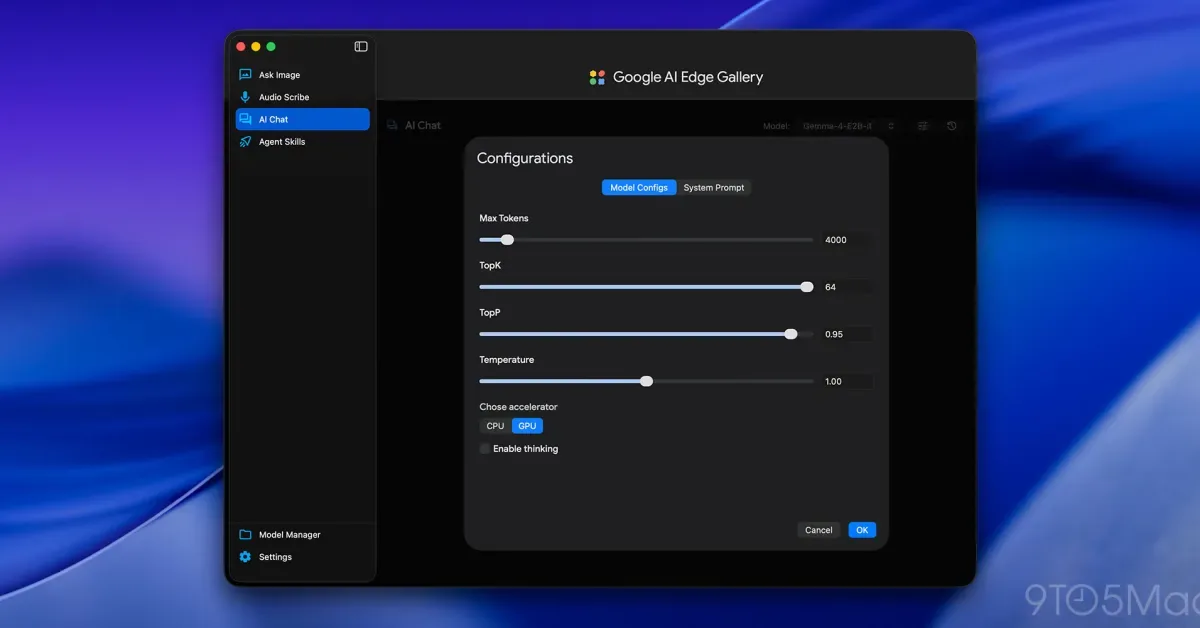
Google has officially released its AI Edge Gallery application for macOS, allowing users to run artificial intelligence models locally on their computers. This launch provides Mac users with the ability to process AI tasks directly on their devices, enhancing privacy and enabling offline functionality. Alongside the Gallery, Google also introduced the Gemma 4 12B model and the Google AI Edge Eloquent dictation app for the Mac platform.
While many users interact with large language models (LLMs) through cloud-based services like OpenAI's ChatGPT, Anthropic's Claude, or Google's own Gemini, local models offer distinct advantages. These models, often smaller than their cloud counterparts, do not require an internet connection and leverage the user's computer processing power for responses. The performance of local models scales with the hardware, and crucially, data processed locally remains on the device, bolstering user privacy. Previously, installing local models on a Mac typically involved using platforms such as Ollama or LM Studio, which then allowed users to download compatible models, often sourced from Hugging Face. Google's offering streamlines this process, though it currently limits users to Google's proprietary models.
Google AI Edge Gallery and Gemma 4 12B Model
Unlike platforms such as Ollama or LM Studio, which support a wide array of compatible AI models, the Google AI Edge Gallery for Mac presently offers access to five of Google's own 'instruct' models. These are designed to follow user commands rather than just completing text. The models available include Gemma-4-12B-it, Gemma-4-E2B-it, Gemma-4-E4B-it, Gemma-3n-E2B-it, and Gemma-3n-E4B-it. The Gemma 4 12B model, in particular, is a significant release, described by Google as bringing "agentic, multimodal intelligence directly to your laptop." This 12-billion-parameter model is designed to perform comparably to larger, 26-billion-parameter models while remaining efficient enough to run on consumer laptops with as little as 16GB of RAM. Furthermore, Gemma 4 12B is multimodal, capable of processing text, vision, and audio inputs, and includes robust coding capabilities for on-device data analysis.
The push towards more capable local AI models like Gemma 4 12B is a notable trend in the AI technology landscape. As concerns about data privacy and the reliance on constant internet connectivity persist, solutions that enable powerful AI processing on personal devices are becoming increasingly valuable. Google's entry into this space with a dedicated gallery application for macOS signifies a commitment to bringing advanced AI capabilities directly to end-users, fostering innovation and accessibility outside of cloud environments. This development could empower developers, researchers, and everyday users to experiment with and deploy AI models more freely.
In parallel with the AI Edge Gallery and Gemma 4 12B, Google also launched the Google AI Edge Eloquent app for Mac. This dictation software, which previously debuted on iOS, transcribes spoken words into text while automatically refining the output for clarity and flow. All processing occurs on-device, ensuring that user dictation data remains private. The app allows for customization, including different writing styles and the addition of custom vocabulary, such as specific names or industry jargon, to improve transcription accuracy. This feature addresses a common pain point with dictation software, reducing miscorrections and enhancing user experience.